GMB Verification: Verify Your Google Business Profile the Right Way
GMB verification is how Google confirms you are authorized to manage a Business Profile. Without verification, you cannot fully unlock editing, insights, and ownership controls that local businesses rely on. This guide covers preparation, common verification methods, troubleshooting failed attempts, and what to do immediately after you verify—so your listing starts strong on Google Maps.

Why Google Business Profile Verification Matters
Verification is the gate between a suggested or unverified listing and a managed Google Business Profile. Once verified, you can update hours, respond to reviews, publish posts, upload photos, and access performance insights. For customers, verification is part of the trust layer that says a real operator stands behind the Maps pin.
Unverified or poorly prepared profiles struggle in competitive markets because owners cannot maintain accurate details at the speed customers expect. Holiday hours, temporary closures, and service changes go stale. Competitors who verify and maintain their listings capture the calls you miss.
Verification is also a security milestone. After you verify, lock down People and access, enable 2-Step Verification on the Google Account, and document ownership. Many later “recovery” nightmares begin with rushed verification under the wrong personal email and no access policy.
Treat verification readiness as a project with a checklist owner. Address formatting, phone reachability, mailbox access, and website NAP consistency should be confirmed in writing before anyone clicks request verification.
Save confirmation screens, postcard photos, and case IDs in a shared folder tied to the location. Future managers should not have to reconstruct how the Google Business Profile was verified when ownership questions appear years later.
Prepare the Profile Before You Request Verification
Google verifies the business as entered at request time. If the name is keyword-stuffed, the address is wrong, or the category does not match reality, you may verify a flawed listing—or fail verification entirely. Clean the foundation first: real business name, accurate address or service area, correct primary category, phone, and website.
Confirm eligibility. Storefront businesses should be prepared to prove a customer-facing location. Service-area businesses must follow Google’s rules for hiding addresses when appropriate and defining coverage areas honestly. Do not invent a reception desk you do not have.
Make sure mail and phone systems can receive codes. If your office uses a virtual mailbox, shared front desk, or call center, brief the people who open mail or answer phones. Expired forwarding rules and untrained staff are common reasons postcard and phone verification fail even when the business is legitimate.
If you operate from a shared building, coworking space, or complex retail center, confirm how visitors and mail carriers identify your unit. Ambiguous suite lines and missing signage are frequent reasons codes and video reviews fail.
Within two weeks of verification, complete services, attributes, photos, and a first Google Post so the listing does not sit verified-but-empty while competitors keep earning engagement on Maps.
- Use the legal or DBA name customers recognize on signage.
- Double-check suite numbers, postal codes, and pin placement.
- Ensure the phone number listed can receive Google’s call or text if offered.
- Align website contact details with the profile before requesting a code.
Common Verification Methods Explained
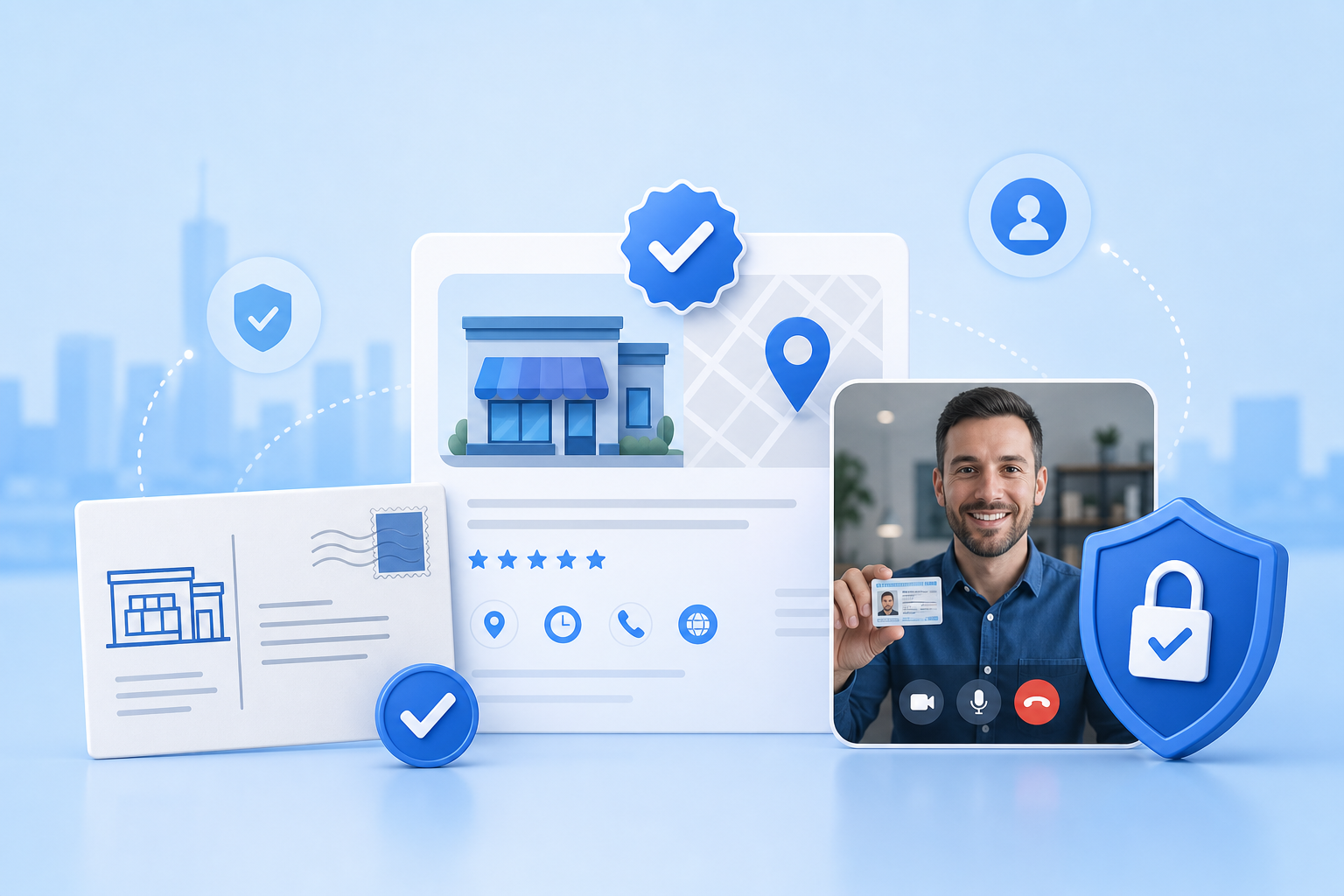
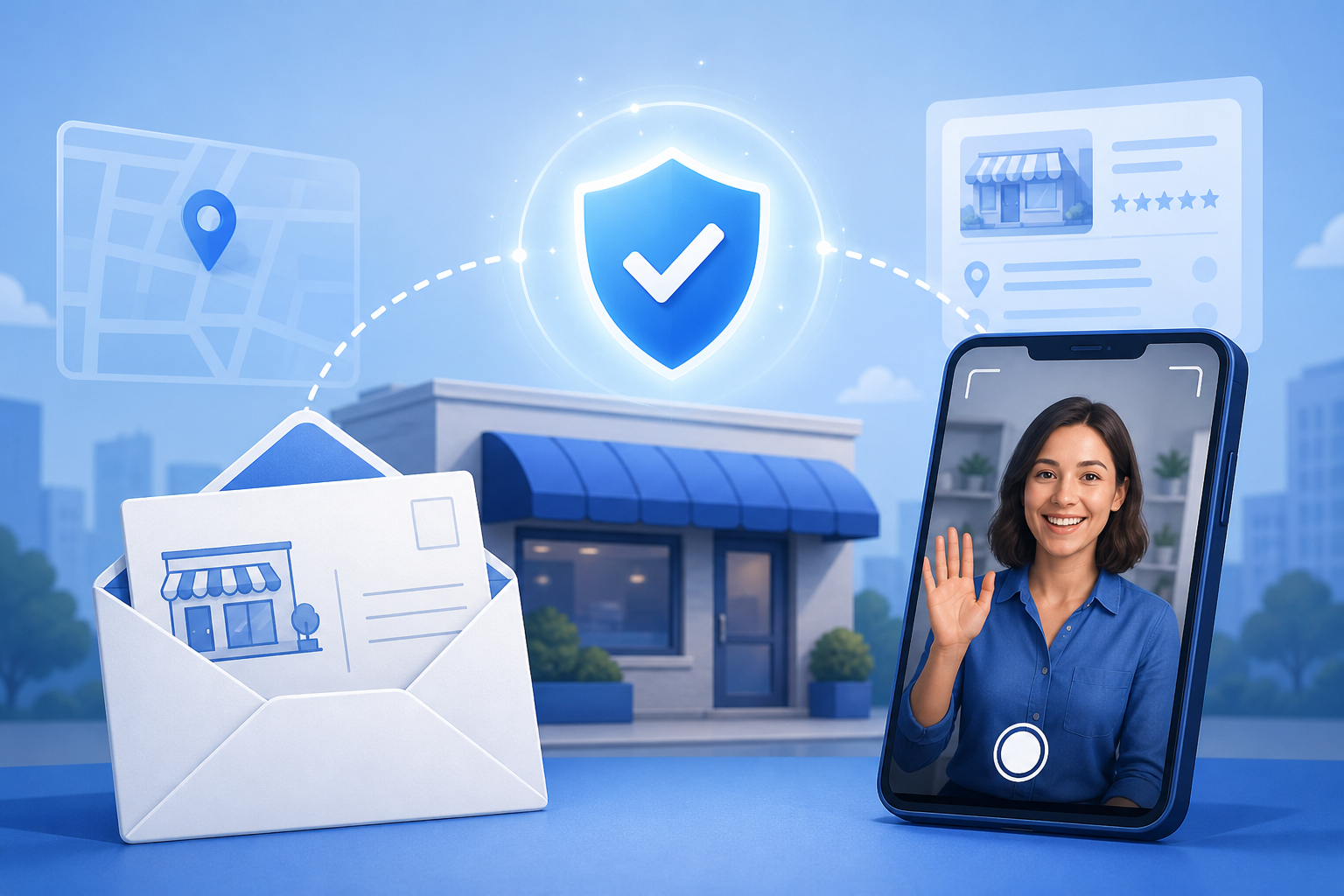
Postcard verification mails a code to the business address. It is common for storefronts and can take days to arrive. Enter the code before it expires, and do not request repeated cards without reason—excessive requests can slow the process. Keep the card for your records.
Phone and email verification appear when Google already has trusted data for the business. These methods are faster but only work if the contact channels are accurate and accessible. Video verification may be offered in some regions or categories and typically requires a walkthrough that shows signage, premises, and proof of operation.
You generally cannot force a preferred method. Google decides based on risk signals, business type, and available data. Trying unofficial “instant verify” services is unsafe. Complete the method Google presents, and if it fails, fix mismatches before the next attempt rather than cycling requests blindly.
Save confirmation screens, postcard photos, and case IDs in a shared folder tied to the location. Future managers should not have to reconstruct how the Google Business Profile was verified when ownership questions appear years later.
Treat verification readiness as a project with a checklist owner. Address formatting, phone reachability, mailbox access, and website NAP consistency should be confirmed in writing before anyone clicks request verification.
Troubleshoot Failed or Stuck Verification
When postcard codes never arrive, first confirm the mailing address format, suite line, and whether the building’s mailroom rejects business mail. Check spam filters for email codes. For phone verification, disable aggressive call blocking temporarily and ensure IVR menus do not trap Google’s automated call.
If video verification is declined, review the recording requirements: clear signage, interior context when required, and documents that match the profile. Poor lighting, shaky video, or mismatched paperwork are fixable. Wait for any stated cooldown, then resubmit with better evidence.
Duplicate listings complicate verification. Search Maps thoroughly for older profiles under previous names or addresses. If a prior owner verified a listing, you may need a reclaim path rather than a brand-new verification. Creating yet another profile often leads to suspension or merge headaches later.
Within two weeks of verification, complete services, attributes, photos, and a first Google Post so the listing does not sit verified-but-empty while competitors keep earning engagement on Maps.
What to Do Immediately After You Verify
Finish incomplete fields the same day: hours, special hours, services, attributes, description, and photos. Add your website and appointment link if applicable. A verified but empty profile wastes the moment customers first discover you on Google Maps.
Review People and access. Remove unknown users. Invite managers intentionally. Store owner credentials in a company password manager. Turn on 2-Step Verification. These steps convert a successful GMB verification into durable control.
Set a 30-day optimization plan: weekly posts, ethical review requests, photo updates from real work, and a baseline visibility check for core keywords. GBP Local Ranker can help you audit completeness and track early Maps performance while you build momentum the right way.
Treat verification readiness as a project with a checklist owner. Address formatting, phone reachability, mailbox access, and website NAP consistency should be confirmed in writing before anyone clicks request verification.
Verification Tips for Agencies and Multi-Location Brands
Enterprises should standardize a verification playbook: approved naming convention, required documents per country, mailbox responsibilities, and escalation contacts. Inconsistent local improvisation creates portfolio-wide delays.
Prefer organization-ready ownership models where available, and avoid verifying hundreds of locations under one fragile personal Gmail. Track which locations are verified, pending, or stuck, and report blockers weekly so operations can intervene on mail or facilities issues.
Never outsource verification to vendors who ask for unrestricted Owner access without contracts, offboarding clauses, and security requirements. Verification grants power over a revenue-critical asset. Treat it with the same seriousness as domain registrar access.
If you operate from a shared building, coworking space, or complex retail center, confirm how visitors and mail carriers identify your unit. Ambiguous suite lines and missing signage are frequent reasons codes and video reviews fail.
Verification methods at a glance
| Method | Typical use | Owner tip |
|---|---|---|
| Postcard | Storefront address confirmation | Brief mailroom; enter code before expiry |
| Phone | Trusted phone on file | Disable call blocking; answer promptly |
| Trusted email on file | Check spam and shared inboxes | |
| Video | Additional proof of premises | Show clear signage and matching docs |
Pre-verification readiness checklist
| Check | Pass criteria | If fail |
|---|---|---|
| Business name | Matches real-world branding | Remove keyword stuffing |
| Address / service area | Eligible and accurate | Correct pin or SAB settings |
| Primary category | Describes core service | Replace irrelevant category |
| Phone & website | Reachable and consistent | Update before requesting code |
| Duplicates | No conflicting live profiles | Reclaim or resolve duplicates first |
Post-verification 14-day plan
| Day range | Focus | Outcome |
|---|---|---|
| Day 1–2 | Access security + core fields | Owner control and accurate NAP |
| Day 3–7 | Photos, services, attributes | Complete customer-facing profile |
| Day 8–14 | Posts, review workflow, baseline tracking | Steady optimization cadence |
FAQ
How long does GMB verification take?
Phone or email can be minutes when offered. Postcard verification often takes several business days for delivery plus the time you need to enter the code. Video review timing varies by queue and evidence quality.
Can I choose my Google Business Profile verification method?
Usually no. Google decides which methods are available based on the business and risk signals. Complete the option presented rather than chasing unofficial alternatives.
What if my verification postcard never arrives?
Confirm the mailing address, check with the building mailroom, wait the full delivery window, and follow Google’s retry guidance. Fix address formatting issues before requesting another card.
Do I need a physical address to verify?
Many businesses verify with a customer-facing address. Service-area businesses may qualify under different rules. Follow Google’s eligibility guidelines for your business type instead of inventing a fake storefront.
Can I verify multiple locations from one account?
Yes, organizations often manage multiple locations from one Google Account or organization structure. Use strong security and clear internal ownership documentation.
Is video verification required for everyone?
No. It appears in some cases when Google needs extra proof. When offered, treat it as an opportunity to show authentic premises and matching business documents.
What happens after I enter the verification code?
If accepted, you gain management access to the Google Business Profile. Immediately finish incomplete fields, secure user access, and begin regular maintenance.
Why was my verification request denied?
Common reasons include ineligible business setup, mismatched evidence, duplicate conflicts, or unclear proof of operation. Adjust the profile and documentation, then try again through official flows.
Should an agency verify my listing for me?
An agency can assist, but ownership should remain under your company-controlled account whenever possible. Provide manager access later rather than surrendering long-term Owner control without safeguards.
How does GBP Local Ranker fit after verification?
Once verified, use GBP Local Ranker to audit profile completeness and track local rankings so your post-verification optimization work is measurable.