GMB Recovery: Restore Access to Your Google Business Profile
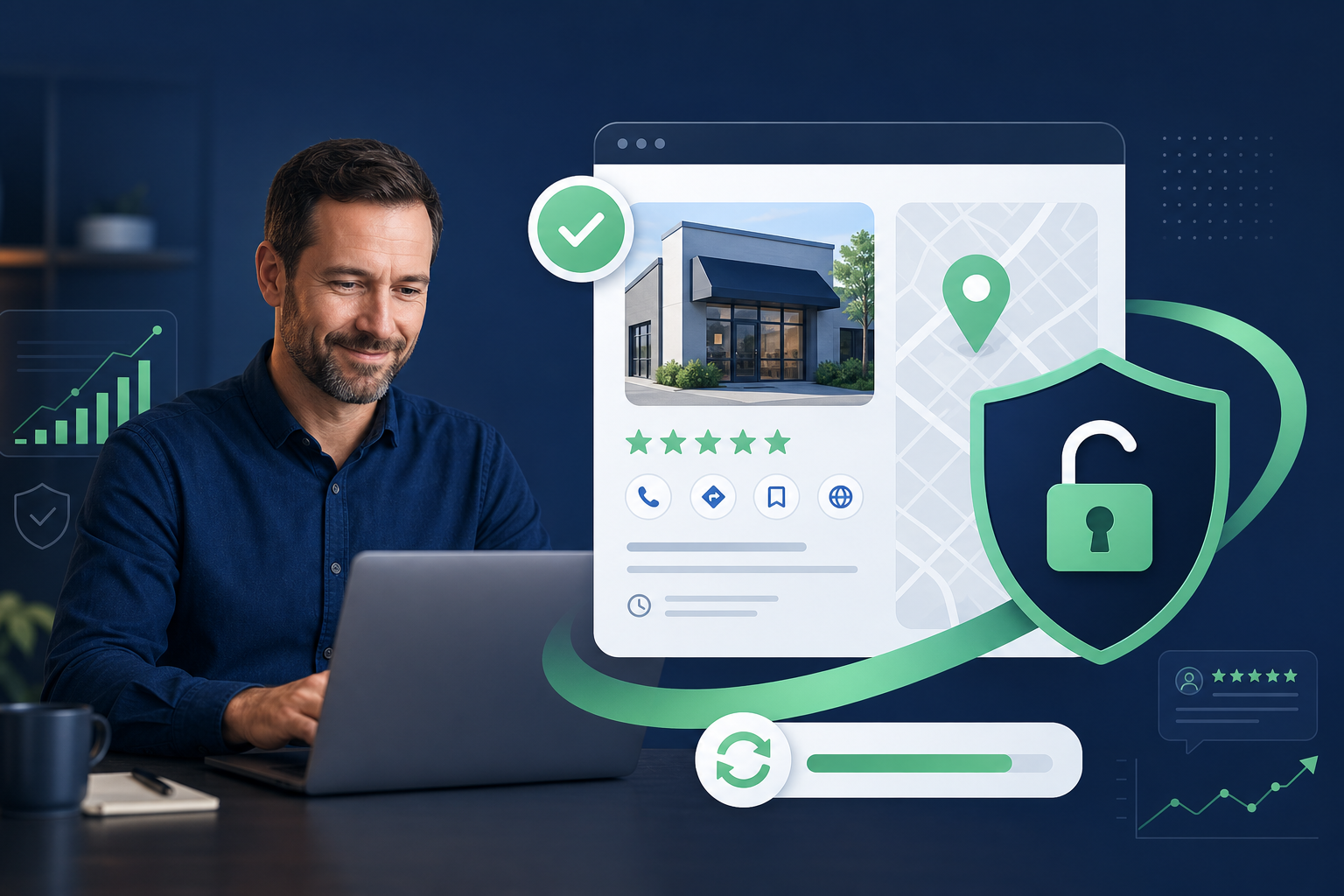
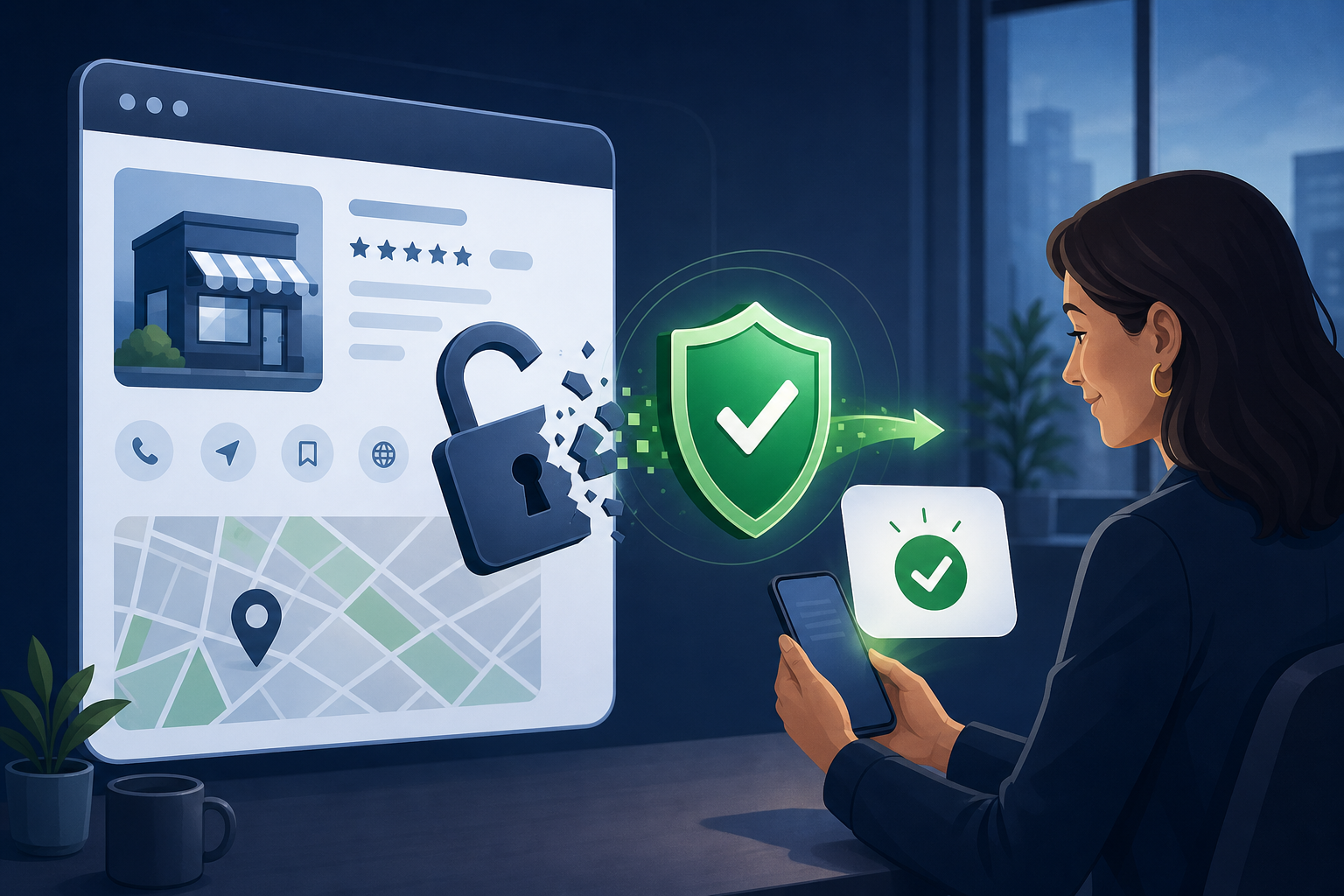
Losing access to your Google Business Profile can halt calls, hide your Maps presence, and create customer confusion overnight. GMB recovery is the ethical process of reclaiming ownership, verifying identity, and restoring legitimate management access. This guide explains common lockout scenarios, the evidence Google expects, and how to avoid scams that promise instant reinstatement through policy violations.
Diagnose Why You Lost Access
Not every “missing listing” problem is the same. Sometimes an ex-employee still has owner rights. Sometimes the profile was claimed by a third party. Sometimes Google disabled editing after suspected policy issues. Sometimes you simply cannot complete verification because mail, phone, or video options failed. Correct diagnosis prevents wasted appeals.
Start by searching Google Maps for your exact business name and address while signed into the Google account that should own the listing. Note whether the profile appears publicly, whether you see “Own this business,” and which users are listed under People and access if you still have any role. Screenshot everything with timestamps.
Separate recovery (restoring rightful access) from suspension removal (appealing a policy enforcement action). If the listing is suspended, follow suspension guidance and documentation rules. If the listing is live but controlled by someone else, focus on reclaim flows and ownership proof. Mixing the two processes delays resolution.
Write a short incident brief for leadership: symptoms, suspected cause, evidence collected, and the next official Google step. Clear internal communication reduces pressure to buy unverified “instant recovery” services during a stressful week.
Secure the Google Account Before You Reclaim
Many access problems begin with weak account security. Before filing reclaim requests, secure the Google Account that should manage the profile: unique password, 2-Step Verification, recovery email and phone that only trusted leaders control, and a review of recent security events.
If a former vendor or employee created the profile under a personal Gmail, your recovery plan must include transferring ownership to a durable company-controlled account. Do not leave critical Google Business Profile ownership on a contractor’s personal inbox. Document the transfer once access is restored so the problem does not repeat.
Agencies should use manager roles with least privilege—not shared owner passwords. Shared credentials make audits impossible and increase hijack risk. After recovery, establish a written access policy: who can be Owner, Manager, or Site manager, and how offboarding removes access the same day employment or contracts end.
If mail, phone, or video verification is part of reclaiming access, brief facilities and reception teams before codes arrive. Many recovery delays are operational—not algorithmic—and a prepared mailbox or phone tree prevents expired attempts.
Prepare Ownership Evidence Google Can Verify
Successful GMB recovery depends on clear proof that you operate the business at the claimed location or service area. Typical evidence includes a government-issued business license, utility bill, lease or mortgage statement, official letterhead, storefront photos showing signage, and a website that matches the NAP on the profile.
Organize files before you start. Use clear filenames, current dates, and documents that show the same legal or DBA name customers recognize. Blurry photos, mismatched addresses, or expired licenses create avoidable delays. If you recently moved or rebranded, include both old and new proof with a short explanation of the transition.
Be honest about edge cases. Home-based businesses, shared offices, and service-area models have specific Google rules. Do not fabricate a public storefront to “make verification easier.” False location claims can lead to suspension after you regain access—turning a recovery win into a larger problem.
After access returns, freeze edits to name, category, website, and phone for a short stabilization window unless a documented error must be fixed immediately. Chaotic post-recovery editing can look like spam and create new risk.
- Collect license, lease/utility, and branded storefront photos in one folder.
- Ensure website NAP matches the Google Business Profile exactly.
- Use a company-controlled Google Account as the long-term Owner.
- Document every support case ID, date, and response for your records.
Use Reclaim, Verification, and Support Channels Ethically
When Google offers a reclaim or request-access path, follow it precisely. Complete verification through the method Google provides—postcard, phone, email, or video—rather than hunting for unofficial workarounds. If verification fails, wait for the stated cooldown and fix the underlying mismatch before retrying.
If another user controls the profile, request ownership through the official People and access controls when available, or use Google’s business support resources with your documentation package. Communicate professionally. Aggressive or threatening language does not accelerate review and can reduce clarity in your case notes.
Avoid recovery “specialists” who sell fake documents, purchased reviews, or guaranteed reinstatement. Those tactics are unethical and can permanently damage your listing. Ethical GMB recovery is slower, but it protects the asset you are trying to restore. After access returns, freeze critical fields and monitor for unauthorized edits.
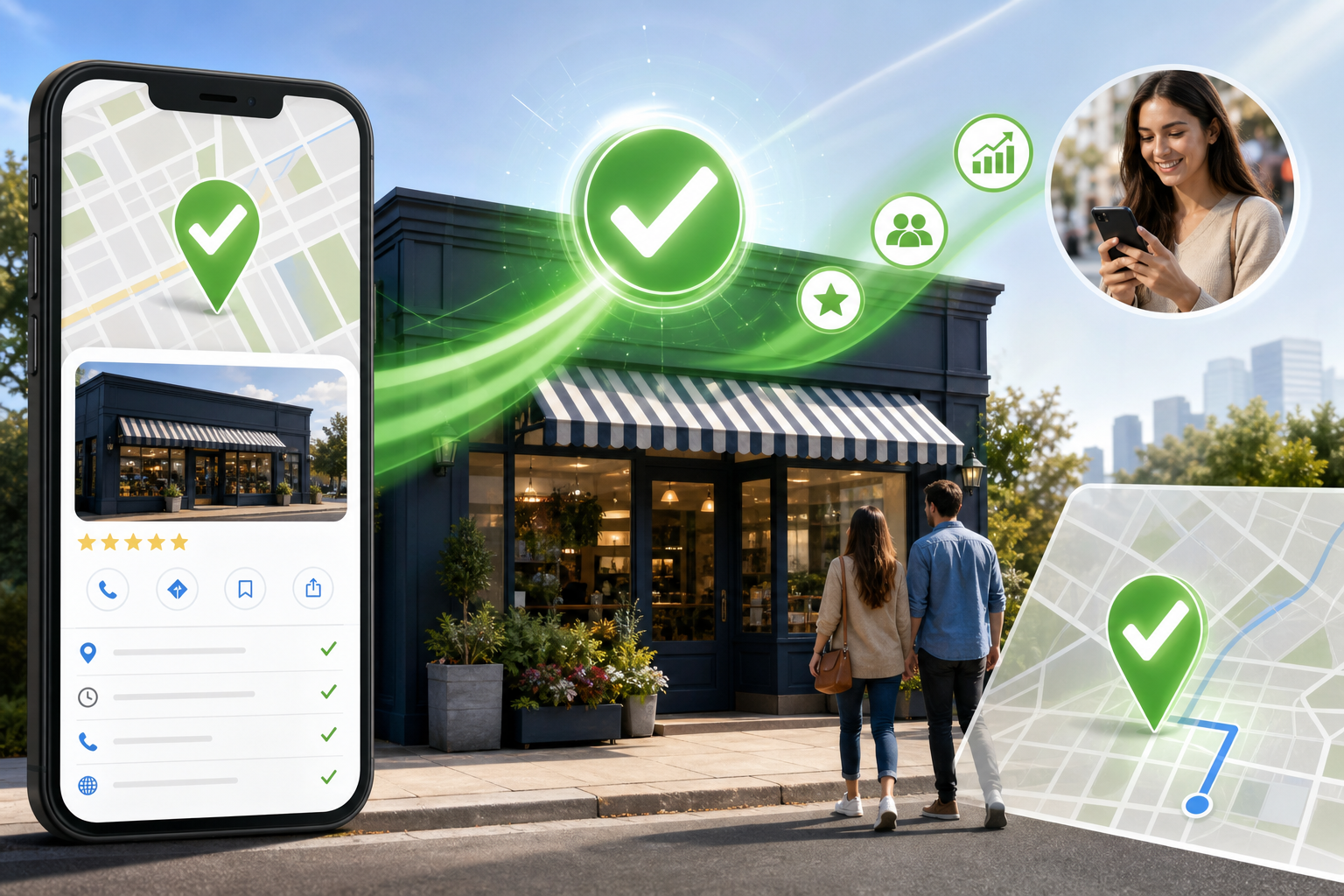
Schedule a 30-day post-recovery review covering People and access, NAP accuracy, Insights trends, and citation consistency. Recovery is successful only when the listing remains under your control and customers can reach you again on Google Maps.
Stabilize the Profile After Access Is Restored
Recovery is not finished when you can edit again. Immediately review owners and managers, remove unknown users, enable stronger account security, and export a snapshot of core fields: name, categories, services, hours, website, phone, and description. That snapshot becomes your baseline if sabotage recurs.
Audit the public listing for damage done during the lockout: changed phone numbers, malicious website URLs, altered hours, spam posts, or review reply vandalism. Correct inaccuracies, then publish a simple Google Post confirming current contact details so returning customers know the listing is under legitimate management again.
Re-establish an optimization and monitoring cadence. Check Insights for traffic drops, compare Maps visibility for priority keywords, and confirm citations still match. GBP Local Ranker can help you track ranking recovery and catch unexpected profile changes as part of ongoing management—not only during crises.
Write a short incident brief for leadership: symptoms, suspected cause, evidence collected, and the next official Google step. Clear internal communication reduces pressure to buy unverified “instant recovery” services during a stressful week.
Prevent Repeat Lockouts and Hijacks
Most repeat incidents are process failures: no offboarding checklist, personal Gmail ownership, shared passwords, or no monitoring for unexpected edits. Write a short GBP access policy and treat it like banking access. Ownership is a business-critical control, not a convenience setting.
Train staff that Google will never ask you to buy reviews or pay a random person to “unlock” Maps. Phishing that impersonates Google support is common during stressful recovery moments. Always navigate to support from official Google Help resources rather than links in unsolicited emails or DMs.
For multi-location brands, centralize ownership under organization accounts where appropriate, keep location managers scoped tightly, and run periodic access audits. Prevention costs less than another month of lost leads while you rebuild trust with customers who could not find you on Google Maps.
If mail, phone, or video verification is part of reclaiming access, brief facilities and reception teams before codes arrive. Many recovery delays are operational—not algorithmic—and a prepared mailbox or phone tree prevents expired attempts.
Common GMB access problems and first steps
| Symptom | Likely cause | First ethical step |
|---|---|---|
| Cannot edit; others listed as owners | Access removed or never granted | Request ownership; prepare proof docs |
| Profile claimed by unknown party | Hijack or mistaken claim | Reclaim via official Google flows |
| Verification keeps failing | NAP mismatch or method limits | Fix data; retry allowed method |
| Listing missing / disabled | Suspension or duplicate issues | Confirm status; follow suspension path |
| Ex-vendor still has Owner role | Poor offboarding | Remove users after reclaim; rotate security |
Evidence checklist for Google Business Profile recovery
| Document | Purpose | Tips |
|---|---|---|
| Business license | Legal identity | Must show matching name/address when possible |
| Lease or utility bill | Location proof | Recent statement with clear address |
| Storefront photos | Real-world presence | Include signage and entrance context |
| Website screenshot | Public consistency | Show NAP and contact page |
| Staff authorization letter | Who may represent the business | Use company letterhead |
Recovery vs related issues
| Issue type | Goal | Wrong approach |
|---|---|---|
| Access recovery | Restore rightful managers | Buying fake ownership docs |
| Suspension | Regain eligibility via appeal | Ignoring policy violations |
| Duplicate listings | Consolidate legitimate profile | Creating more duplicates |
| Ranking drop | Improve relevance/prominence | Fake reviews / spam links |
FAQ
What is GMB recovery?
GMB recovery is the process of restoring legitimate ownership or management access to a Google Business Profile after lockout, hijack, staff turnover, or failed verification—using official Google channels and real business documentation.
How long does Google Business Profile recovery take?
Timelines vary from days to several weeks depending on verification method, documentation quality, and whether another party contests ownership. Incomplete evidence is the most common cause of delay.
Can I recover a profile if I never had owner access?
Often yes, if you can prove you operate the business. You may need to reclaim the listing and complete verification. Outcomes depend on Google’s review of your evidence and the listing’s history.
Should I create a new Google Business Profile instead?
Creating a duplicate is usually the wrong move. Duplicates confuse customers and can trigger policy problems. Focus on reclaiming the authentic listing whenever it still exists on Google Maps.
What if a former employee changed the phone number?
Regain access first, remove unauthorized users, restore correct NAP details, and secure the Google Account. Then monitor the profile for further unauthorized edits and notify customers through your website and posts if needed.
Are paid “guaranteed recovery” services safe?
Be extremely cautious. Ethical helpers guide documentation and process; anyone promising guarantees, fake paperwork, or black-hat reinstatement can put your listing at greater risk.
Does recovery automatically restore my old rankings?
Not necessarily. Restoring access lets you manage the listing again. Rankings depend on relevance, prominence, distance, competition, and whether the profile was altered or suspended during the outage.
What Google Account should own the profile after recovery?
Prefer a company-controlled account with 2-Step Verification and documented recovery contacts. Avoid personal accounts belonging to contractors or single employees when possible.
How can GBP Local Ranker help after recovery?
After you regain access, GBP Local Ranker can help audit profile completeness and track local Maps visibility so you can see whether rankings and engagement recover as you repair the listing.
Is GMB recovery the same as suspension removal?
No. Recovery focuses on access and ownership. Suspension removal focuses on policy compliance appeals. Some businesses face both, but they require different evidence and workflows.