GMB Suspension Removal: Fix a Suspended Google Business Profile
A suspended Google Business Profile can disappear from Maps results and cut off a major lead channel with little warning. GMB suspension removal is about diagnosing policy problems, correcting them, and submitting an honest appeal—not buying fake reviews or shady “reinstatement hacks.” This guide explains common suspension causes, how to prepare evidence, and how to keep the listing compliant after it returns.
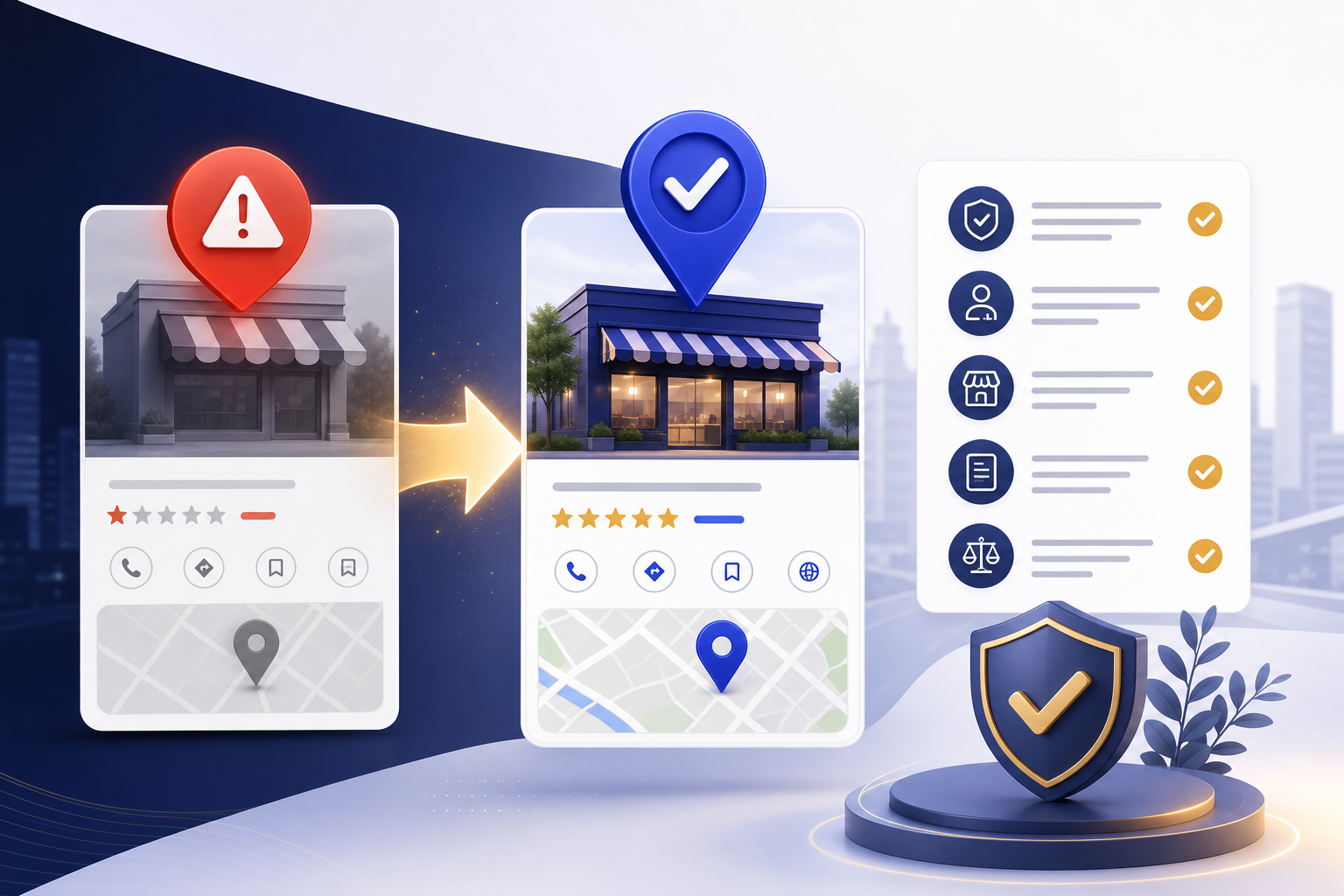
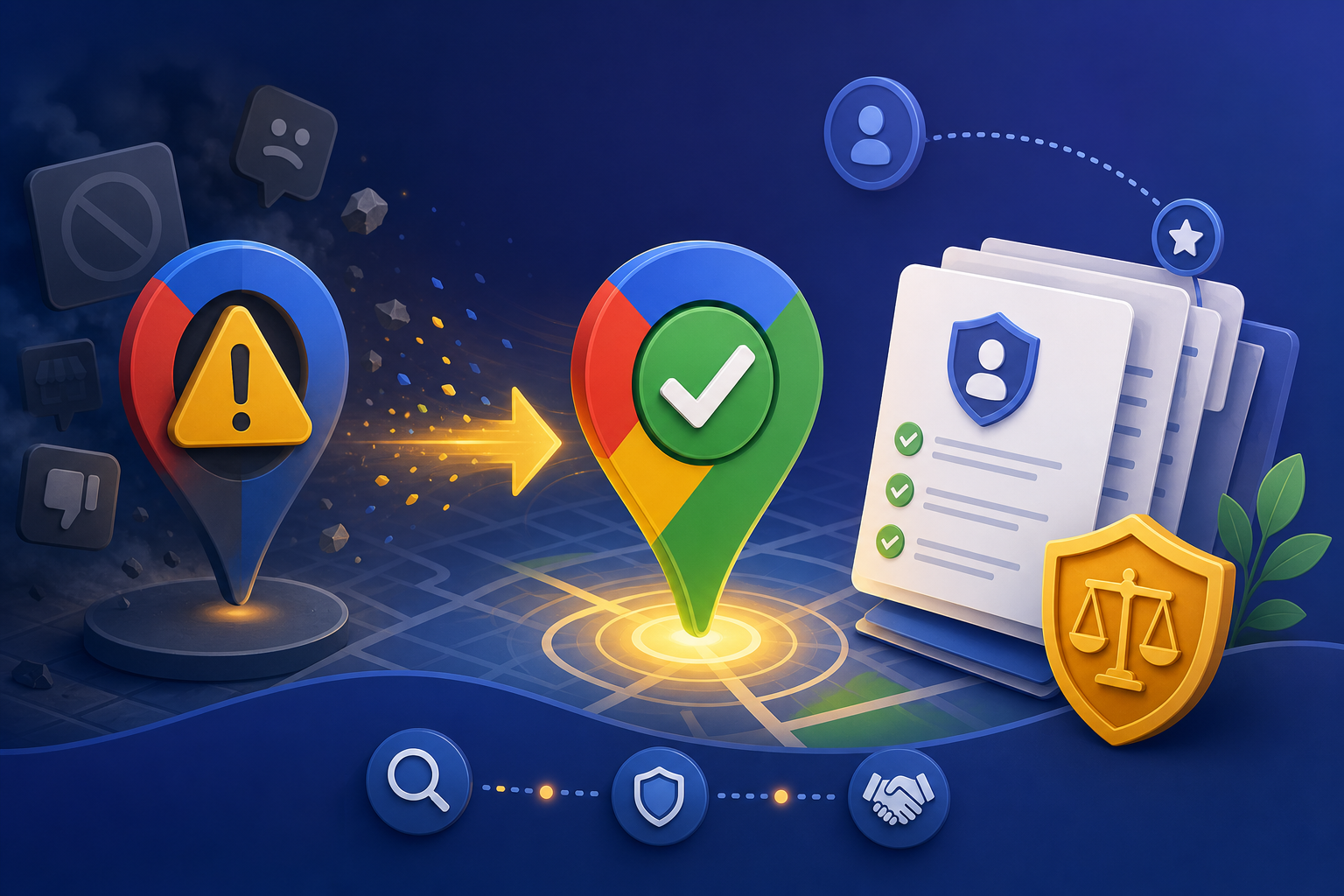

Understand What Suspension Means
When Google suspends a Business Profile, editing may be limited and the listing can be removed from public view or marked ineligible. Suspension is a trust and safety action tied to Google’s Business Profile content policies and related anti-spam rules. It is different from a temporary verification delay or a simple edit that needs re-verification.
Read every in-product message carefully. Note the date, any stated reason categories, and whether multiple locations in your account are affected. Account-level patterns—repeated spammy creations, bulk policy violations, or abusive behavior—can influence outcomes even when one location looks “mostly fine.”
Do not panic-create replacement listings. New duplicates often worsen the case and can expand enforcement. Focus on the suspended profile, gather facts, and plan a compliance-first appeal. Ethical suspension removal protects long-term Maps eligibility.
Map every suspected policy issue to a concrete correction before you appeal. Reviewers respond better to “we restored the legal business name and removed keyword stuffing” than to generic assurances that you “fixed everything.”
If multiple locations were affected, remediate the whole portfolio—not only the loudest listing. Shared spammy templates, bulk naming tricks, or review schemes can keep risk elevated even after one profile returns.
Common Causes of Google Business Profile Suspensions
Frequent triggers include misleading business names (keyword stuffing), fake addresses or storefronts, inaccurate categories, closed businesses marked open, spammy create-edit-spam patterns, and policy issues around restricted or prohibited content. Review manipulation—buying reviews or coordinated fake ratings—also creates serious risk.
Operational mistakes can look like spam to automated systems: rapid bulk edits across dozens of fields, identical descriptions pasted across unrelated brands, or repeatedly recreating listings after takedowns. Agencies managing many clients must separate accounts and workflows carefully to avoid cross-contamination of risk.
Eligibility rules matter. Some business types cannot have standard consumer-facing profiles in the way owners expect. Service-area businesses must follow address display rules. Departments and practitioners sometimes need distinct profiles; other times they should not. When unsure, compare your setup to Google’s current guidelines rather than competitor gossip on forums.
Keep a chronological timeline of edits, agency access changes, and marketing experiments that occurred before suspension. Patterns often explain enforcement better than a single field, and a timeline keeps your appeal consistent.
After reinstatement, run a compliance freeze on high-risk fields and require dual review for name, address, and category changes. The fastest way to be suspended again is to reintroduce the same shortcuts that caused the first enforcement action.
- Remove keyword-stuffed names and restore the real business name.
- Correct address, service area, and category inaccuracies before appealing.
- Stop any review gating, fake review buying, or manipulative link schemes.
- Pause aggressive bulk edits until the listing is stable and compliant.
Fix Issues Before You Appeal
Appeals are strongest when the profile already reflects reality. If you can still edit, correct the name, categories, website, phone, hours, and description first. Remove promotional spam from posts. Delete or replace non-compliant photos. Align the website landing page so reviewers see consistent NAP and business activity.
If you cannot edit, prepare a written remediation plan that states exactly what you will change once access returns. Reviewers look for ownership legitimacy and policy understanding—not vague promises. Attach supporting documents that prove the business is real and operates as claimed.
Never submit fake invoices, fabricated storefront photos, or purchased “authority links” as part of an appeal package. Fraudulent evidence can destroy credibility. Ethical documentation—licenses, leases, utility bills, authentic photos, and a clear explanation—is the only durable path to GMB suspension removal.
If multiple locations were affected, remediate the whole portfolio—not only the loudest listing. Shared spammy templates, bulk naming tricks, or review schemes can keep risk elevated even after one profile returns.
Write a Clear, Honest Suspension Appeal
A strong appeal is concise, factual, and specific. Identify the business, state that you are an authorized representative, acknowledge relevant issues you found, list corrections completed or planned, and affirm that you will follow Google Business Profile policies going forward. Avoid emotional blame and avoid accusing competitors unless you have a separate, evidence-based spam report process.
Include only documents that support your claims. Label files clearly. If the suspension relates to address eligibility, emphasize how customers interact with the location and provide proof that matches Google’s storefront or service-area requirements. If the issue was a naming violation, show the corrected name matches signage and legal branding.
Submit through official Google appeal or support channels. Keep case IDs. Do not open duplicate appeals with conflicting stories. If Google asks for more information, respond completely and promptly. Patience matters—repeated noisy submissions can slow review.
After reinstatement, run a compliance freeze on high-risk fields and require dual review for name, address, and category changes. The fastest way to be suspended again is to reintroduce the same shortcuts that caused the first enforcement action.
After Reinstatement: Stabilize and Stay Compliant
When the profile returns, verify public visibility on Search and Maps, confirm NAP accuracy, and review People and access. Reinstatement can be fragile if the same violations reappear. Put a change log in place so every material edit has an owner and a reason.
Rebuild trust signals ethically: accurate categories, helpful posts, authentic photo updates, and legitimate review requests after real customer interactions. Do not try to “catch up” with sudden bursts of manipulative activity. Steady, compliant engagement is safer and more effective.
Monitor performance for several weeks. Some listings recover visibility gradually as Google reassesses trust. Use Insights plus an external audit or rank-tracking workflow—GBP Local Ranker can help you observe Maps visibility while you focus on policy-safe optimization rather than risky shortcuts.
Map every suspected policy issue to a concrete correction before you appeal. Reviewers respond better to “we restored the legal business name and removed keyword stuffing” than to generic assurances that you “fixed everything.”
Prevent Future Suspensions Across Your Portfolio
Create an internal policy checklist for every new Google Business Profile: naming rules, category rules, photo rules, review solicitation rules, and approval steps for bulk edits. Train staff and vendors. Most suspensions are preventable with basic governance.
For agencies, separate client onboarding from experimental tactics. Refuse clients who demand fake reviews or fabricated locations. Document that your services are optimization, verification support, and ethical appeals—not black-hat reinstatement. That clarity protects both your clients and your own Google account standing.
Schedule quarterly compliance audits. Compare live GBP fields to your source-of-truth database. Unexpected name changes, odd categories, or spammy posts are early warning signs. Catching them early is far easier than another suspension cycle.
Keep a chronological timeline of edits, agency access changes, and marketing experiments that occurred before suspension. Patterns often explain enforcement better than a single field, and a timeline keeps your appeal consistent.
Suspension triggers and compliant fixes
| Trigger | Why Google cares | Compliant fix |
|---|---|---|
| Keyword-stuffed name | Misleading identity | Restore real business name |
| Fake storefront address | Location spam | Use eligible address or proper SAB setup |
| Wrong categories | Irrelevant ranking manipulation | Select accurate categories only |
| Review manipulation | Trust abuse | Stop schemes; request authentic reviews only |
| Duplicate spam listings | Search quality abuse | Keep one legitimate profile; request merges/removals properly |
Appeal package contents
| Item | Include? | Notes |
|---|---|---|
| Authorized representative statement | Yes | Who you are and your role |
| Policy corrections list | Yes | Specific fields changed |
| Business license / lease | Usually | Match name and address claims |
| Authentic storefront photos | Usually | No stock imagery |
| Purchased fake reviews explanation | If relevant | Admit and stop; do not defend manipulation |
Ethical help vs risky “reinstatement” offers
| Approach | Ethical? | Outcome risk |
|---|---|---|
| Policy audit + honest appeal | Yes | Lower long-term risk |
| Documentation coaching | Yes | Improves clarity |
| Fake documents / photos | No | High permanent risk |
| Guaranteed reinstatement claims | No | Often scams; policy risk |
| Fake review packages | No | Suspension and trust damage |
FAQ
Why was my Google Business Profile suspended?
Common reasons include misleading names, ineligible or fake locations, spammy behavior, inaccurate categories, and review manipulation. Check Google’s message and compare your listing against current Business Profile policies.
How do I remove a GMB suspension?
Correct policy issues where possible, gather authentic ownership and location evidence, and submit a clear appeal through official Google channels. There is no legitimate instant bypass.
Should I create a new listing while suspended?
Usually no. Creating duplicates can worsen spam signals. Work to reinstate the original eligible profile instead.
Can keyword stuffing in the business name cause suspension?
Yes. Stuffing cities or services into the name field is a frequent violation. Use your real-world business name and place keywords in appropriate fields and website content.
Do fake reviews help reinstatement?
No. Fake reviews are a policy violation and can deepen trust problems. Only authentic customer reviews are acceptable.
How long do suspension appeals take?
Timing varies widely—from several days to multiple weeks—based on complexity, evidence quality, and review queues. Incomplete or conflicting appeals take longer.
What if my appeal is denied?
Re-read the denial, fix remaining issues, strengthen documentation, and appeal again only with new relevant information. Repeating the same incomplete story rarely helps.
Can an agency submit the appeal for me?
An authorized representative may help, but they must use truthful information and official processes. Avoid anyone selling guaranteed black-hat reinstatement.
Will rankings return immediately after reinstatement?
Not always. Visibility can recover gradually as Google re-evaluates the listing. Continue ethical optimization and monitor Insights and local rank trends.
How can GBP Local Ranker help with suspensions?
GBP Local Ranker does not replace Google’s appeal process, but it can help you audit profile quality and track Maps visibility before and after reinstatement so your team measures recovery honestly.