Use Temporarily closed on Google Business Profile when you'll reopen at the same location, such as during a renovation, a seasonal break, or a family emergency. Use Permanently closed only when the business at that location has stopped trading for good. For short gaps like public holidays or a single closed day, neither is right: set Special hours instead.
This guide is for owners and managers updating their own profile. It covers where each setting is, what each status does to visibility, how to reopen cleanly, what to do when you move, and why marking a competitor as closed is a policy violation rather than a tactic.
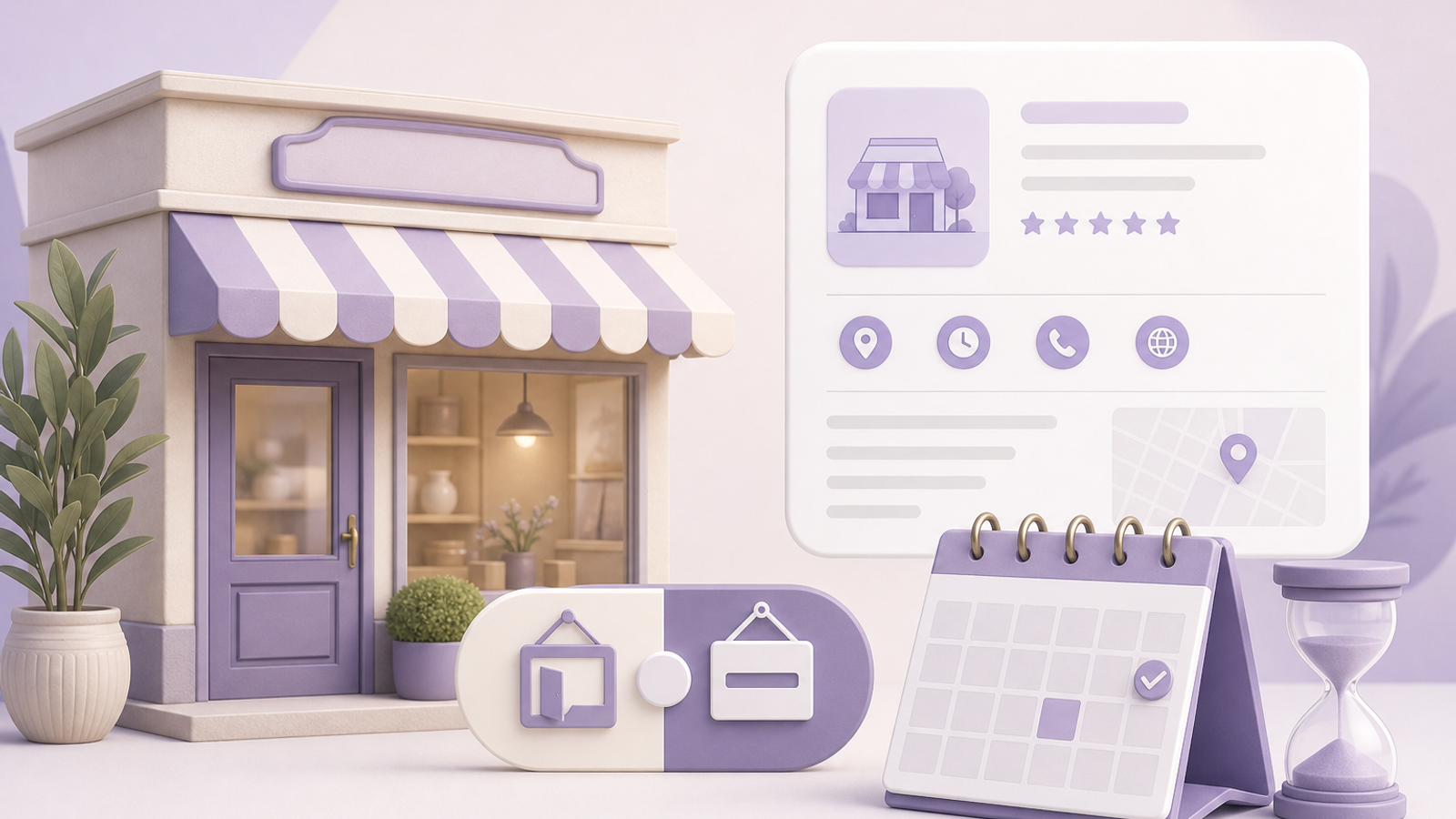
The three options compared
| Situation | Use | What customers see | Reversible? |
|---|---|---|---|
| Closed on a public holiday or for a staff event | Special hours | Closed on that date only | Yes, expires automatically |
| Renovation, seasonal closure, or a pause of weeks to months | Temporarily closed | A 'Temporarily closed' label on the profile | Yes, switch back to Open |
| Business has stopped trading at this location | Permanently closed | A 'Permanently closed' label; profile stays visible | Possible, but needs care |
| Same business moving to a new address | Neither; update the address | The new address once approved | Not applicable |
A Sydney café shut for Christmas week should use Special hours. A Toronto dental clinic closing for a six-week refit should use Temporarily closed. A Manchester gift shop that has given up its lease and won't reopen anywhere should use Permanently closed.
Seasonal businesses are a common grey area. A beach kiosk or ski-hire shop that closes for the same months every year can use Temporarily closed for the off-season, but if the dates are predictable it is often clearer to keep the profile open and set regular hours to reflect the season, then add Special hours for the exact opening and closing days. Either way, say on the profile when you'll be back.
How to change your business status
- Step 1: Sign in with an owner or manager account and search your business name on Google, or open the profile in Google Maps.
- Step 2: Choose Edit profile, then go to the Hours section.
- Step 3: Under the business status options, choose Open with main hours, Temporarily closed, or Permanently closed. Labels vary slightly between screens.
- Step 4: Save. Google may review the change before it shows publicly.
- Step 5: For a temporary closure, publish a post with Add update explaining why you're closed and when you expect to reopen.
- Step 6: Update your website, phone greeting, and other listings so they say the same thing.
For Special hours, stay in the Hours section, choose Special hours, pick the date, and set it to closed or to reduced hours. Google often prompts owners to confirm hours before major holidays; answer those prompts so the profile doesn't show stale information on the busiest search days.
What each status does to visibility
Temporarily closed doesn't delete your reviews, photos, or history, but it changes how people behave. Searchers see the label and most choose an open competitor, so expect fewer calls, direction requests, and website clicks while it's on. Profiles left temporarily closed for many months also tend to be shown less often, because Google is trying to surface places people can visit now.
Permanently closed keeps the profile visible with a closed label, so returning customers learn what happened, but it stops being offered as an option for most searches. It's a strong signal, which is why using it for a short pause is an expensive mistake.
Reviews keep coming in while a profile is temporarily closed, and you can still reply to them from Read reviews. Reply promptly, especially to anyone who turned up during the closure, and mention the reopening date. Photos uploaded by customers and Google-suggested edits also continue, so keep checking the profile even when the doors are shut.
Special hours have the least impact: you're shown as closed on that date only, and accurate holiday hours keep the profile trustworthy. After any status change, watch the Performance view, and read what GBP Insights data really means before drawing conclusions from a short dip.
Reopening after a temporary closure
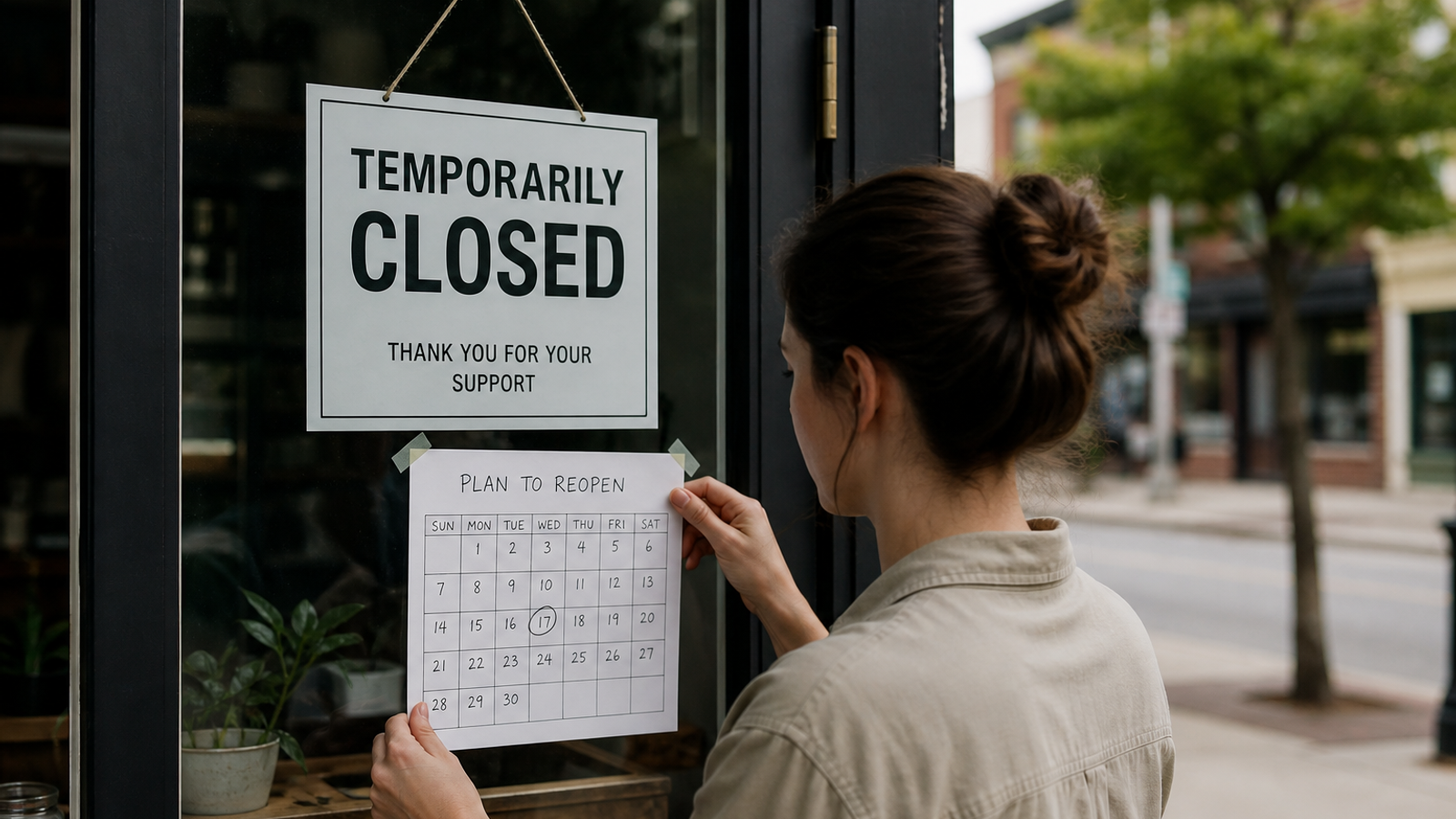
- Switch the status back to Open with main hours on the day you start trading, not the following week.
- Check that regular hours are still correct, and add Special hours for any soft-opening schedule.
- Upload new photos if the premises changed, such as a renovated interior or new signage.
- Publish an update announcing the reopening, with any new services or booking details.
- Review services, products, and the description for anything you no longer offer.
- Ask recent customers for reviews in your normal way to rebuild recent activity.
If visibility hasn't returned after a few weeks, compare against a pre-closure baseline. A geo-grid scan, like the ones GBP Local Ranker runs, shows whether you're missing from the whole area or only the edges. Our guide to why GBP rankings suddenly drop covers other causes worth ruling out.
Moving, selling, or changing the business
Moving isn't a closure. If the same business moves to a new address, edit the address in Edit profile and keep your reviews; Google may ask you to verify again. Creating a new profile and marking the old one permanently closed throws away your review history and can leave two profiles competing for the same searches.
If a separate profile is genuinely needed, for example when a Pune clinic opens a new site while another practice takes over the old premises, contact Google Business Profile support and ask about marking the original listing as moved. When a business is sold and keeps its name and services, transfer ownership through People and access instead of closing. When the business changes fundamentally, such as a café becoming a bar under new owners, closing the old profile and creating a new one is usually more accurate.
Wrong closure status and competitor sabotage
Anyone can use Suggest an edit on a public profile and report it as closed. Google is supposed to check these suggestions, but false closures do get through. Watch for owner notifications about Google updates, and look in Edit profile for pending changes you didn't make.
- If your profile is wrongly shown as closed, change the status back to Open in Edit profile and save.
- If it reverts again, contact support with proof you're operating: dated storefront photos, a recent utility bill, or a business license.
- Add a second owner so someone is notified of changes even if one person misses an email.
For broader protection, see how to secure your GBP from harmful competitors, and use our guide to reporting Google Business Profile spam for legitimate reports.
Next steps
Decide which situation you're in, set the matching status, and post an update the same day. Add a calendar reminder for your planned reopening date so the profile doesn't stay closed by accident, and enter the remaining public holidays for the year in Special hours now.