To add social media links to your Google Business Profile, open your profile from Google Search or Maps, choose Edit profile, go to the Contact section, and find Social profiles. Pick a network, paste the full URL of your business page, and save. Google accepts one link per network for Facebook, Instagram, LinkedIn, Pinterest, TikTok, X (Twitter), and YouTube.
This guide is for owners who want customers to move from Maps to the channels where they post offers and photos of their work. It also covers what to do when the field is missing, how to set up a business Facebook Page that matches your Google listing, and how to run a local social profile alongside your profile without doubling your workload.
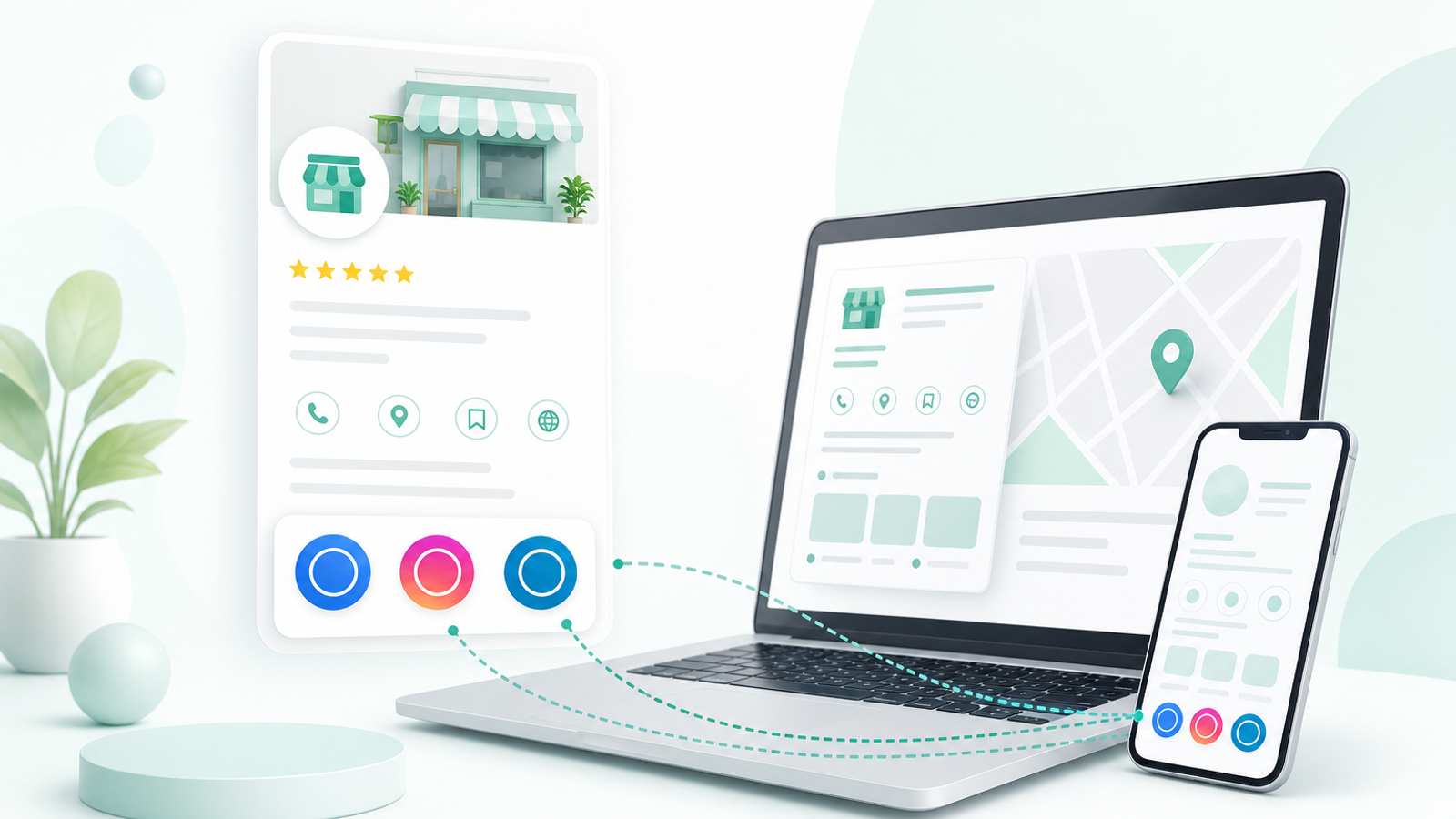
Step-by-step: add social profiles in Edit profile
- Step 1: Sign in with an owner or manager account and search your business name on Google, or open your profile in Google Maps.
- Step 2: Choose Edit profile, then the Contact tab. On some screens it sits under Business information.
- Step 3: Scroll to Social profiles and select the pencil or add icon.
- Step 4: Choose the network from the drop-down and paste the full https URL of the business page, for example https://www.instagram.com/yourbusiness.
- Step 5: Repeat for each network you use, then save. New links can take a while to appear because Google reviews edits.
- Step 6: Open your profile on a phone in a private browser window and tap each icon to check it lands on the right page.
Supported networks and eligibility caveats
| Network | Link to | Common mistake |
|---|---|---|
| Your business Page | Linking a personal profile or a group | |
| Business or creator account | Linking a staff member's account | |
| Company page | Linking the owner's personal profile | |
| YouTube | Channel URL | Linking a single video |
| TikTok | Business account profile | Pasting a share link with tracking codes |
| X (Twitter) | Profile URL | Linking an old, inactive handle |
| Business profile | Linking one pin or board |
Not every profile sees the Social profiles field. Google doesn't offer it for every business category or country, and only owners and managers of a verified profile can edit it. Google can also add social links on its own when it finds them on your website, so you may see links you never entered. You can edit or remove those in the same section.
Links must point to accounts the business controls. Don't add a competitor's page, a directory listing, or a link shortener. If a link is rejected or disappears, check that the handle matches your business name, the account is public, and the same URL appears in your website footer, which gives Google a consistent signal.
Multi-location brands should decide early whether each branch gets its own accounts. A Dubai restaurant group with one Instagram for the brand can use that URL on every location's profile; a franchise where each branch runs its own Facebook Page should link each Page only on its matching profile. Record the URLs in the same sheet you use for hours and phone numbers so a change at one branch doesn't get missed.
Do social links help local rankings?
There's no good evidence that social links move Map Pack positions on their own. Google's local ranking comes down to relevance, distance, and prominence, and the social field is mainly a convenience for customers. Where it helps is conversion: a Sydney café's Instagram showing today's specials, or a Pune salon's reels of recent bridal work, can tip someone comparing three nearby options. For the factors that do move rankings, see local SEO ranking factors every business owner should know.
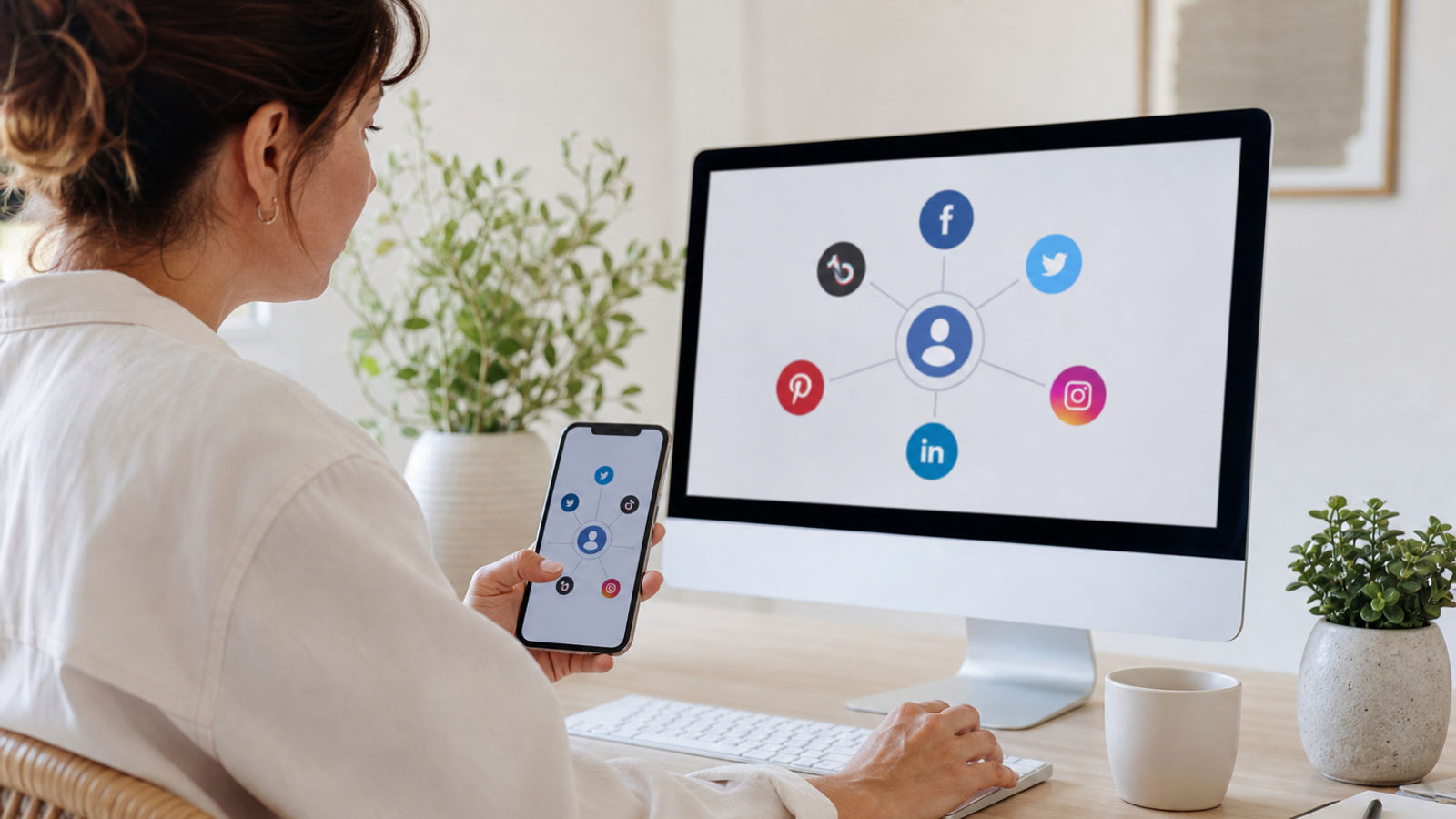
Setting up a business Facebook Page that matches your profile
Facebook is still the network many local customers check for hours, photos, and messages, so if you link only one network it's usually this one. Pages are created from a personal account, which becomes an admin, but the Page itself represents the business and should never be a personal profile renamed.
- From your Facebook account, open the menu, choose Pages, then Create new Page.
- Enter the same business name you use on Google, with no added keywords or city names.
- Choose a category that matches your Google primary category as closely as Facebook allows.
- Write a short bio that says what you do and where, in plain language.
- Add phone, website, address or service area, and hours exactly as they appear on Google, keeping your <a href="/blog/importance-of-nap-consistency-local-seo">NAP consistent</a> across channels.
- Upload your logo as the profile picture and a real photo of your premises, team, or work as the cover.
- Add one action button (Call, Book, Message, or WhatsApp) for the action you most want.
- Add a second admin in Page settings so access doesn't depend on one person.
Then copy the Page URL from the address bar, not from a share button, into Google's Social profiles field. Only turn on Messenger if someone can reply within a business day. If you rename the Page or change its username later, update Google the same day.
Running a local social profile alongside GBP
Your Google profile catches people who are ready to buy; social accounts keep you visible to people who aren't searching yet. The two work best when they share material rather than competing for your time. A Toronto physiotherapy clinic can photograph a new treatment room once and use it as a Google update, an Instagram post, and a Facebook post, with the caption adjusted for each audience.
A realistic cadence for a small team is two or three social posts a week and one Google update a week. Consistency matters more than volume: an account that posts daily for a month and then goes silent looks abandoned to anyone checking whether you're still open.
Nine post types that work for local businesses
- Recent work: a real photo of a finished job or plated dish with a one-line explanation.
- This week's most-booked service, with the price or how long it takes.
- Team introduction: who they are and what they handle.
- Review highlight: a short line from a real Google review, with an invitation to read more on Google.
- Myth or FAQ: an answer to a question customers actually ask at the counter or on the phone.
- Time-limited offer with a clear end date and one call to action.
- Hours change or holiday reminder, posted a few days ahead.
- Before-and-after, with honest context about what was done.
- Neighborhood tip tied to your service, such as a Manchester plumber's advice on protecting pipes before a cold snap.
Mirror offers and hours changes on Google with Add update so customers see the same information wherever they look. Our list of Google post ideas has more formats that work across channels. Avoid buying followers, running giveaways in exchange for Google reviews, or asking only happy customers to review you; incentivised and gated reviews break Google's policies even when the request happens on social media.
Next steps
Add your social links, check each one on mobile, and put the same URLs in your website footer. Then pick the one network you can keep up, plan four weeks of posts from the list above, and reuse the best as Google updates. If you're cleaning up the whole profile at the same time, the GBP optimization and management guide covers the remaining fields.