Google Business Profile posts are short updates (offers, events, news, product or service highlights) that appear on your profile in Google Search and Maps. Any owner or manager can publish them by opening the profile, selecting Add update and choosing an update, offer or event. Each post can hold up to 1,500 characters, a photo or video, and one action button such as Call now, Book or Learn more.
Posts will not rescue a weak profile on their own: Google ranks local results on relevance, distance and prominence, and your categories, reviews and location carry far more weight. What posts do well is convert people who are already looking at your listing. This guide covers the three post types, event, promotional and seasonal posts (including Black Friday), copy templates, a weekly rhythm, AI drafting, and how posts compare with social media.
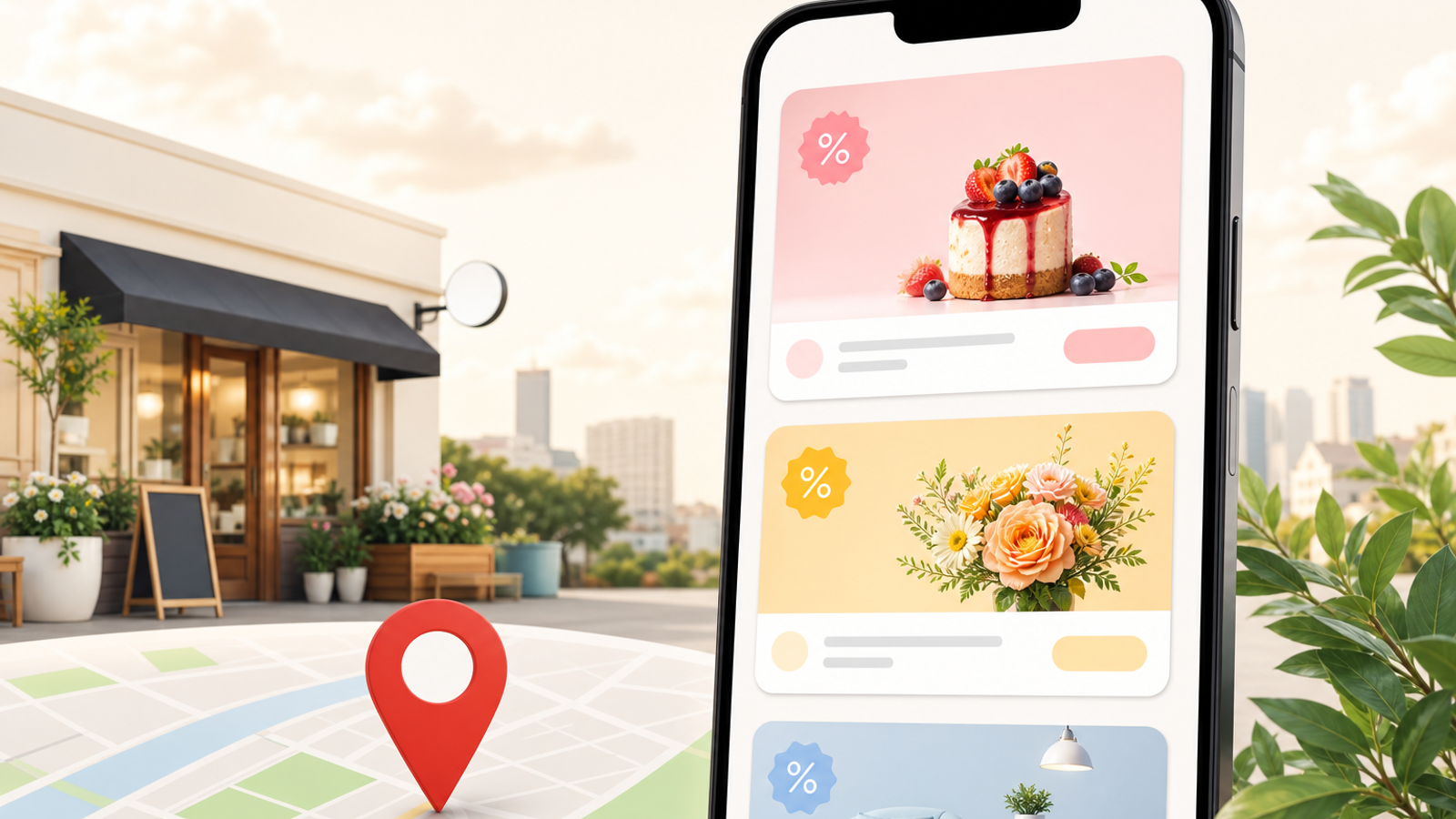
The three post types and when to use each
| Type | Best for | Fields | How long it shows |
|---|---|---|---|
| Update | News, a new service, project photos, tips, FAQs | Description, photo or video, optional button | Stays on the profile; newer posts push it down |
| Offer | Discounts, bundles, limited-time pricing | Title, start and end dates, optional coupon code, redemption link and terms | Until the end date |
| Event | Workshops, open days, launches, classes | Title, start and end date and time, description, optional button | Until the event ends |
Choose the type by what you want the reader to do and whether a date is involved. If there is a deadline, use an offer or event so the dates display and the post drops off on its own, instead of an update that still says "this weekend only" three months later.
How to create a post, step by step
- Sign in with an owner or manager account and search your business name on Google, or open your profile in the Google Maps app.
- Select Add update and pick Add update, Add offer or Add event.
- Upload a real photo taken at your business. Google crops post images differently on mobile and desktop, so keep the subject centered and avoid text near the edges.
- Write the description with the benefit in the first line, because only the opening line or two shows before the reader taps More.
- Add a button that matches the action you want and, for website links, add UTM parameters so the clicks are identifiable in Analytics.
- Publish, then open the profile in a private browser window a few hours later to confirm the post is live and not pending or rejected.
The usual reasons posts get rejected are phone numbers typed into the post text (use the Call now button instead), links to unrelated or low-quality pages, restricted products such as alcohol, tobacco or prescription medicines, images that do not match the text, and near-identical posts repeated across weeks.
Event, promotional and seasonal posts
Event posts
A Toronto dental clinic running a Saturday kids' brushing workshop should publish an event post two to three weeks ahead with the date, start and end time, age range and a Learn more button pointing to a registration page. Do not use event posts for ongoing services; a "Monday to Friday" event is just an update in disguise.
Promotional (offer) posts
Put the offer itself in the title ("Boiler service, fixed price until 30 November") and the limits in the terms field. A Manchester plumber can add a coupon code such as BOILER24 so staff can record how many jobs came from the post. Offers must be genuine and available to anyone who asks; a crossed-out price that was never charged is misleading and can get the post removed.
Seasonal and Black Friday posts
Build a calendar around the dates your customers actually shop: Black Friday and Cyber Monday in the US, UK, Canada and Australia, Boxing Day, back-to-school, Diwali for a Pune salon's festive packages, Ramadan and Eid for a Dubai restaurant, Christmas catering for a Sydney café. Start a Black Friday offer at the beginning of that week and end it on Cyber Monday so it expires automatically. If your opening times change, set them in Edit profile, then Hours, then Special hours, so the post and the hours agree.

Post templates you can adapt
- Offer: "[Offer] at [Business] until [date]. Includes [what's included] for [who it suits]. [Availability, e.g. same-week appointments]. Tap Book to reserve; limited to [limit]."
- Event: "Join us on [day, date] from [time] for [event] at [location]. [What attendees get]. Free/[price]; places are limited, so register with Learn more."
- Project update: "Just finished [job] in [neighborhood]: [problem] fixed with [solution] in [timeframe]. Photos show before and after. Need the same? Tap Call now."
- Service spotlight: "Did you know we offer [service]? It's ideal if [customer situation]. Typical visits take [time]. See prices and book online."
- Seasonal reminder: "[Season] is coming. Book your [service] before [date] to avoid the rush. Holiday hours: [hours]."
The brackets are where the value is. Replace them with a real neighborhood, product name, price or turnaround time. A template filled with vague words reads like an ad and gives the searcher no reason to call. For more angles, see these Google post ideas.
Writing posts that increase calls
- Use the Call now button for urgent jobs (locksmiths, emergency plumbers, tow services) and Book for appointment businesses such as salons or clinics.
- State availability in the first line: "Open until 10 pm tonight" or "Same-day callouts in North Sydney" answers the question a caller has.
- Show people and vehicles, not stock images. A photo of your technician at a real job builds more trust than a polished graphic.
- Answer one objection per post: price range, service area, warranty, or parking.
- Track results in the Performance section, which reports calls and website clicks from the profile, and compare weeks with and without posts.
If calls stay flat despite steady posting, the bottleneck is usually elsewhere: hours, categories or reviews. The guide on getting more calls from your profile covers those checks, and UTM tracking for Google Business Profile explains how to separate post clicks from other traffic.
A weekly Google post strategy
| Week | Post type | Example |
|---|---|---|
| 1 | Update: service spotlight | A salon introduces its keratin treatment with price range and duration |
| 2 | Update: recent work | A roofer shares before-and-after photos from a named suburb |
| 3 | Offer or event | A gym runs a free trial week with clear start and end dates |
| 4 | Update: FAQ or seasonal tip | An HVAC company explains when to book a pre-winter furnace check |
One useful post a week is a pace most small teams can sustain without the content turning repetitive. Multi-location brands should localize each post with the branch's own photos and neighborhood details rather than pushing one identical message everywhere. Keep a simple log of date, type, button and result, and review it monthly to see which formats earn clicks.
Using an AI Google posts generator safely
AI tools are good at turning a list of facts into three or four draft variations quickly. They are bad at facts they were not given: they invent discounts, guess prices, add claims like "best in the city" and slip into the wrong regional spelling. Feed the tool the service, price, dates, area and button, ask for drafts under about 300 characters, and have a person check every detail and choose the photo before anything is published. GBP Local Ranker drafts and schedules posts across locations with an approval step, and Google's own interface works fine if you only manage one profile.
Google posts vs social media
| Factor | Google posts | Instagram / Facebook |
|---|---|---|
| Audience | People already searching for you or your category | Followers and whoever the feed algorithm selects |
| Intent | High; often deciding whether to call or visit | Browsing and discovery |
| Format | One image or video, up to 1,500 characters, one button | Carousels, reels, stories, comments |
| Engagement | No likes or comments | Comments, shares, direct messages |
| Lifespan | Offers and events end on their date; updates get pushed down | Fades from feeds within days |
Reuse the photo, not the caption. Hashtags and "link in bio" do nothing on Google, and an Instagram caption written for followers rarely answers a searcher's practical questions. Rewrite it around the action you want.
Next steps
- Open your last five posts and check that each has a real photo, a dated offer where relevant, and a button that matches the action.
- Set Special hours for the next holiday before you publish any seasonal offer.
- Draft a four-week rotation using the table above and block 30 minutes a week to publish.
- Add UTM parameters to every post link and review Performance monthly.
- Read <a href="/blog/do-gbp-posts-help-rankings-2026">whether GBP posts help rankings</a> to set realistic expectations, or see how a <a href="/gmb-weekly-posts-management">weekly posts management service</a> works if you would rather delegate.