Get More Calls From is one of the highest-leverage local search topics in 2026. Ranking well on Google Maps solves only half the problem, the other half is converting that visibility into an actual phone call. Plenty of businesses show up prominently in the local pack and still watch the phone stay quiet, usually because something further down the funnel is quietly costing them clicks: a missing phone number, an hours mismatch that makes searchers assume you are closed, thin photos that fail to build confidence, or reviews that read as generic rather than convincing.
This guide focuses specifically on the conversion side of Google Business Profile, the fields, habits, and small decisions that turn an impression into a call, separate from the ranking factors covered in our GMB optimization guide. Ranking and converting are related but distinct problems, and a profile that ranks well but converts poorly is leaving real revenue on the table every single day.
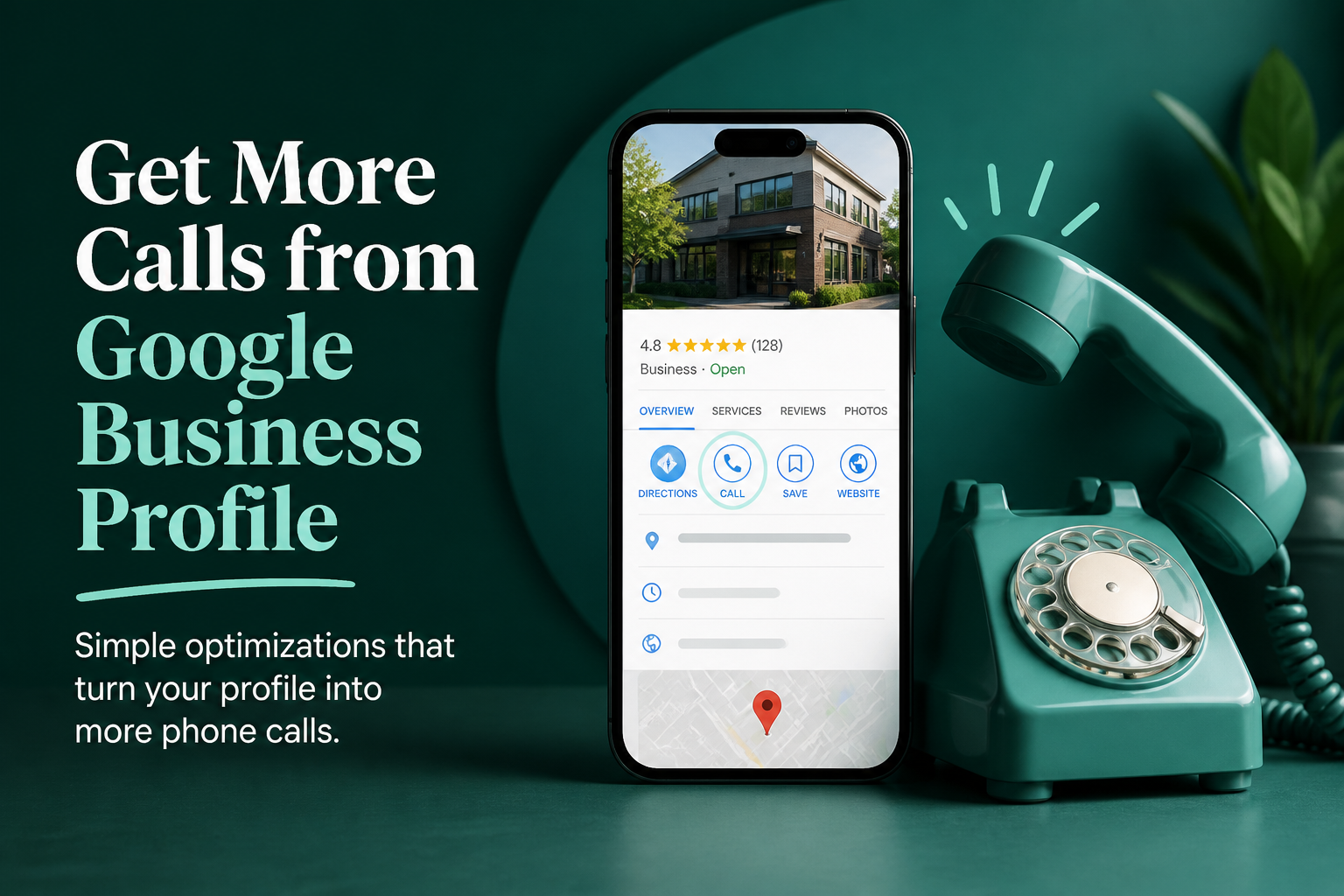
Make the Call Button Impossible to Miss or Misuse
The primary phone number field should be a real, monitored line, not a tracking number that occasionally breaks, not a generic call center extension that adds friction, and never a number that goes to voicemail during your posted business hours. Test your own listed number periodically by calling it yourself, ideally outside your own staff's awareness, to confirm it connects quickly and is answered the way a genuine customer would expect.
If you use call tracking to measure Google Business Profile performance, confirm the tracking number is correctly synced and does not conflict with your primary listed number in a way that confuses customers who save one number and then get a different one when they call again later. A broken or inconsistent number is one of the simplest, most damaging conversion leaks, precisely because it is invisible until someone actually tries to use it.
Hours Accuracy Directly Affects Call Volume
A surprisingly large share of missed calls trace back to hours that do not match reality, a business that actually opens at 8am but lists 9am, or one that stays open later on weekends but never updated the profile to reflect it. Google displays a prominent "closed" label the moment current time falls outside your posted hours, and searchers overwhelmingly move to the next result rather than calling a business they believe is unavailable, even if you would have happily answered.
Holiday and special hours need advance planning
Holiday hours left unset are a recurring, avoidable source of lost calls around every major holiday period. Set them for the full year in one sitting rather than scrambling the week before each one, since a business incorrectly shown as open on a holiday it is actually closed for creates a worse experience than simply being marked closed accurately.
| Leak | What it looks like | Fix |
|---|---|---|
| Inaccurate hours | Marked closed when actually open, or vice versa | Audit and update hours monthly, plus holidays a year ahead |
| A broken or wrong phone number | Calls fail to connect or reach the wrong line | Test the listed number directly on a regular basis |
| Thin or outdated photos | Few images, none recent, no real work shown | Add several genuine, current photos every month |
| Generic, unreplied reviews | One-word reviews with no owner responses | Encourage detailed reviews and reply to all of them |
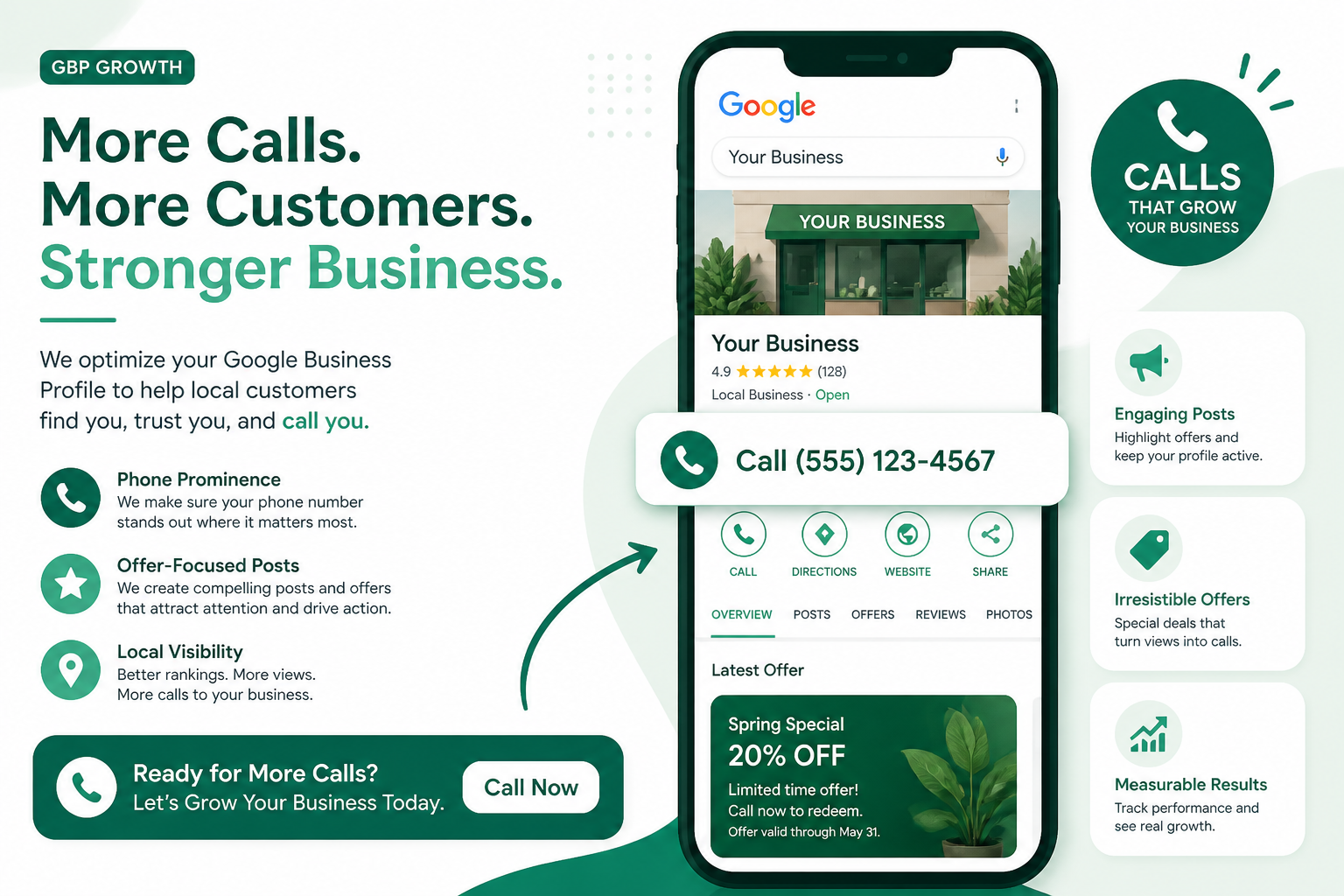
Photos Build the Confidence That Precedes a Call
Before someone dials, they are quietly evaluating whether your business looks legitimate, active, and trustworthy, and photos do most of that convincing work. A profile with a handful of blurry, years-old images signals neglect, while one with recent, varied photos of the team, completed work, and the actual location signals a business worth calling. This does not require professional photography; a smartphone photo taken today of real work in progress consistently outperforms a polished stock image with no authentic detail behind it.
Rotate in new photos regularly rather than uploading a batch once and leaving it untouched for years. Even a modest habit of two or three new photos a month keeps the visual impression current, and it gives Google's systems fresh signals of an actively managed profile, which correlates with the kind of business searchers are more comfortable calling.
Reviews Do More Than Build Trust: They Answer Objections
Detailed reviews mentioning specific services, response time, or pricing fairness answer exactly the questions a hesitant searcher has before calling, in a way a star rating alone cannot. Our complete guide to review management covers the full system for generating and responding to reviews, but the conversion-specific takeaway is this: a steady stream of specific, recent reviews reduces the hesitation that keeps a searcher scrolling to the next listing instead of picking up the phone.
Owner responses matter here too, particularly on reviews that mention a specific concern or hesitation a future customer might share. A thoughtful, specific response to a critical review often does more to build confidence in a hesitant caller than another five-star review with no detail at all, because it demonstrates how the business actually handles problems rather than just claiming to be good.
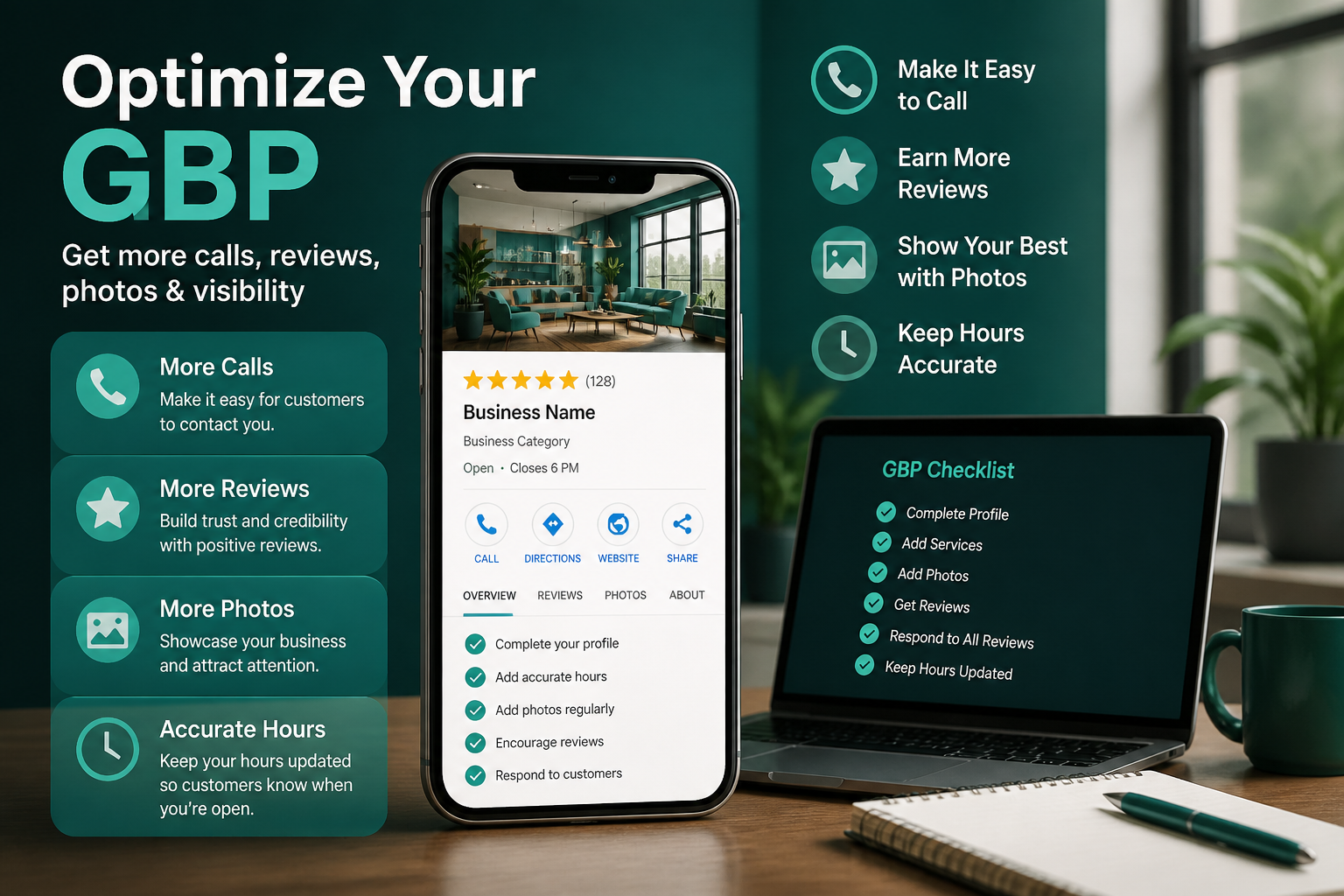
Services, Descriptions, and Q&A Should Pre-Answer Common Questions
A complete, specific services list covered in our services best practices guide does double duty: it helps relevance for search, and it helps a browsing searcher confirm you actually offer what they need before they bother calling to ask. The same logic applies to the Q&A section, seeding it with the three or four questions you get asked most often on the phone turns those repeated calls into pre-answered information, freeing up call volume for genuinely qualified leads instead of basic questions.
Messaging and Chat: A Secondary Path to the Same Goal
Not every searcher wants to call, particularly younger customers and anyone browsing outside typical business hours who would rather send a quick message and wait for a reply than pick up the phone. If your profile has messaging enabled, treat it with the same seriousness as your phone line, a message left unanswered for days creates a worse impression than not offering messaging at all, since it signals a monitored channel that quietly is not actually monitored.
If you cannot realistically commit to checking messages promptly, it is genuinely better to disable the feature than to leave it active and neglected. A missed message is a missed lead in exactly the same way as an unanswered call, and unlike a phone call, a delayed text reply often reads as more dismissive to the person waiting on the other end, since there is a visible timestamp showing exactly how long they waited.
Booking links reduce friction for customers who want to skip the call entirely
For businesses that support it, adding a direct booking or appointment link gives a third path to conversion beyond calling or messaging, capturing customers who already know what they want and would rather schedule directly than have a back-and-forth conversation first. This does not replace the value of a working phone line, but it captures a segment of searchers who would otherwise abandon the process rather than call at all.
Whichever secondary channels you enable, make sure they are all mentioned consistently, if your website encourages booking online but your Google profile only shows a phone number, you are quietly funneling Google-originated traffic through a higher-friction path than necessary. Keeping all your contact options aligned across every channel removes one more small barrier between a ready customer and an actual conversion.
The business description is an easy field to neglect
The business description field rarely gets revisited after initial setup, yet it is one of the few places on the profile where you can speak directly and persuasively to a browsing searcher rather than simply listing facts. A description that mentions how quickly you typically respond, what makes your approach different, or a genuine specialty gives a hesitant reader one more reason to call rather than keep comparing options. Revisit it at least once or twice a year, and write it the way you would actually describe the business to a new customer in person, not as a dry summary of services already covered elsewhere on the profile.
Google Posts as a Light, Ongoing Call-to-Action
A consistent light posting habit keeps a profile looking active and gives you a direct, low-effort channel to highlight a promotion, a seasonal service, or a simple reminder to call for a free estimate. Posts are not a guaranteed ranking factor, but they do occupy visible real estate on the profile that can nudge an undecided searcher toward calling rather than continuing to browse other options.
| Task | Time required | Impact |
|---|---|---|
| Call your own listed number to test it | 2 minutes | High |
| Add two or three new genuine photos | 15 minutes | Medium |
| Reply to all new reviews | 15 minutes | High |
| Confirm hours match reality, including any recent changes | 5 minutes | High |
| Post one update or promotion | 10 minutes | Medium |
Frequently Asked Questions
Does the number of photos on my profile really affect call volume?
Indirectly yes, recent, genuine photos build the confidence a searcher needs before calling, though the exact quantity matters less than recency and authenticity.
Should I use a call tracking number instead of my real number?
You can, as long as it is reliably synced and does not create confusion when customers try to reach you again through a saved number.
How often should I update my Google Business Profile photos?
A few new, genuine photos each month is enough to keep the profile looking active without requiring a major ongoing time investment.
Do Google Posts actually increase calls?
They are not a guaranteed ranking factor, but a visible, timely post can nudge an undecided searcher toward calling rather than continuing to compare options.
What is the fastest fix for low call volume on an already well-ranked profile?
Verify your listed phone number actually connects and confirm your hours match reality; these two checks resolve a surprising share of conversion problems quickly.
Should I respond to every review, even short ones?
Yes, consistent responses signal an actively managed business, and even a brief reply is better than leaving reviews unanswered.
Can seeding my own Q&A section really reduce basic phone questions?
Yes, answering the three or four most common questions you get by phone directly on the profile lets searchers self-serve that information before ever calling.
Final Takeaway
Getting more calls from an existing Google Business Profile rarely requires more visibility, it usually requires removing the small frictions that quietly discourage a searcher who already found you from actually picking up the phone. Fix your hours, verify your number works, keep photos current, and build reviews and Q&A content that pre-answer common hesitations, and the same amount of visibility you already have will convert into meaningfully more calls.