Of all the elements on a Google Business Profile, photos are consistently the most neglected — many businesses upload a logo and a handful of images at setup and never touch the section again for years, even as menus change, storefronts get renovated, and product lines evolve. That neglect is a genuine missed opportunity, because photos sit at the exact point in the customer journey where someone has already found your listing and is deciding, often in a matter of seconds, whether to actually choose you over the next result.
This guide separates what photos genuinely do for a Google Business Profile from what is often overstated in marketing content. Google has stated that photos are not a direct ranking factor in the way categories or proximity are, and it would be dishonest to claim otherwise — but photos measurably affect the engagement signals (clicks, calls, direction requests) that do correlate with a profile's overall performance, and a profile that converts better on the signals it does earn tends to compound that advantage over time.
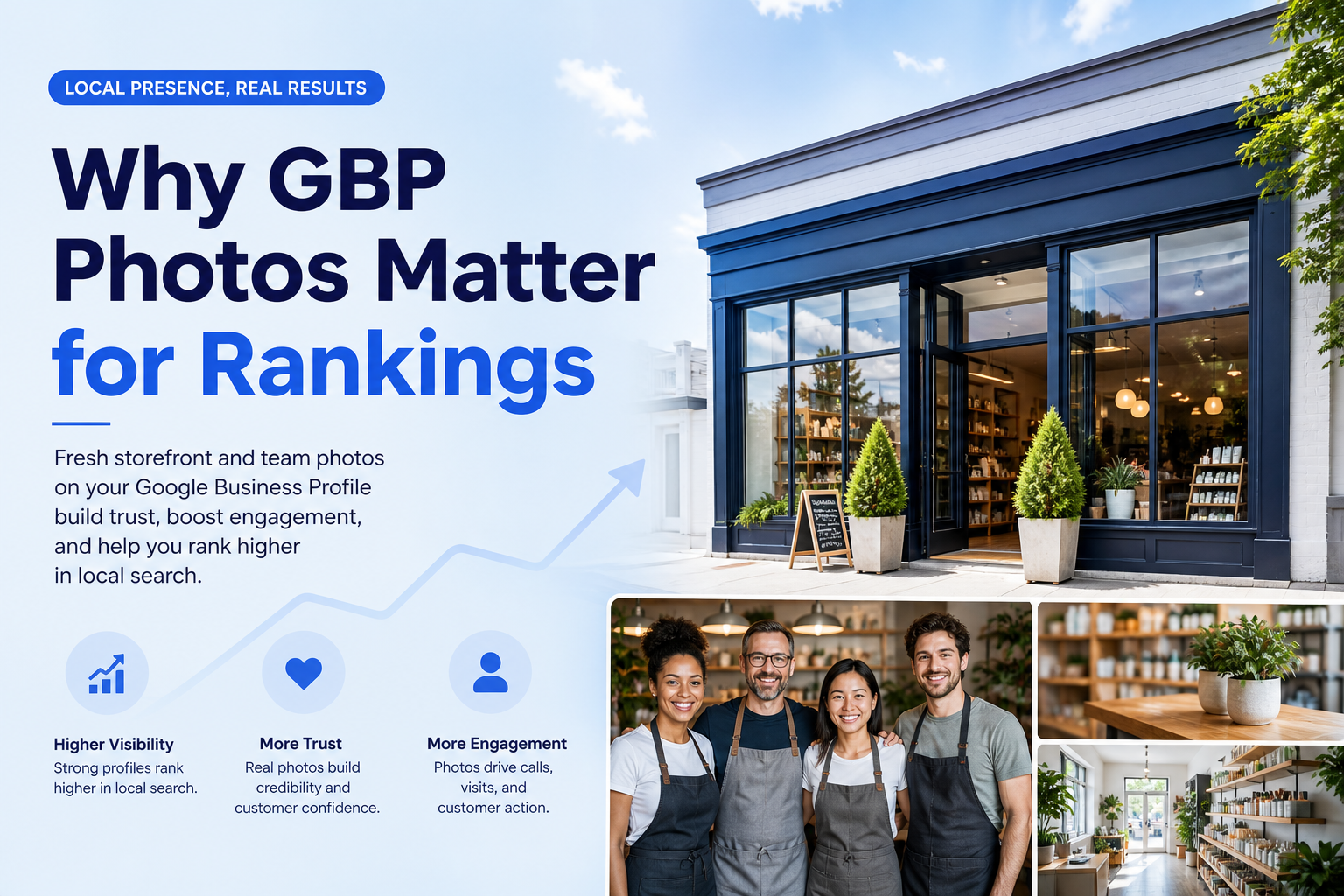
What Photos Actually Do Inside Local Search
When a profile shows up in a Maps or Search result, the accompanying photo is often the very first thing a searcher processes, well before they read a single word of the business description or scan the reviews below it. A blurry, outdated, or generic stock photo creates hesitation at exactly the moment a business needs to build confidence, while a clear, current, professional-looking photo does the opposite — it makes the listing look like a real, well-run business worth clicking into. This is fundamentally a conversion effect, not a direct algorithmic ranking boost, but conversion and engagement data feed into the broader picture of a profile's real-world performance.
Owner-uploaded photos vs. customer photos
Google Business Profiles display two distinct photo sources: images the business owner uploads directly, and images customers attach to their own reviews. Both matter, but they serve different purposes — owner photos control the first impression and let a business present its best, most representative images, while customer photos carry an authenticity that owner-uploaded images cannot fully replicate, since a prospective customer implicitly trusts an image another customer chose to share more than one curated by the business itself.
The photo categories Google actually organizes
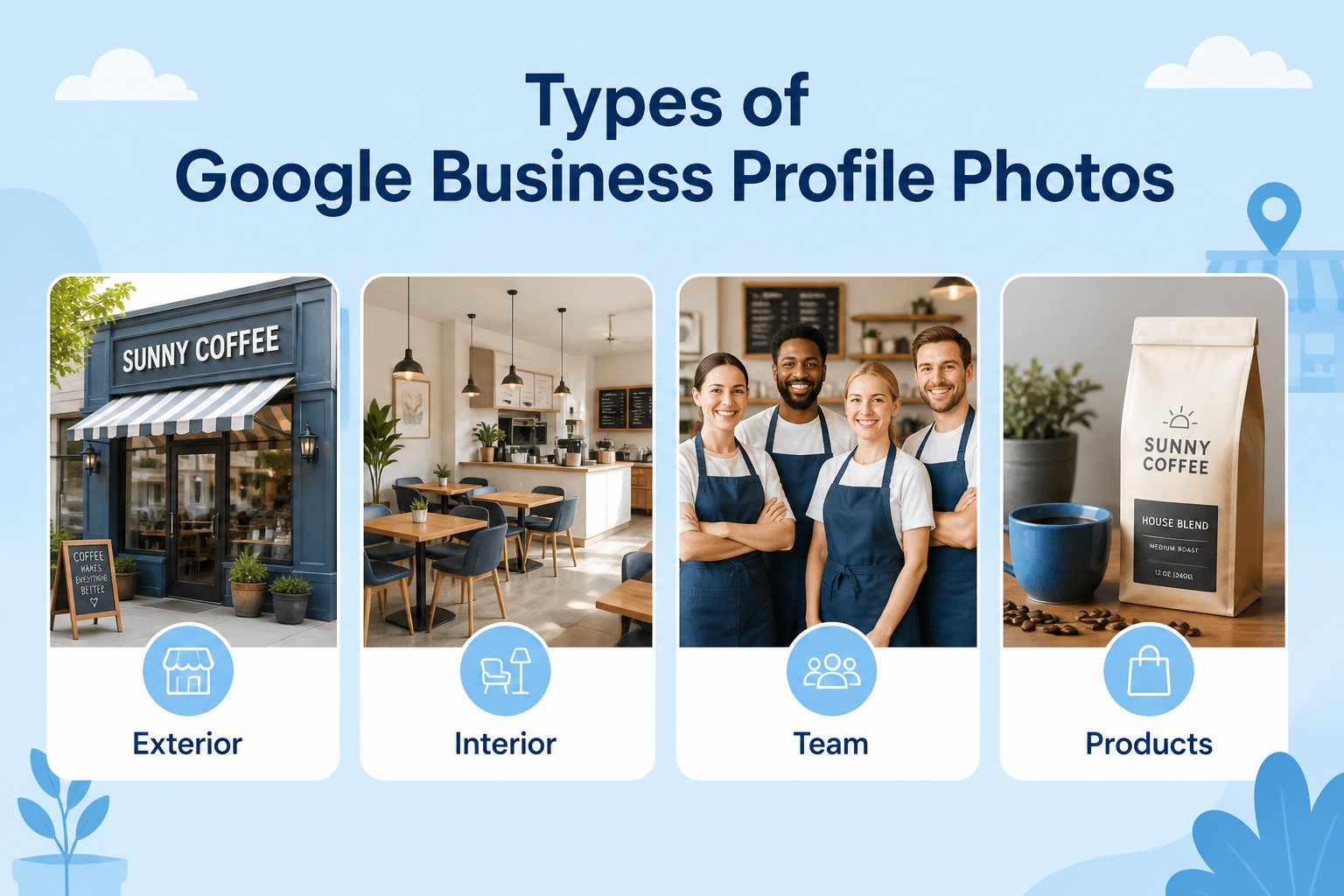
Google groups uploaded photos into categories — logo, cover photo, exterior, interior, team, at work, and product or menu images, among others — and profiles with a healthy mix across these categories present a more complete, trustworthy picture of the business than one with a dozen nearly identical shots of the same angle. A restaurant with only food photos and no interior shots, for example, leaves a searcher without a sense of the actual atmosphere they would be walking into.
| Category | What It Communicates | How Often to Refresh |
|---|---|---|
| Logo & cover photo | Brand identity and first impression | Update only when branding changes |
| Exterior | Helps customers find and recognize the location | After any renovation or signage change |
| Interior | Atmosphere and what to expect inside | Every few months or after remodeling |
| Team / at work | Trust, professionalism, real people behind the business | Ongoing, as staff and projects change |
| Product / menu | Direct decision-making information | Regularly, especially with seasonal changes |
How Many Photos, and How Often to Add New Ones
Consistency beats a one-time bulk upload
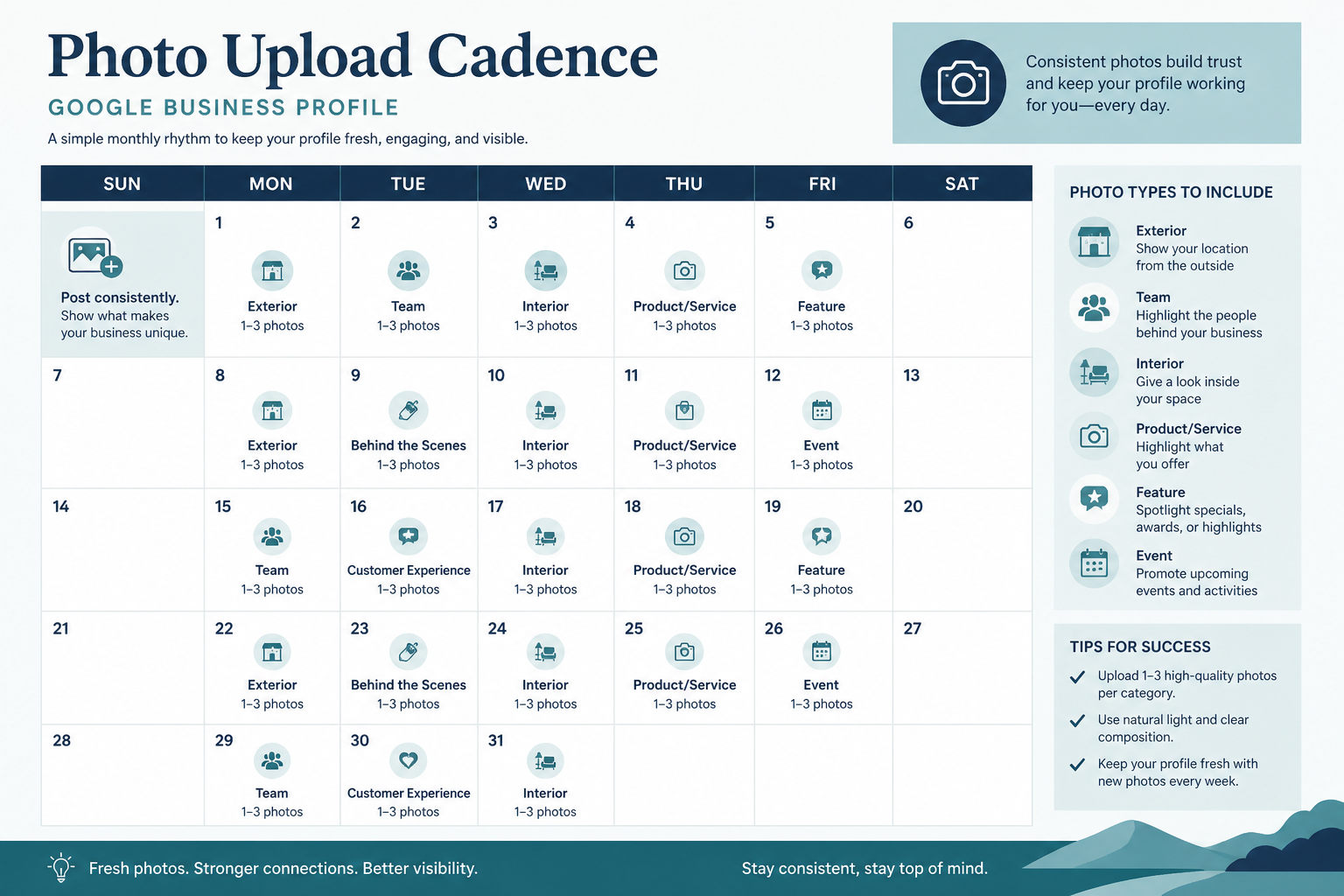
A profile that receives a steady trickle of new, genuine photos over time signals an active, currently operating business in the same way recent reviews do, while a profile with twenty photos all uploaded on the same day years ago and nothing since can read as stagnant, even if the business is thriving. A realistic cadence — a handful of new photos every month, tied to real events, projects, or seasonal changes — is far more valuable than a single large upload that never gets revisited.
Quality and relevance matter more than raw quantity
There is no magic number of photos that unlocks better performance, and padding a profile with dozens of near-duplicate or irrelevant images provides little benefit and can even make it harder for a searcher to quickly find the images that actually help them decide. A smaller set of clear, well-lit, genuinely representative photos across each meaningful category consistently outperforms a large, disorganized dump of low-quality images. Our guide on adding pictures to your Google Business Profile walks through the practical upload process step by step.
| Business Type | Recommended Cadence | Priority Category |
|---|---|---|
| Restaurant / food service | 4-6 new photos per month | Food, interior, seasonal menu items |
| Retail storefront | 3-5 new photos per month | Product displays, in-store events |
| Service business (no storefront) | 2-4 new photos per month | Team at work, completed projects |
| Professional office (clinic, law firm) | 1-2 new photos per month | Team, waiting area, exterior signage |
What Makes an Individual Photo Actually Effective
Effective photos are genuine, well-lit, and taken from angles that mirror how a real customer would actually experience the business — a straight-on exterior shot showing accurate signage and parking, an interior shot at a time of day with good natural lighting, and product or food photos that match what customers actually receive rather than an aspirational styled version that sets up disappointment. Authenticity photographs noticeably better than an over-produced, generic stock aesthetic, and it also protects against the mismatch between expectation and reality that drives negative reviews.
Common Photo Mistakes That Quietly Hurt a Profile
The most common mistakes are outdated exterior photos that no longer match a renovated storefront or new signage, generic stock photography that could belong to any business in the category, poor lighting that makes interiors look uninviting, and — for multi-location businesses — accidentally using one location's photos on another location's profile. Each of these creates a small but real mismatch between what a searcher sees online and what they encounter in person, and that gap is exactly what drives disappointment and, eventually, a negative review.
Video and Short Clips: The Layer Beyond Static Photos
Google Business Profile also accepts short video uploads alongside photos, and while video does not carry more algorithmic weight than a well-chosen still image, it communicates certain things a photo cannot — the pace and atmosphere of a busy restaurant kitchen, the sound of a tool in action for a trades business, or a genuine walkthrough of a retail space that gives a far more complete sense of what a visit would actually feel like.
A short, genuine clip outperforms a polished production
A fifteen-to-thirty-second clip filmed on a phone, showing a real moment — a finished project being handed over, a busy service counter, a chef plating a dish — tends to perform better with viewers than an over-produced marketing video, largely for the same authenticity reasons that make genuine photos outperform stock imagery. It does not need professional editing to be worth uploading; it needs to be clear, well-lit, and honestly representative of the business.
Keep expectations realistic about video's role
Video is a useful addition to a photo library, not a replacement for one, and it should not become the sole focus of a visual content strategy at the expense of maintaining a steady flow of new photos across the core categories covered earlier. Treat it as an occasional, high-impact supplement rather than a monthly obligation, since a handful of genuinely well-chosen clips accumulated over a year will do more than a rushed video uploaded purely to check a box.
Reuse the same strong visuals across your website and social profiles
Once a photo or clip has proven effective on your Google Business Profile — generating comments, saves, or noticeably more views than others — it is worth reusing on your website's gallery and your social media profiles rather than treating each platform as needing entirely separate content. This stretches the value of the time invested in capturing genuinely good visuals, and it reinforces a consistent visual identity for your business across every place a potential customer might encounter it, from the map pack to your own homepage.
Final Takeaway
Photos will not single-handedly fix a struggling Google Business Profile, and no honest guide should claim they directly move map pack rankings the way category selection or proximity does. What they do is shape the split-second decision a searcher makes about whether your business looks like the right, trustworthy choice, and that conversion effect compounds across every other part of a Google Business Profile optimization effort. Treat your photo library as an ongoing, living part of the profile rather than a one-time setup task, and pair it with the rest of a genuine local SEO strategy so that the visual first impression matches the substance behind it.
Frequently Asked Questions
Are photos a direct Google Maps ranking factor?
No, Google has stated photos are not a direct ranking factor, though they meaningfully affect the clicks, calls, and engagement that correlate with a profile's overall performance.
How many photos should a Google Business Profile have?
There is no fixed number; a smaller set of clear, current, well-organized photos across each relevant category outperforms a large dump of low-quality or duplicate images.
Do customer-uploaded photos matter as much as owner photos?
Yes, customer photos carry a distinct authenticity that owner-uploaded images cannot fully replicate, and both contribute to a complete picture of the business.
How often should I add new photos?
A steady, ongoing cadence of a few genuine new photos each month signals an active business far better than a single large upload that is never revisited.
Can using stock photos hurt my profile?
It won't trigger a penalty by itself, but generic stock photography tends to convert worse than authentic images and can create a mismatch with what customers actually experience.
Should every location in a multi-location business use the same photos?
No, each location should use its own accurate, current photos; reusing another location's images creates a mismatch that can confuse or disappoint customers.
Is it worth hiring a professional photographer for Google Business Profile photos?
It can help for a one-time hero and cover photo set, but ongoing, genuine phone photos of real activity tend to serve the recency and authenticity goals better than infrequent professional shoots alone.