Why Verification is Non-Negotiable
Google Business Profile verification is the process that proves you're the legitimate owner or representative of the business you're claiming. Until your profile is verified, it will not appear publicly on Google Search or Google Maps, meaning zero local visibility, zero customer calls, and zero direction requests.
Verification also gives you full control to edit your business information. An unverified listing is a risk, it can be edited by anyone suggesting changes, and those changes can go live without your approval. Verification puts you in the driver's seat.
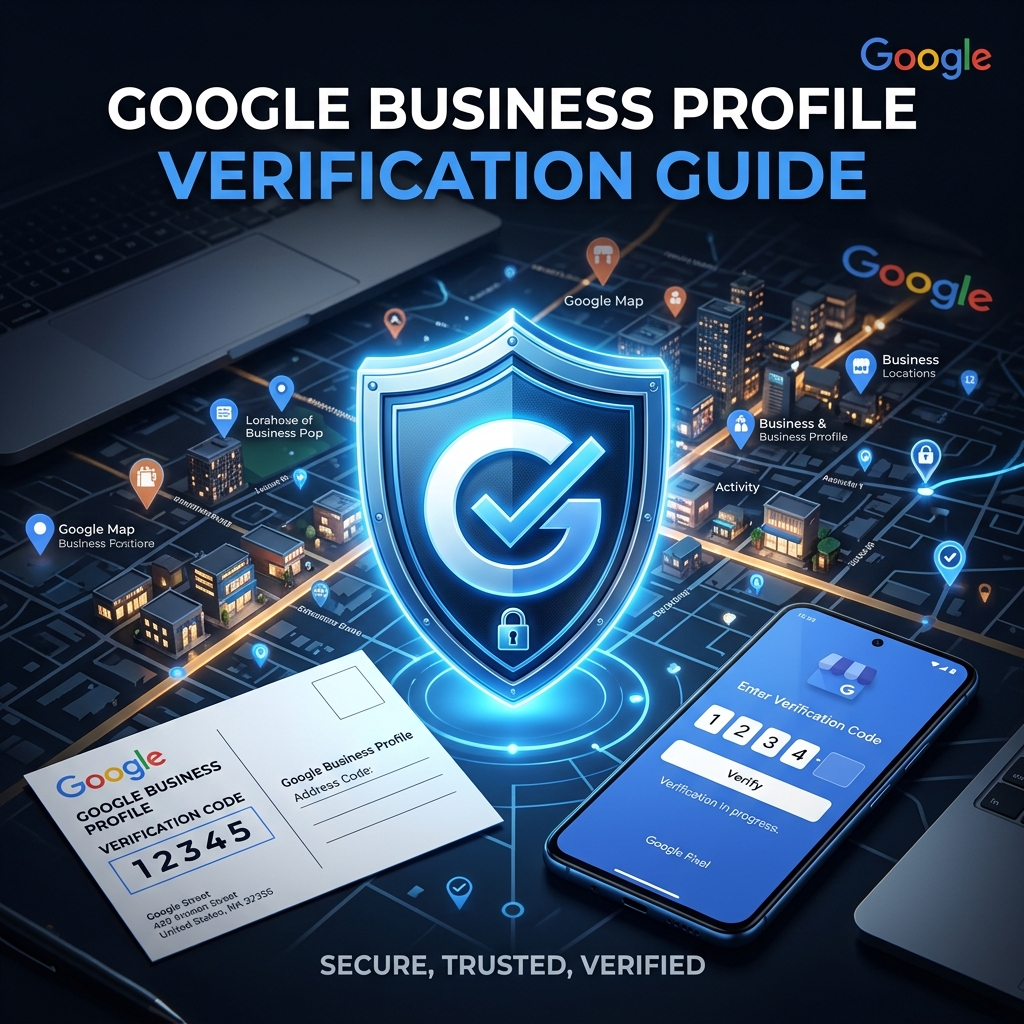
Method 1: Postcard Verification (Most Common)
This is the standard verification method available to all businesses. Google sends a physical postcard to your business address containing a unique 5-digit PIN code.
- <strong>Timeline:</strong> 5-14 business days for delivery
- <strong>How it works:</strong> Request the postcard in GBP, wait for delivery, enter the PIN at business.google.com/verify
- <strong>PIN validity:</strong> The PIN is valid for 30 days. After that, you must request a new postcard.
- <strong>Important:</strong> Do NOT make significant edits to your business name, address, or category while waiting, this may cancel your pending verification and restart the process
- <strong>Postcard didn't arrive?</strong> Wait 14 days, then click 'I didn't receive my postcard' in your GBP dashboard to request a new one
Method 2: Phone Verification
Some businesses are offered the option to verify via an automated phone call or SMS. This is much faster than the postcard method.
- <strong>Eligibility:</strong> Available for select business types and categories
- <strong>How it works:</strong> Google calls or texts your business phone number with a PIN code
- <strong>Timeline:</strong> Instant or within minutes
- <strong>Requirement:</strong> Your business phone number must be able to receive calls or texts, and you must be available to answer
- <strong>Tip:</strong> If this option appears, always choose it over the postcard, it's instant!
Method 3: Email Verification
Google may offer email verification for some businesses, particularly those that already have a presence in other Google products. In the context of Google Business Profile Verification Guide: All Methods Explained, this matters because local customers compare nearby options quickly and reward clarity.
- <strong>How it works:</strong> Google sends a verification link to your business email address
- <strong>Timeline:</strong> Usually within a few minutes
- <strong>Requirement:</strong> You must have access to the business email address shown
- <strong>Note:</strong> This is becoming less common as Google shifts to more secure verification methods
Method 4: Video Verification
Video verification is Google's newer, more robust verification method designed to prevent fraudulent listings. It requires you to record a short video proving you're at the business location.
- <strong>What to show in the video:</strong> Your street address/signage, the surrounding area, equipment or products related to your business, and you personally performing a business activity
- <strong>Timeline:</strong> Google reviews the video within 5 business days
- <strong>Tips for success:</strong> Film in good lighting, show your business sign clearly, show you operating or working in the space
- <strong>Don't edit the video</strong>: Google wants raw, unedited footage to verify authenticity
- <strong>Common reason for rejection:</strong> Address not visible, too dark, or business activities not clear
Method 5: Instant Verification
If your business website is already verified in Google Search Console with the same Google account, you may qualify for instant verification.
- <strong>How it works:</strong> Google recognizes your verified Search Console account and automatically verifies GBP
- <strong>Requirement:</strong> Search Console must be verified with the same Google account you're using for GBP
- <strong>Eligibility:</strong> Not available to all businesses, depends on category and history
Method 6: Bulk Verification
If you're managing a business with 10 or more locations, you can apply for bulk verification instead of verifying each location individually.
- <strong>How to apply:</strong> In your Business Profile Manager, choose 'Verify in bulk'
- <strong>Requirements:</strong> You must have 10+ locations under the same brand
- <strong>Process:</strong> Fill out a verification form and Google will review and verify all locations at once
- <strong>Timeline:</strong> Can take 1-2 weeks for Google to process
Troubleshooting: What If Your Verification Fails?
Sometimes verification doesn't go smoothly. Here are the most common issues and how to fix them: In the context of Google Business Profile Verification Guide: All Methods Explained, this matters because local customers compare nearby options quickly and reward clarity.
- <strong>Postcard never arrived:</strong> Check if there's a mail issue, request a new postcard after 14 days. If the address is wrong, correct it first.
- <strong>PIN code is invalid:</strong> The code may have expired (30-day limit). Request a new postcard or switch to another method.
- <strong>Video rejected:</strong> Re-record ensuring address is clearly visible, lighting is good, and business activities are evident.
- <strong>Verification option not available:</strong> Some high-risk or newer business types face additional scrutiny. Try contacting Google Business Profile support.
- <strong>Profile suspended before verification:</strong> This indicates a quality issue. Review Google's content policies and contact support.
After Verification: What's Next?
Once your profile is verified, Google will activate your listing. You'll see a green checkmark (Verified) badge on your profile. Now you should:
- Complete all remaining profile sections
- Upload at least 10 high-quality photos
- Write your business description
- Add your products and services
- Create your first Google Post
- Start encouraging customers to leave reviews
Conclusion
Verification is the most critical step in your Google Business Profile journey. Once verified, you have full control of one of the most valuable pieces of digital real estate available to your business. Choose the fastest verification method available to you, and if the postcard route is your only option, be patient and methodical. The visibility and customer trust you gain from a verified GBP far outweighs the few days of waiting.
Google Business Profile Verification Guide: All Methods Explained only works when strategy and weekly operations stay aligned.
Final Takeaway
Google Business Profile Verification Guide: All Methods Explained is not a one-time project. Consistency compounds, spam collapses.