Verification is the single gate every Google Business Profile has to pass through before it can appear in Maps or local search results, and yet it remains one of the most misunderstood steps in the entire setup process. Owners frequently assume verification is a quick formality, only to discover their preferred method is unavailable, their postcard never arrives, or their video verification gets rejected without a clear explanation. None of this is Google being arbitrary for its own sake, verification exists specifically to keep fake and duplicate listings out of local search, which is a real problem at Google's scale.
This guide walks through every verification method currently available, how to choose the right one for your situation, what to do when the process stalls, and the specific mistakes that cause otherwise legitimate businesses to get stuck in limbo for weeks. None of this requires a special trick, it requires understanding which method actually fits your business type and following the process precisely enough that Google's systems have no ambiguity to flag.
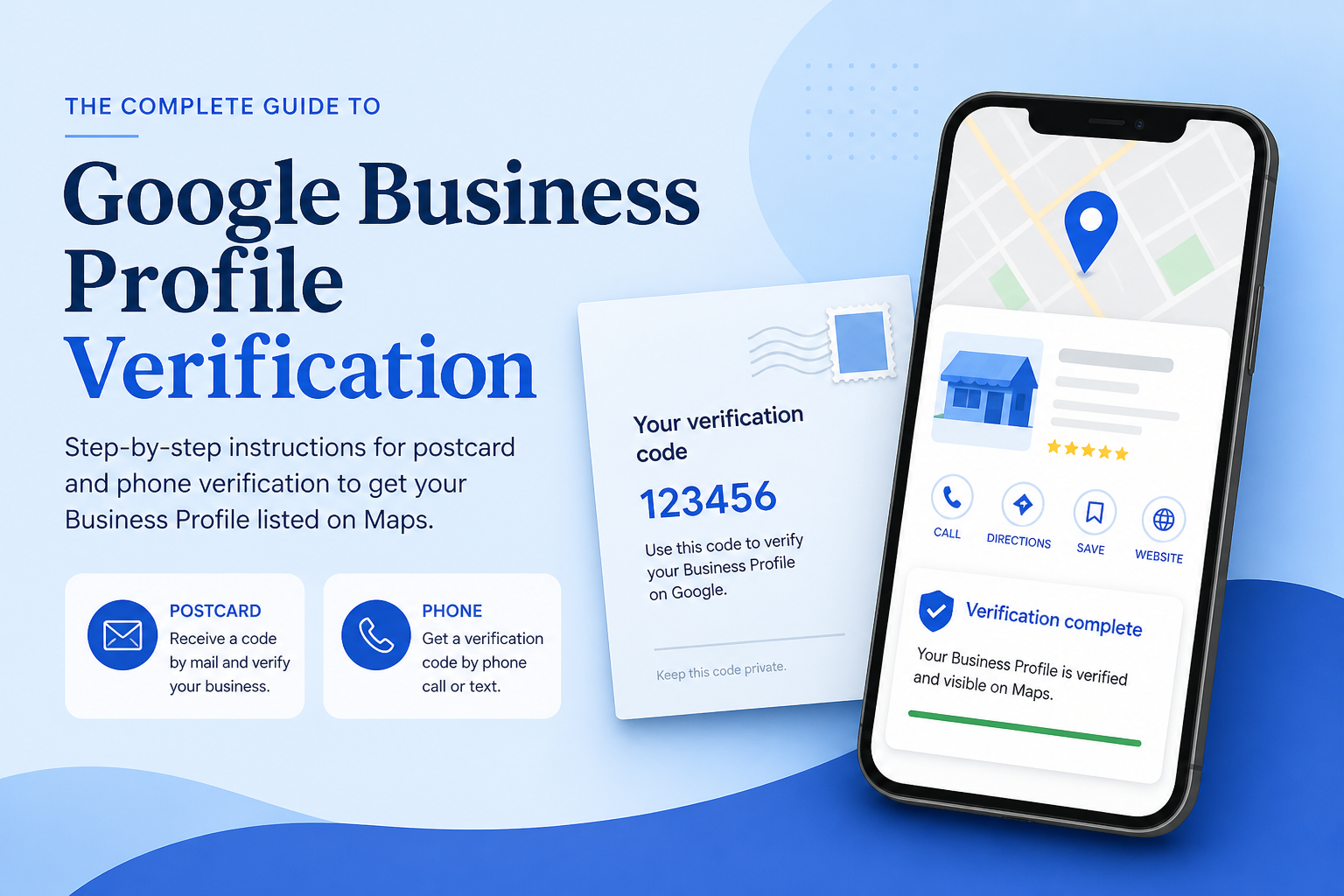
Why Google Requires Verification At All
Every unverified profile is invisible to searchers, appearing only in a preview state visible solely to the account that created it. This exists because local search is a frequent target for spam, fake locations, duplicate competitor listings, and businesses that do not actually exist at the address they claim. Verification is Google's way of confirming that a real business genuinely operates where and how it says it does, before granting it the visibility that comes with appearing on the map.
The tradeoff is real friction for legitimate businesses, but the alternative, a local search landscape flooded with unverifiable listings, would be worse for everyone, including honest business owners competing against them. Understanding this context helps make sense of why some verification methods feel more rigorous than others, particularly for categories with a history of abuse.
The Verification Methods Available in 2026
Postcard verification
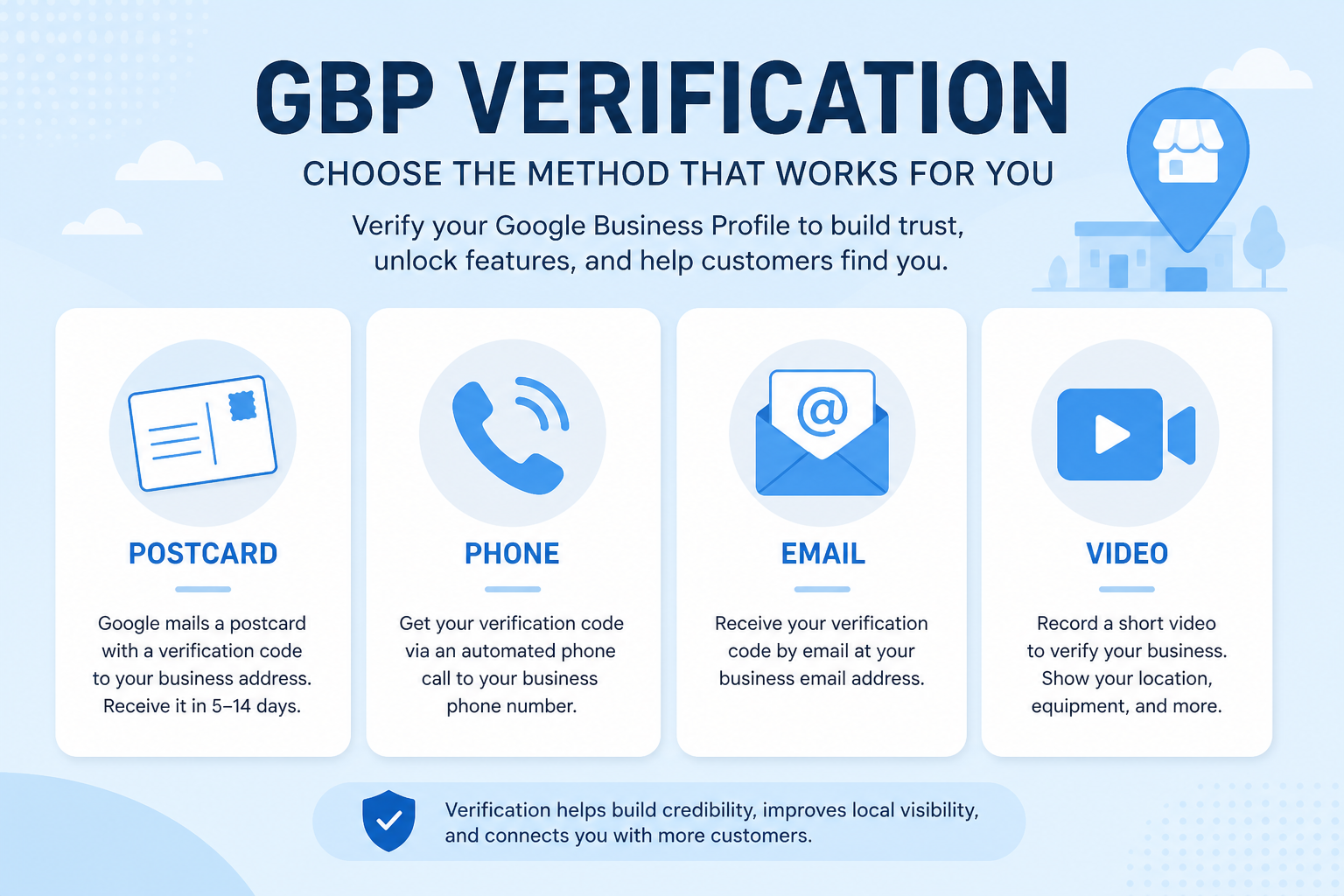
Postcard verification remains the most widely available method, particularly for new physical-address businesses. Google mails a printed card containing a verification code to your listed address, which typically arrives within five to fourteen days depending on location. The process is reliable but slow, and it only works if someone at the address is actively checking mail and the code is entered before it expires, usually within a set window of the postcard being requested.
Phone and email verification
Phone and email verification are the fastest methods when available, delivering a code instantly via an automated call, text, or email tied to the business. Not every business qualifies for these faster methods, eligibility depends on category, business history, and whether Google's systems already have some baseline trust signal about the account or business. When offered, always choose the faster method over postcard, since there is no advantage to waiting weeks unnecessarily.
Video verification
Video verification has become more common for service-area businesses and categories with a higher spam risk. It requires recording a short live video walkthrough showing your business signage, interior or work vehicle, and sometimes documentation like a business license, all within the Google Business Profile app. This method demonstrates real-world presence in a way a postcard cannot, but it also has a real rejection rate when the video is unclear, poorly lit, or does not clearly show the required elements.
| Method | Typical speed | Best suited for |
|---|---|---|
| Postcard | 5 to 14 days | New physical-address businesses without a verification history |
| Phone or email | Instant to same day | Established businesses that qualify for expedited methods |
| Video | Same day to a few days for review | Service-area businesses and higher-risk categories |
| Bulk verification | Varies, requires enrollment | Businesses managing ten or more locations |
How to Choose the Right Method for Your Business
In most cases you do not choose freely: Google's system determines which methods it offers based on your category, address type, and account history, and you simply select among whatever options appear. When more than one option is available, prioritize speed only when you are confident your documentation and business details are fully accurate, since a faster method still gets flagged for review if something does not match, and a rejected fast verification can sometimes take longer to resolve than a straightforward postcard would have.
For businesses with multiple locations, exploring bulk verification through Google's dedicated program can save substantial time compared to verifying each location individually, though it requires meeting eligibility criteria and a more formal application process. It is worth exploring the moment you cross five or more locations, since the individual method quickly becomes impractical at that scale.
| Item | Why you need it | Applies to |
|---|---|---|
| Government-issued ID or business license | Confirms legal ownership if requested | Video and some phone verifications |
| A signage photo or video-ready storefront | Visually confirms a real location | Video verification |
| An accurate, complete address | Ensures postcard delivery and prevents delays | Postcard verification |
| A working phone number tied to the business | Required for phone-based verification to succeed | Phone verification |
How Business Age and History Affect Verification
A brand-new business with no prior online footprint is often treated more cautiously by Google's verification systems than an established business with years of consistent activity, simply because there is less independent evidence available to corroborate the claim. This does not mean new businesses cannot verify quickly, but it does mean postcard or video verification is more likely to be the offered method rather than an instant phone or email option, since Google has less existing signal to lean on.
Established businesses with a consistent history, an existing website, prior citations, a track record of reviews on other platforms, sometimes qualify for faster verification precisely because that history already provides some of the corroborating evidence a newer business lacks. If your business has been operating for years before ever claiming its Google Business Profile, gathering that existing evidence, such as a business registration date, an established website, or prior directory listings, before starting verification can help if a manual review becomes necessary.
Rebranded or relocated businesses face a slightly different process
A business that rebrands under a new name or relocates to a new address may need to go through verification again, even if the underlying entity and ownership have not changed. This surprises many owners who assume verification is a one-time event tied to the business rather than tied to the specific combination of name, address, and category currently on file. Treat a significant rebrand or relocation as an opportunity to review your entire profile rather than just updating the fields that obviously changed.
What to Do When Verification Stalls or Fails
The postcard never arrives
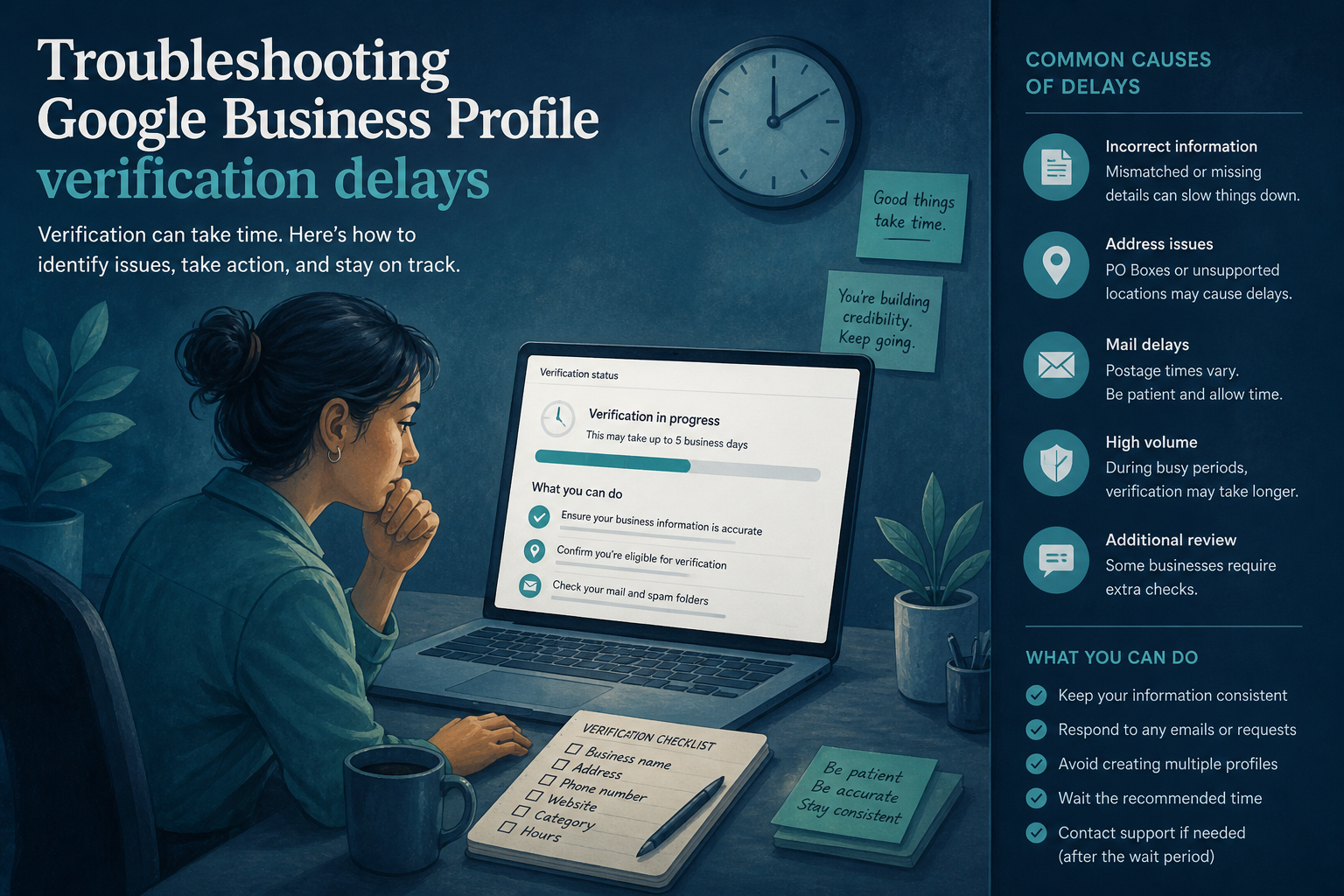
If a postcard has not arrived after the expected window, request a new one rather than waiting indefinitely, postcards do get lost in transit, and Google allows repeated requests. Double-check that your address is entered exactly as it should be delivered, including suite or unit numbers, since a technically correct but incomplete address is a common reason postcards get delayed or misdelivered.
Video verification gets rejected
A rejected video is almost always due to missing or unclear evidence rather than an actual guideline violation. Re-record with better lighting, make sure signage is clearly legible, and include every element the instructions specifically request, a work vehicle, a visible business license, or interior shots showing active operations. Rushing through a resubmission with the same gaps as the first attempt is the most common reason businesses get stuck in a repeated rejection cycle.
After Verification: What Actually Changes
Once verified, your profile becomes eligible to appear in Maps and local search results, assuming the rest of your setup is complete. Verification alone does not guarantee ranking, it simply removes the visibility gate. From here, the fundamentals covered in our GMB optimization guide and the broader local SEO playbook determine how well you actually compete once you are visible, and it is common for owners to treat verification as the finish line when it is really the starting point.
It is also worth revisiting your setup checklist immediately after verification, since some fields and features only become fully editable once a profile is confirmed, and completing them promptly gives you a head start rather than leaving a newly verified profile thin for weeks.
Frequently Asked Questions
How long does Google Business Profile verification usually take?
It depends entirely on the method: phone or email can be instant, video verification often resolves within a few days, and postcard verification typically takes five to fourteen days.
Can I choose which verification method to use?
Only among the options Google's system offers your specific business; you cannot request a method that is not presented, though faster options should always be prioritized when available.
What happens if my verification postcard expires before I enter the code?
You will need to request a new postcard and repeat the process, so enter the code as soon as it arrives rather than setting it aside.
Why was my video verification rejected without a clear reason?
Most rejections stem from unclear footage, missing required elements like signage, or poor lighting rather than an actual guideline violation, so re-recording with more thorough coverage usually resolves it.
Is bulk verification worth it for a small multi-location business?
It becomes worthwhile once you are managing roughly five or more locations, since the eligibility requirements and setup effort are less practical for just two or three.
Does verification affect my ranking directly?
No, verification only determines whether your profile is eligible to appear at all; it does not itself influence how well you rank once visible.
Can an unverified profile still be edited?
Yes, but changes remain unpublished and invisible to the public until verification is complete, so it is worth finishing verification before investing significant time in optimization.
Final Takeaway
Verification is not a formality to rush through carelessly, nor is it a mysterious gatekeeping exercise designed to frustrate legitimate businesses, it is a real, if imperfect, filter that protects the integrity of local search. Choose the fastest available method that matches your genuine business details, prepare documentation before you start rather than scrambling mid-process, and treat a rejection as a signal to add clarity rather than a dead end. Once verified, shift your focus immediately to the optimization work that actually determines how well you rank.