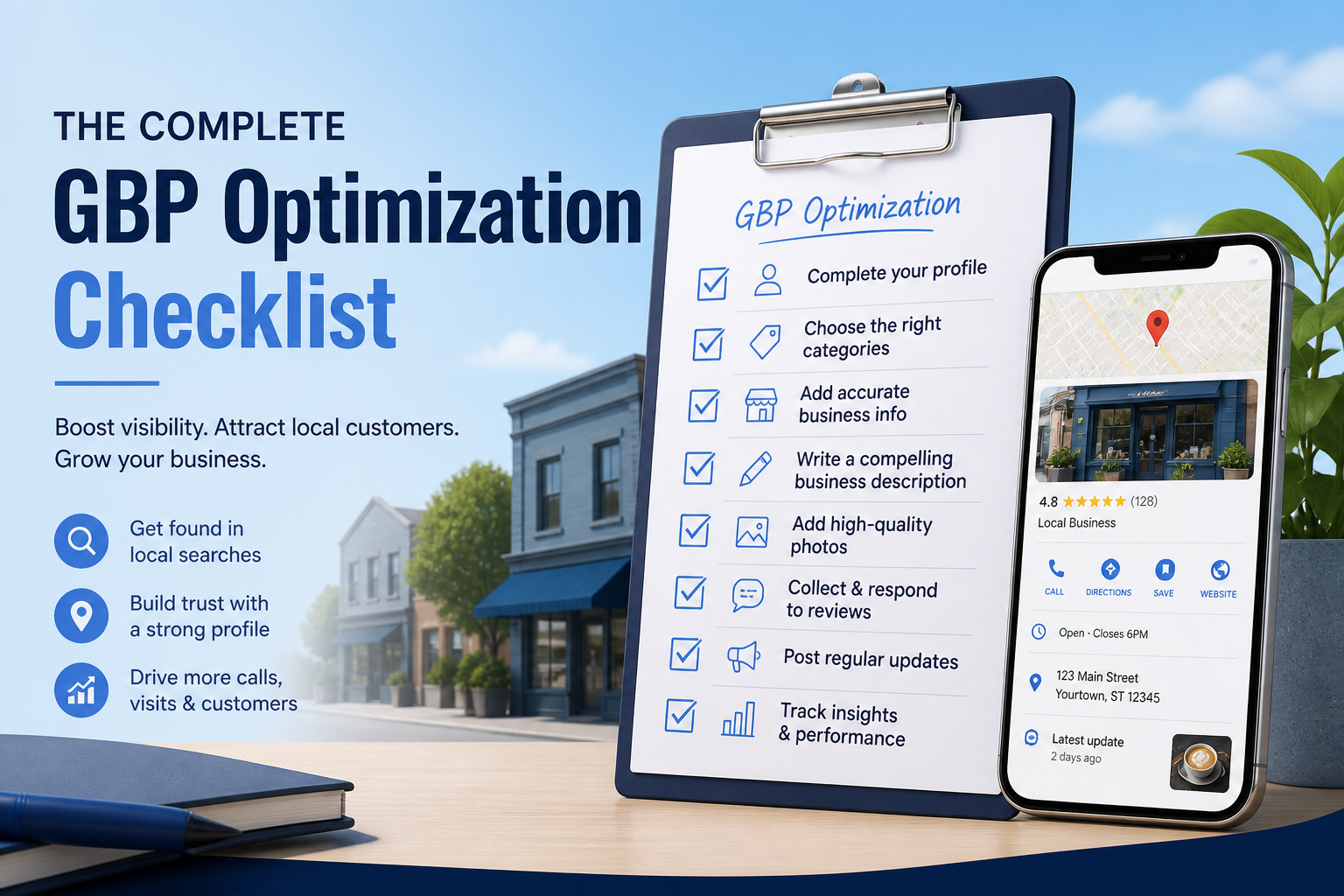
Most Google Business Profile advice comes as scattered tips, a post here about photos, a thread there about categories, which makes it hard to know if you have actually covered everything. This checklist organizes the work into a clear order: what to fix once during setup, what to maintain weekly, and what to review monthly, so nothing important gets skipped and nothing gets over-prioritized at the expense of higher-impact fundamentals.
This is not a magic list that guarantees a specific rank. It is a structured way to make sure your profile is not quietly losing visibility to easily fixable gaps while you focus energy elsewhere. Pair it with our full Google Business Profile optimization guide for the deeper reasoning behind each item.
Foundation Items: Fix These Once, Get Them Exactly Right
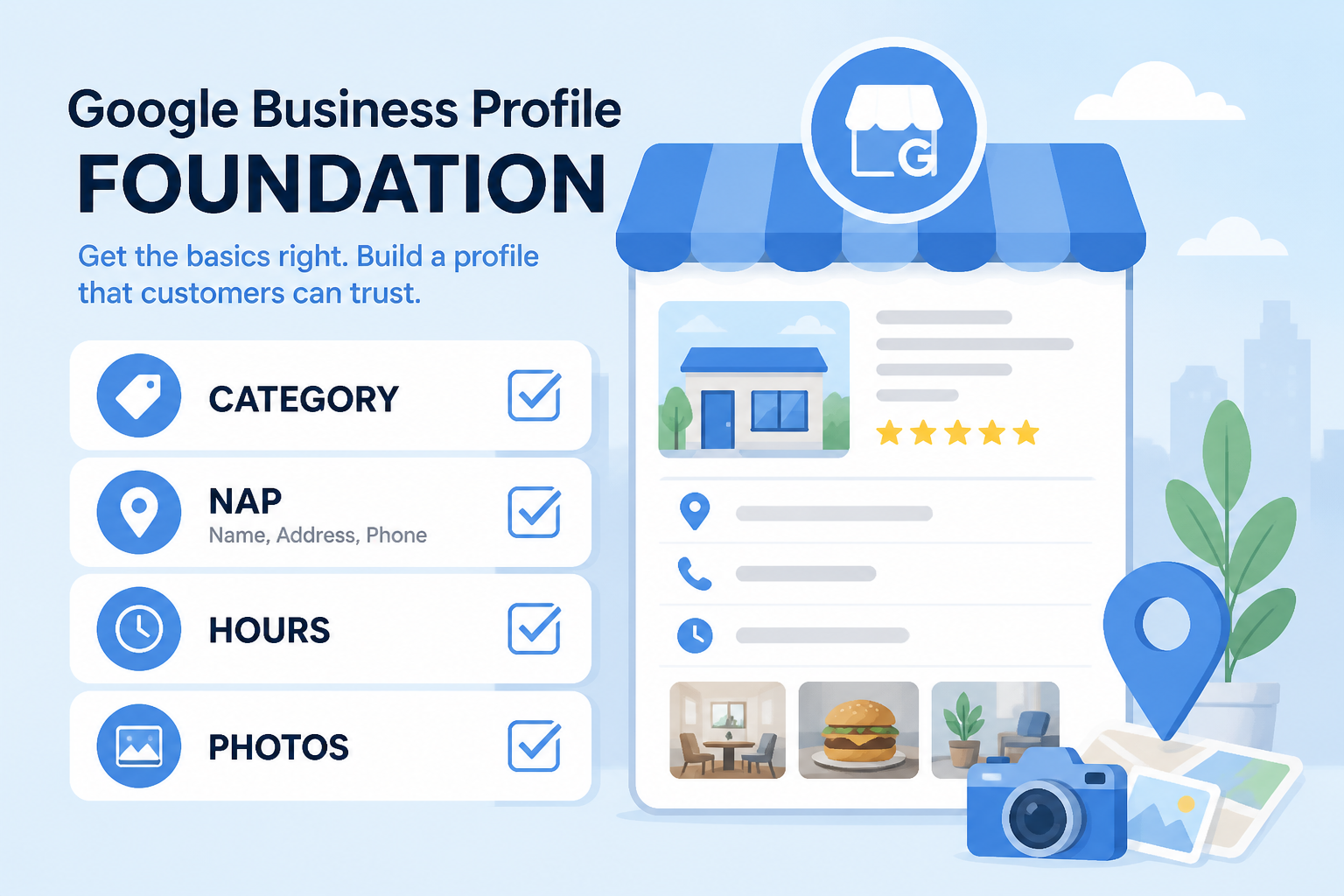
Start with your primary category, chosen by matching how customers actually search rather than internal industry terminology, and confirm secondary categories only add genuinely applicable services rather than padding the list. Verify your business name matches your real, legal signage exactly, no keyword-stuffed additions like "Best Plumber NYC" tacked onto the actual name, which violates guidelines and risks suspension rather than helping relevance. Confirm your address is precise if you are a storefront, or properly hidden with an honest service-area list if you travel to customers, a distinction covered in depth in our categories guide.
Complete every attribute that genuinely applies, wheelchair accessibility, payment types, women-led or veteran-led status if accurate, outdoor seating, and appointment-only flags. Fill the business description with a clear, specific, honest summary of what you do and who you serve, avoiding keyword stuffing. None of these are optional extras; each one is a small relevance or trust gap that a competitor with a complete profile is not leaving on the table.
| Item | Why it matters | Common mistake to avoid |
|---|---|---|
| Primary category | Directly ties profile to search intent | Choosing the closest-sounding option instead of the most accurate one |
| Business name accuracy | Guideline compliance and trust | Adding keywords or location names to the legal name |
| Address/service area setup | Feeds the distance ranking pillar | Public address shown for a pure service-area business |
| Attributes and description | Reinforces relevance and trust | Leaving fields blank or keyword-stuffing the description |
Weekly Maintenance: The Habits That Compound
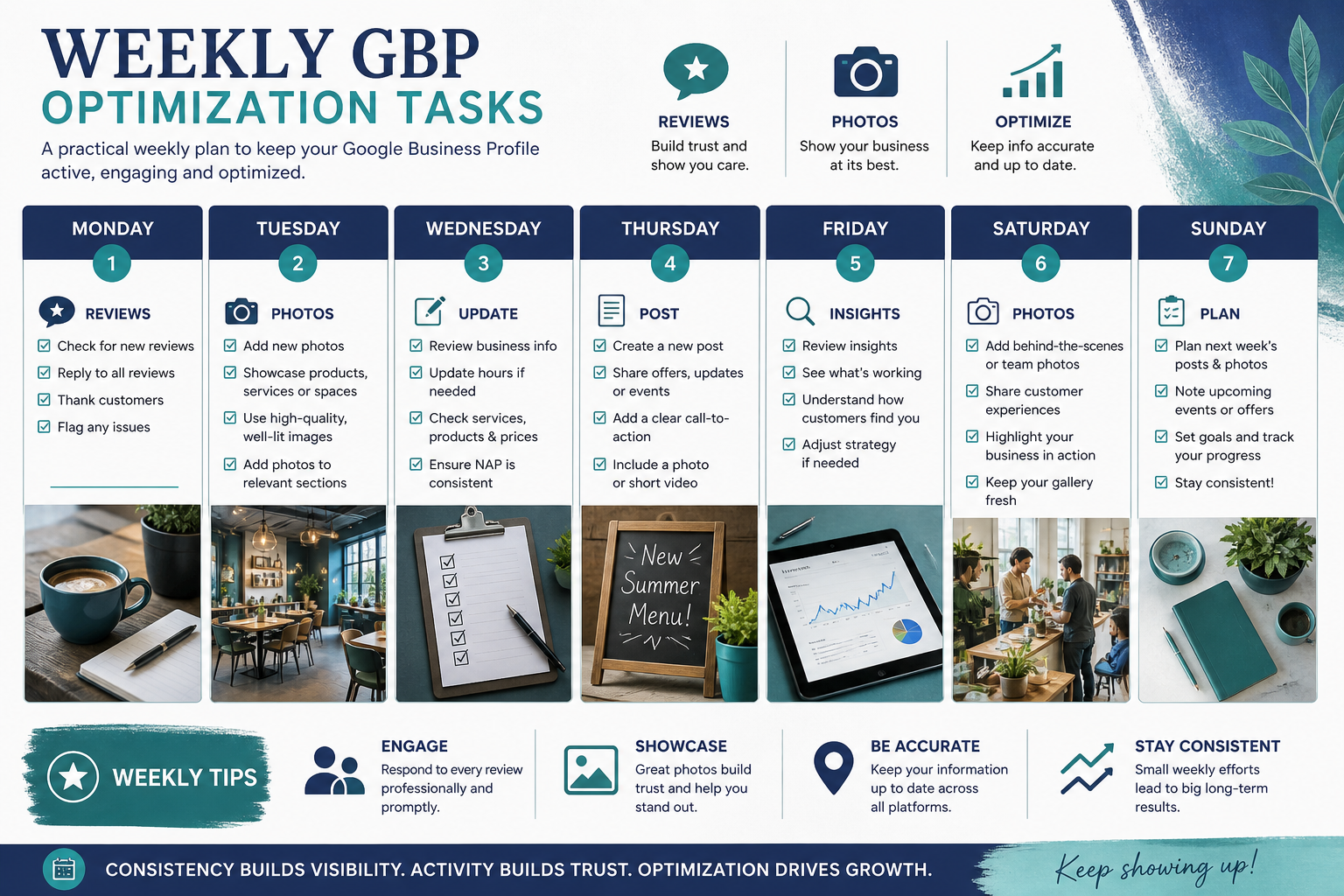
Request reviews from every satisfied customer
Build the ask into your actual service delivery, right after a completed job, at checkout, or in a same-day follow-up, rather than treating review requests as a separate campaign you remember occasionally. Consistency here compounds more than almost any other habit on this list.
Reply to every review within 48 hours
Whether the review is glowing or critical, a prompt, specific, human reply shows active management. Avoid copy-pasted templates that ignore the actual content of what a customer wrote; specificity signals genuine attention.
Upload two to three fresh, real photos
Real photos of the storefront, team, and completed work outperform stock imagery on both trust and engagement. A steady weekly trickle keeps the profile looking active without requiring a major photography project.
Publish one Google Post
A single, genuine update, offer, or seasonal note per week is enough to keep the profile looking current without turning it into a chore. Match the CTA to a real next step, call for urgent services, book for appointment-based businesses.
Monthly Review: Catch Drift Before It Becomes a Problem
Once a month, review your Insights for calls, direction requests, and website clicks over the trailing 90 days, looking for gradual declines that a weekly glance might miss. Check your service list and description for accuracy against what you currently actually offer, since businesses evolve and profiles quietly fall out of date. Search your own business name to confirm no duplicate listings have appeared from old employees, directory syncs, or a former partner.
Review your rank position across a realistic grid of nearby search points, not a single search from the office, using a tool like GBP Local Ranker to catch drift by neighborhood rather than assuming a single number represents your whole service area. Cross-reference any changes against recent edits, review patterns, or competitor moves before making further adjustments.
| Check | Where to look | Action if something is off |
|---|---|---|
| 90-day Insights trend | GBP dashboard Insights tab | Investigate cause before making profile changes |
| Service list accuracy | Your live profile | Update to reflect current, real offerings |
| Duplicate listing search | Search your exact business name broadly | Report and request a merge if found |
| Grid rank by neighborhood | A proper local rank tracker | Identify weak zones, adjust service-area or content focus |
Prioritizing When You Cannot Do Everything at Once
Most small business owners cannot execute every item on this list in one week, and that is fine. If time is limited, fix the foundation items first, category, name accuracy, address setup, since these affect relevance and distance most directly and getting them wrong undermines everything built on top. Reviews come next, because prominence takes the longest to build and benefits most from an early, steady start.
Photos and posts matter, but they are the layer that amplifies a healthy foundation rather than replacing it. Spending heavily on weekly content while the primary category is still wrong is a common, avoidable waste of effort, fix the structural items first, then let the maintenance habits compound on top of a correctly built base.
Adapting the Checklist for Multi-Location Businesses
Give every location its own genuine attention
Multi-location brands sometimes treat the checklist as a one-time exercise applied to a template, then copied across every branch. Each location has its own competitors, its own review base, and its own local nuances, so the foundation items in particular, category, address accuracy, description, deserve location-specific attention rather than a single copy-pasted setup.
Assign clear ownership for weekly habits per location
Weekly habits like review replies and photo uploads tend to fall through the cracks when no single person is responsible for a specific location. Assigning a named owner per location, even if it is a rotating regional manager, keeps the maintenance habits from silently lapsing the way they often do under vague shared responsibility.
Roll up monthly reviews into a single dashboard
For brands with more than a handful of locations, checking Insights and rank data one listing at a time becomes impractical. Consolidating monthly review data into a single view makes it far easier to spot which specific locations are drifting from the checklist before the gap becomes large enough to show up as a visible ranking problem.
Tools and Habits That Make the Weekly Routine Easier
Use a shared calendar for posts and photo reminders
A simple shared calendar with a recurring weekly reminder for posting and photo uploads removes the reliance on remembering to do it manually. Multi-person teams benefit especially from this, since a visible shared reminder prevents the common problem of everyone assuming someone else handled the weekly task, which is how weekly habits quietly stop happening without anyone noticing for months.
Template your review request messages, but personalize the details
A consistent base template for review request messages saves time, but taking thirty seconds to reference the actual service performed makes the request feel genuine rather than automated, which measurably improves response rates compared to a fully generic message sent to every customer regardless of what they actually experienced.
Automate what you can, but keep replies human
Scheduling tools can help queue up posts and photo uploads in advance, but review replies should stay personally written rather than templated word-for-word, since customers and Google's trust systems both respond better to specific, genuine engagement than to obviously automated responses that ignore what the reviewer actually wrote.
None of these tools replace judgment. A shared calendar only helps if someone actually checks it, and a review request template only works if it still sounds like a real person wrote it. Treat automation as a way to remove friction from tasks you have already committed to doing consistently, not as a substitute for the underlying discipline of showing up every week. Businesses that build these small systems early tend to sustain the weekly habits far longer than those relying purely on willpower, which is where most good intentions around profile maintenance eventually break down.
Frequently Asked Questions
How long does it take to fully optimize a Google Business Profile?
The foundation items can typically be completed in a few hours to a day. Building the full benefit through reviews, photos, and posts is an ongoing process that continues for as long as the business operates.
What is the single highest-priority item on this checklist?
Getting the primary category exactly right, since it affects relevance more directly than almost anything else and is harder to correct for later without some disruption.
Do I need to complete every attribute even if some do not apply?
No, only complete attributes that genuinely apply to your business. Marking inaccurate attributes to appear more appealing can mislead customers and create trust problems.
How often should I actually check my Insights data?
A monthly review is usually sufficient to catch meaningful trends without becoming an unproductive daily habit that reacts to normal short-term fluctuation.
Is it worth hiring someone to manage this checklist, or can I do it myself?
Many small businesses manage it themselves successfully with a consistent weekly routine. Hiring help makes more sense when time is genuinely limited or when managing multiple locations.
What should I do if my Insights show a steady decline despite following this checklist?
Investigate recent edits, review patterns, competitor changes, and possible duplicate listings before assuming the checklist itself failed, since an external cause is often responsible.
Can following this checklist guarantee a top ranking?
No checklist can guarantee a specific rank, since competition, reviews, and market conditions vary. This checklist maximizes the controllable factors and removes easily avoidable gaps.
Final Takeaway
A genuinely optimized Google Business Profile is not a one-time project; it is a foundation built correctly once, followed by simple weekly habits and a monthly check for drift. Skip the foundation and the weekly habits will not matter much. Skip the weekly habits and even a perfect foundation will slowly go stale. Work through this checklist in order, and revisit the monthly section every month without fail, that discipline outperforms almost any single advanced tactic.