Type "does adding an address help my Google ranking" into any search bar and you'll find confident answers on both sides. Some agencies swear that filling in a complete street address instantly lifts a listing in the Map Pack. Others insist address changes do nothing at all. The honest 2026 answer sits in between, and it depends heavily on one question most owners never stop to ask: is your business a storefront that customers physically visit, or a service-area business that travels to the customer?
Get that distinction wrong and an address change can do nothing, confuse Google's systems, or in the worst cases trigger a suspension right before your busiest season. Get it right and you remove a source of ranking uncertainty that has nothing to do with reviews, categories, or content, it is purely about location accuracy. This guide walks through both business models, the real risks of fake or virtual addresses, and a practical audit you can run on your own profile today.

Storefront vs Service-Area Business: Two Completely Different Rules
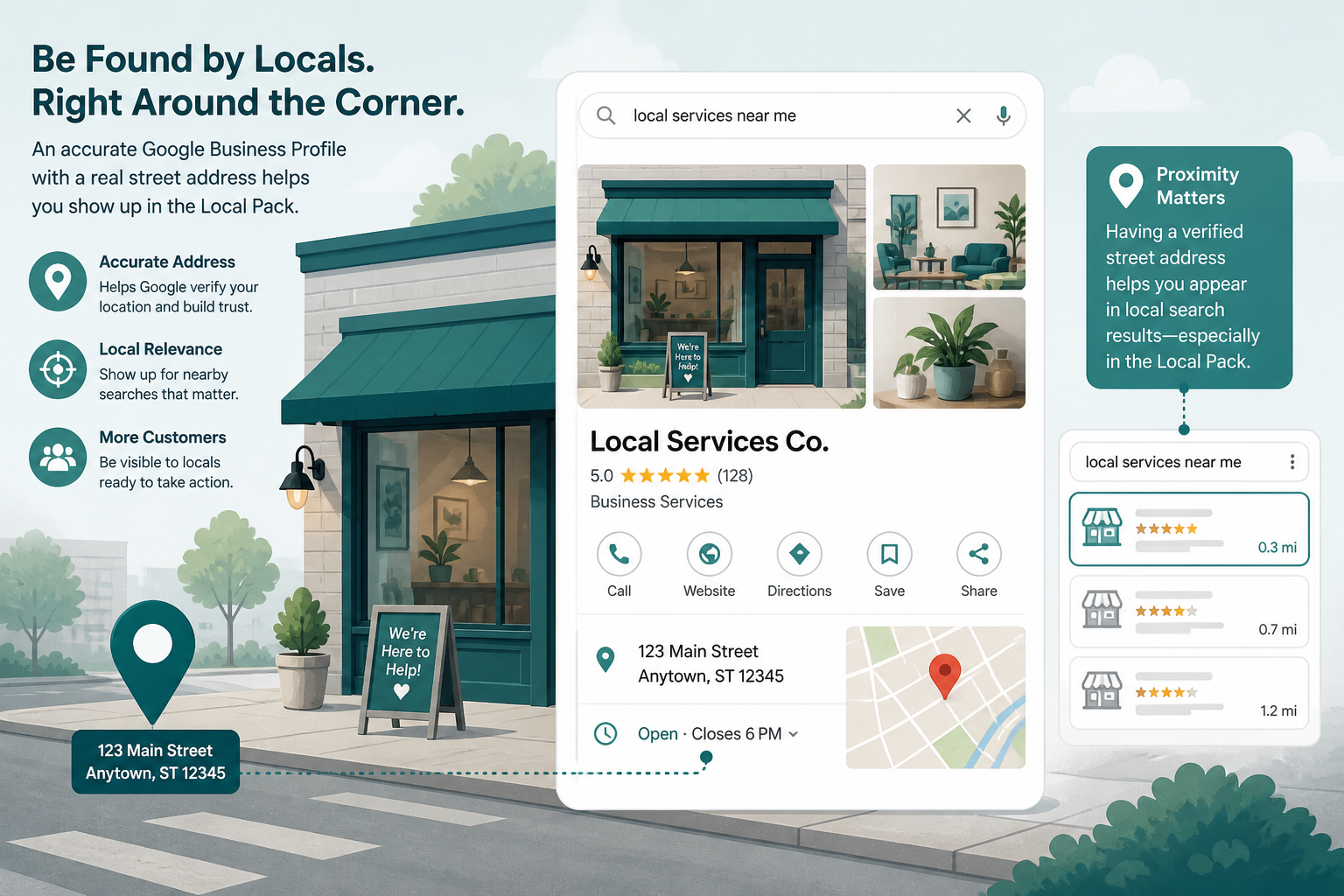
If customers or clients walk into your location, a clinic, a retail shop, a restaurant, a salon, you are a storefront business, and Google expects a full, public, precise address. Adding a complete address to a previously incomplete or vague profile can genuinely help, not because the text itself is a ranking factor, but because it lets Google geocode your exact position instead of estimating from a city or postal code centroid. That precision directly affects the distance pillar of local ranking, and distance is one of the few factors you can neither fake nor ignore.
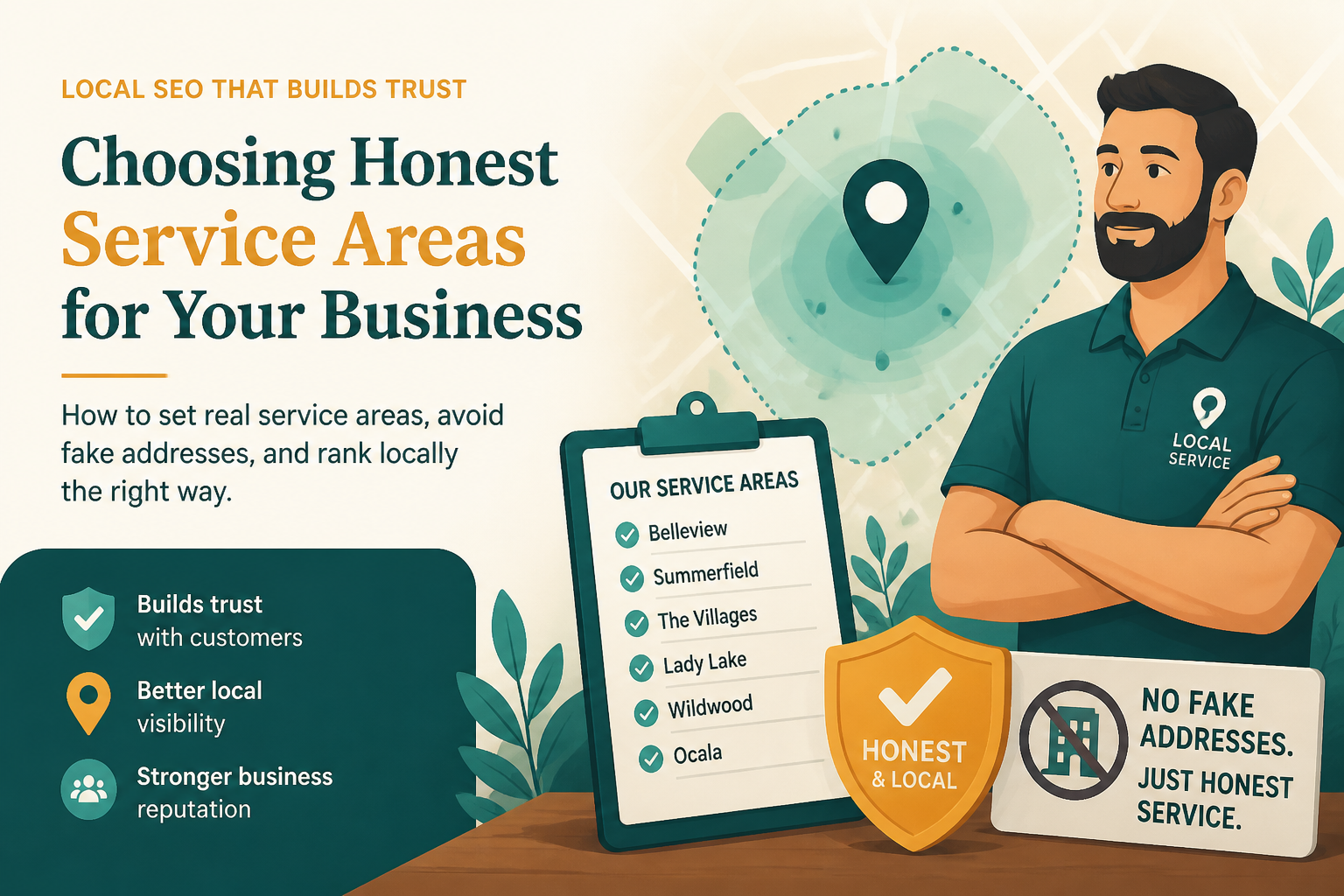
If you travel to customers instead, plumbers, cleaners, mobile groomers, electricians, home inspectors, you are a service-area business (SAB), and Google's guidelines are explicit: hide your street address and instead declare the cities, postal codes, or regions you actually serve. Showing a public address as an SAB when customers never visit it is a guideline violation, and more importantly, it does not improve your ranking. Google already excludes SABs from ranking based on a visible street address; what actually matters is the service-area list and your real driving radius.
| Business type | Address visibility | What actually affects rank | Common mistake |
|---|---|---|---|
| Storefront (retail, clinic, restaurant, gym) | Public, complete, and precise | Exact geocoded pin location matching the real entrance | Vague or slightly wrong pin location |
| Pure service-area business (plumber, cleaner, mobile groomer) | Hidden from public view | Declared service-area cities/postal codes and real driving radius | Leaving the address publicly visible |
| Hybrid (storefront that also travels to customers) | Public storefront address plus a service-area list | Both pin accuracy and an honest, drivable coverage radius | Claiming service areas hours away from the storefront |
Why a "Better" Address Alone Will Not Fix Your Rankings
Renting a virtual office to look more central
A common shortcut is renting a virtual mailbox or shared desk near the city center specifically to look closer to more searches. Google's guidelines require a business to be staffed at the address during posted hours for it to be eligible as a physical location, and spam-detection systems in 2026 are considerably faster at flagging addresses with no real signage, no consistent visitor pattern, and dozens of unrelated businesses registered at the same suite. When one of these gets caught, the listing is usually suspended, not just corrected, which erases far more visibility than the virtual address ever added.
Multiple listings clustered at one building
Franchises and multi-brand operators sometimes register several businesses at a single coordinate to cover more search real estate. Competitors notice this quickly and report it, and Google's review teams treat duplicate-location patterns as a strong spam signal. A single accurate, well-verified listing per genuinely separate business location will always outperform three questionable ones sitting on top of each other, because the weak listings drag suspicion onto the whole cluster.
Editing a significant portion of the address without expecting review
Changing a street number, unit, or city on an already-verified profile can trigger Google to re-check the listing, sometimes pausing visibility for days while it reviews the edit. This is not a punishment for having a real business, it is simply how the system protects against hijacking. Plan address corrections during a slower period, document the reason for the change, and avoid touching the address right before a seasonal demand spike if you can help it.
What Actually Moves the Needle Around Address
The real lever is not the label on the profile; it is whether the pin sits on your actual entrance and whether your declared coverage matches reality. Drag the map pin manually to the correct spot rather than trusting the auto-placed default, confirm it against street view, and double-check the postal code and suite number so navigation apps route people accurately. This kind of accuracy work pairs naturally with getting your primary category right, since relevance and distance reinforce each other rather than working in isolation.
For a full walkthrough of the fields Google actually weighs beyond the address field, our GMB optimization guide and broader local SEO playbook cover the full checklist, from hours and attributes to service lists, so an address fix does not happen in isolation from everything else that determines whether you show up for the right searches.
| Symptom | Likely cause | What to check first |
|---|---|---|
| Ranking well near the office, poorly a few kilometers out | Service area too narrow, or pin sits slightly off the real entrance | Re-drag the pin, widen the service-area list realistically |
| Visibility dropped right after an address edit | Edit triggered a re-verification review | Wait it out, open a support case if it drags past two weeks |
| Two branches show nearly identical descriptions and photos | Duplicate-location spam signal | Differentiate content, verify each location independently |
| A service-area business shows a full public address | Privacy setting misconfigured during setup | Switch to hidden address, add a proper service-area list |
A Practical Address Audit You Can Run Today
Start by confirming your business model honestly: do customers ever walk in, or do you always travel to them? That single answer decides whether your address should be public or hidden. Next, open the map view and zoom in until you can see the actual building outline, then drag the pin onto the real entrance rather than the street midpoint. Compare your listed service areas against a realistic drive-time radius, most local businesses overestimate how far they are genuinely willing to travel, and an inflated radius invites both bad-fit leads and a fuzzier distance signal.
There is no guaranteed jump in position from any single address change, and anyone promising a fixed number of ranking spots for correcting an address is overselling a technical fix. What an accurate address does deliver is the removal of a quiet source of doubt that Google's systems otherwise have to guess around, and doubt rarely helps a listing competing against two others that clearly documented honest information about where they actually operate.
How Address Accuracy Fits Into a Larger Local SEO Strategy
Address accuracy is one input among many, and treating it as a standalone fix rather than part of a coordinated strategy limits its impact. Businesses that combine an accurate address or service-area setup with a correctly chosen primary category see the clearest results, because relevance and distance are evaluated together, not in isolation. A perfectly geocoded pin attached to a mismatched category still struggles to appear for the searches that matter, just as a perfect category paired with a wrong pin location fights against a signal that cannot be talked around no matter how good the rest of the profile looks.
Think of address work as the first of several coordinated fixes rather than a finish line on its own. Once the pin and visibility settings are correct, attention naturally shifts to review velocity, photo freshness, and how completely the profile describes real services, the layers that build prominence over months rather than being solved by a single settings change. Businesses that sequence their optimization this way, fixing structural fundamentals like address and category first before investing heavily in content and outreach, tend to see steadier, more durable improvement than those chasing whichever tactic happened to appear in a forum thread that week.
It also helps to revisit address and service-area accuracy periodically rather than assuming a one-time setup lasts forever. A business that expands its team, adds a second vehicle, or moves to a larger location needs to update these settings to reflect the new reality, and forgetting to do so can leave a growing business quietly stuck with an outdated coverage picture that no longer matches its real capacity.
Frequently Asked Questions
Does adding a street address improve my Google Maps ranking?
Only if your profile previously lacked precise location data and you are a storefront business. The improvement comes from more accurate geocoding, not from the address field itself carrying ranking weight.
Should a service-area business ever show a public address?
No, unless customers can also visit that address in person. If it is purely an office with no walk-in customers, Google's guidelines require hiding it and relying on the service-area list instead.
Can changing my business address hurt my rankings?
It can cause a temporary dip while Google reviews the change, especially for significant edits like a different street or suite. Minor corrections like a fixed typo rarely cause noticeable disruption.
Is using a virtual office address against Google's rules?
Yes, if no one is genuinely staffed there during posted hours. Google's guidelines require real activity at any address used for a physical-location listing, and enforcement has gotten faster in 2026.
Will hiding my address hurt my local search visibility?
No, not if you are a legitimate service-area business. Hiding the address is the compliant setup, and ranking then depends on your declared service areas and the same relevance and prominence factors as any other listing.
How precise does my map pin actually need to be?
As close to the real entrance as possible. A pin sitting on the wrong side of a large complex or a neighboring building can measurably affect proximity calculations for nearby searches.
What if several unrelated businesses share one building address?
That is normal for office parks and strip malls. Make sure each listing represents a genuinely separate, verifiable business with distinct signage or suite numbers, and avoid registering multiple brands you control at the exact same coordinates.
Final Takeaway
Does adding an address improve Google Business Profile rankings? For a genuine storefront with an incomplete or imprecise listing, yes, precision closes a real gap in the distance signal. For a service-area business, a visible address does not help and can create risk; hiding it and listing honest coverage areas is the correct move. Either way, the winning strategy is accuracy over cleverness: match what Google sees to what is actually true about your business, and let the rest of your profile, categories, reviews, photos, and services, do the heavier lifting.