Every Google Business Profile falls into one of two structural categories, and choosing incorrectly, or leaving the setting misconfigured, quietly caps how well a listing can ever rank. A service-area business (SAB) travels to the customer and hides its address from public view, while a physical-address business operates from a storefront, office, or location customers visit directly. The distinction sounds simple, but a large share of the profiles we review have this setting wrong, either because it was never revisited after the business changed, or because it was misunderstood at setup and never corrected.
This guide breaks down exactly how each model works inside Google Business Profile, the ranking implications of each, and, most importantly, how to decide which one actually fits your business rather than which one seems easier to configure. Getting this right matters more than almost any other single setup decision, because it directly shapes the distance signal that feeds your local rankings.
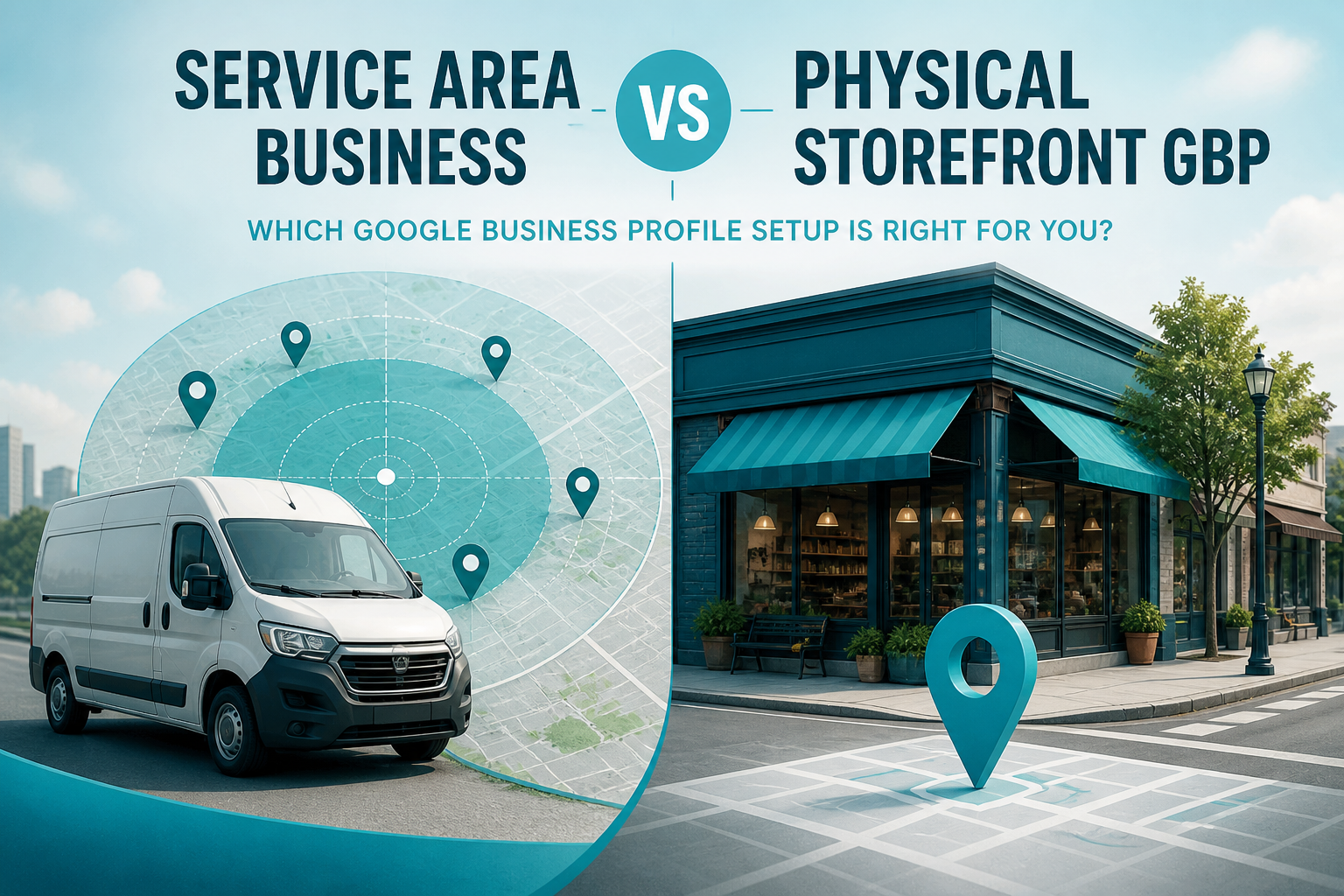
What a Physical-Address Business Actually Means to Google
A physical-address business is any listing where customers are expected to visit the location itself, a retail store, a restaurant, a dental office, a hair salon. For these businesses, the address is public, pinned precisely on the map, and used directly as the distance signal in local search. Google treats the address as ground truth: the closer a searcher is to that pin, the more likely the business appears prominently for a nearby, non-branded search, all else being equal.
This model rewards precision. A pin placed slightly off from the actual entrance, a suite number left out, or an address that technically sits in a building shared with unrelated businesses can all create friction, both for customers trying to find you and for Google's own verification systems. Getting the address exactly right is one of the simplest, highest-leverage steps a storefront business can take, covered in more depth in our guide on whether adding an address improves rankings.
What a Service-Area Business Actually Means to Google
A service-area business (SAB) is one that travels to customers rather than serving them at a fixed location, most plumbers, electricians, cleaning services, and mobile pet groomers fall into this category. When configured correctly, the SAB setting hides your specific street address from public view while still letting you define a list of cities, zip codes, or a radius that represents where you actually provide service. Google uses this service-area list, rather than a single fixed pin, as the basis for relevance and distance calculations.
Why the service-area list has to be honest
The single biggest mistake SABs make is listing service areas far beyond where they can realistically and promptly serve a customer, hoping to appear in more searches. Google has repeatedly signaled that overly broad service areas can hurt relevance and even trigger review, and functionally, a business that claims to serve a two-hour radius rarely ranks well anywhere within it, because true local relevance gets diluted across too wide a footprint. Our companion guide on choosing service areas correctly walks through exactly how to build this list realistically.
Head-to-Head: Ranking Mechanics Compared
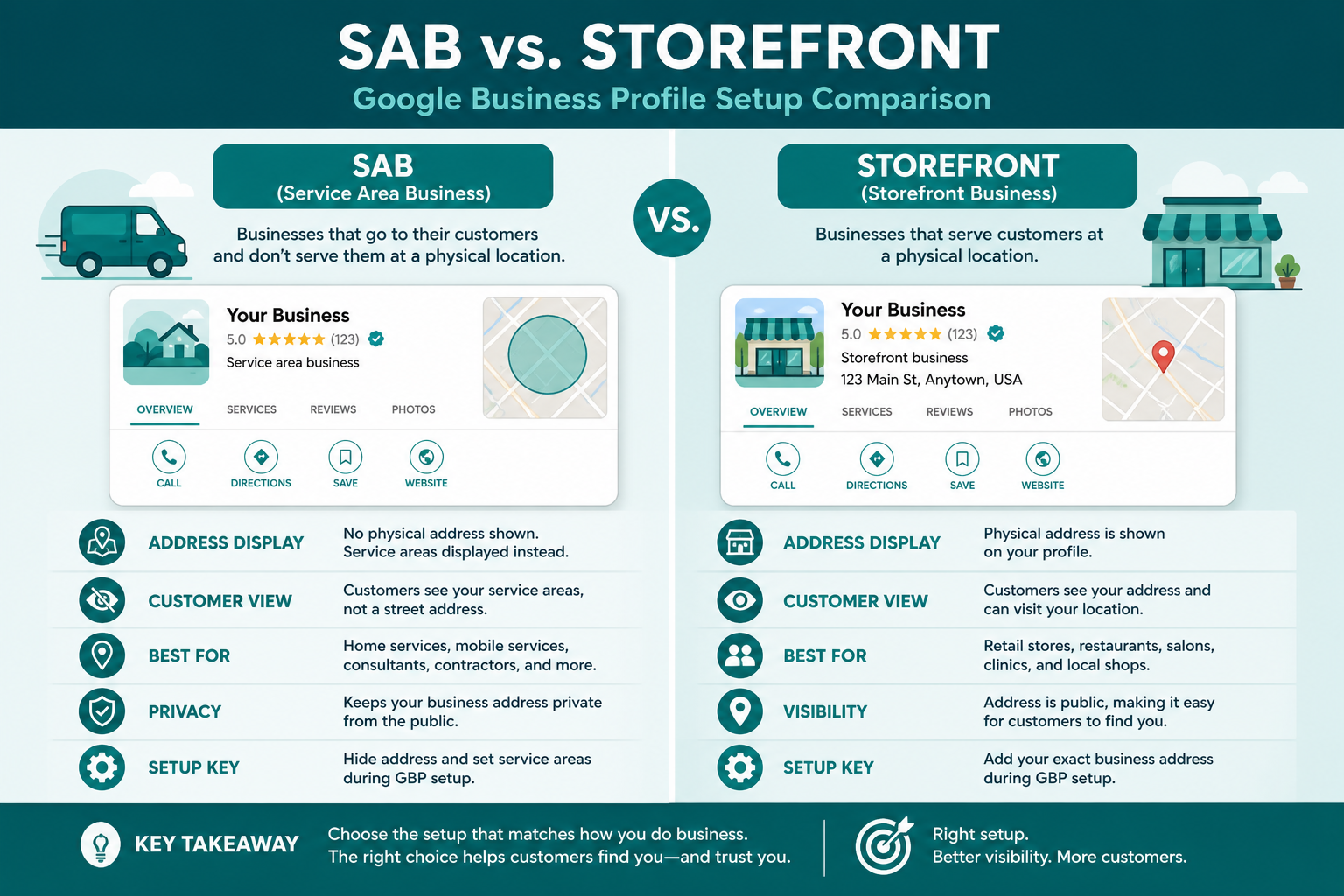
The core difference comes down to what Google uses as the distance anchor. A physical-address business gets ranked from a single, precise point on the map. A properly configured SAB gets evaluated against the specific cities or zips it claims to serve, without ever publicly exposing an exact address. This means an SAB can realistically rank well across several distinct towns if it genuinely operates in all of them, while a storefront's ranking strength is naturally concentrated closest to its one physical pin and fades with distance.
| Factor | Physical-address business | Service-area business |
|---|---|---|
| Address visibility | Public, pinned exactly on the map | Hidden from public view |
| Distance signal | A single fixed location | Declared service cities or zip codes |
| Best fit for | Retail, restaurants, medical, salons | Trades, mobile services, contractors |
| Ranking spread | Strongest near the storefront, fades with distance | Can spread across multiple genuine service cities |
| Common mistake | Imprecise pin placement | Overly broad, unrealistic service area |
Which One Should You Actually Choose?
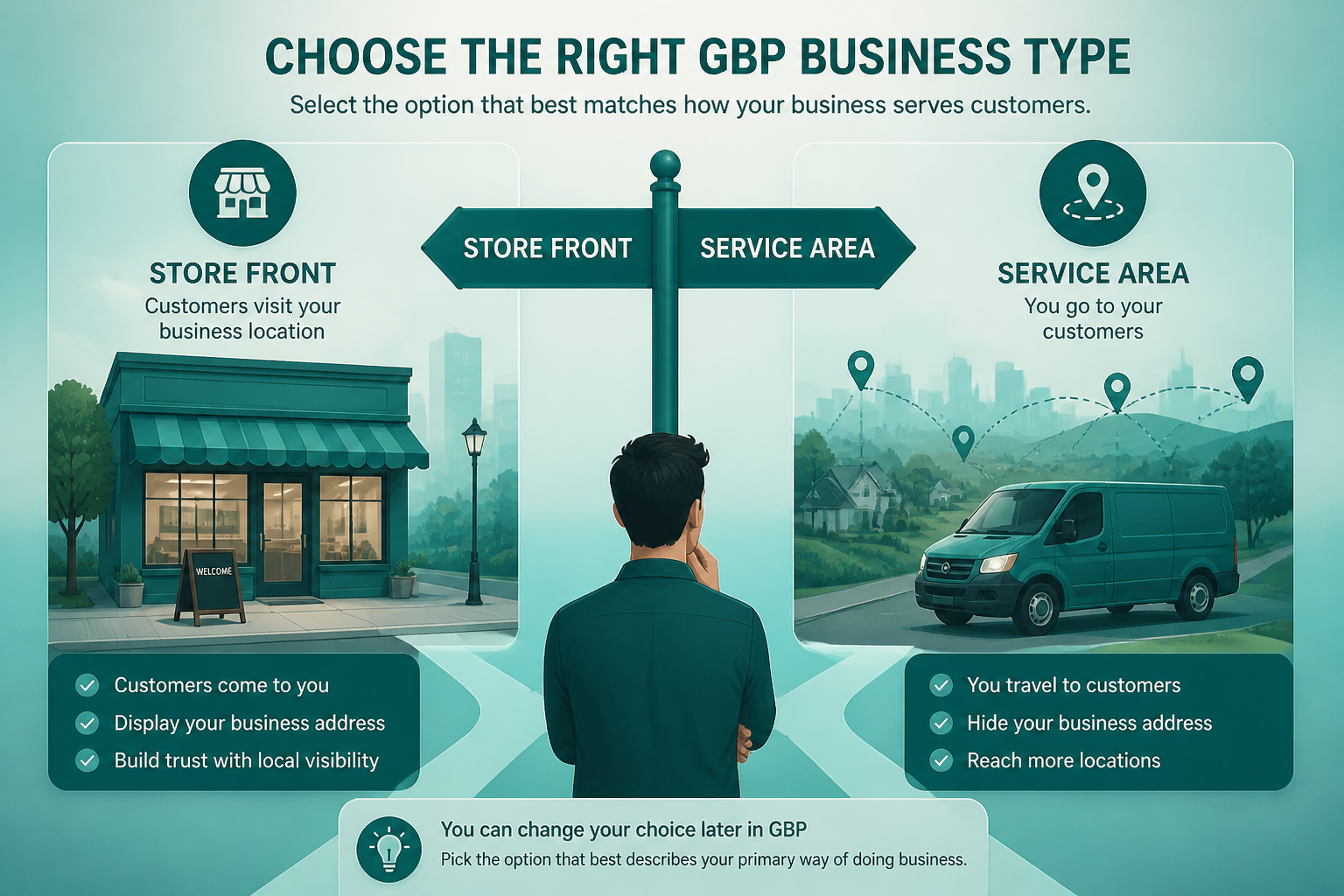
The decision is rarely as ambiguous as it first appears once you ask one honest question: do customers come to you, or do you go to them? A business that operates from a fixed office but also travels for some jobs, a mobile mechanic with a small shop, for instance, usually still qualifies as a physical-address business if the office is a genuine, staffed location customers can visit, with the SAB list layered in for the areas served beyond it. Hybrid setups are supported, but they require honesty about which model actually describes the majority of your customer interactions.
Businesses that operate purely from a home office with no public-facing location should almost always use the SAB setting and hide the address, since listing a home address publicly not only violates guidelines in most cases but also creates real privacy and safety concerns. Our broader guide on improving local rankings without a storefront covers exactly how SABs can still compete effectively against physical-address competitors despite the hidden address.
Common Misconfigurations That Quietly Hurt Both Types
Storefront businesses frequently misconfigure the reverse problem: hiding an address that should be public, usually out of an outdated privacy concern, which strips away the exact distance signal that would otherwise help them rank for nearby searches. SABs make the opposite mistake almost as often, accidentally leaving a home address publicly visible because the SAB toggle was never enabled, or because it reverted during a profile edit. Both mistakes are simple to check and fix, and yet both persist for months on profiles that were never audited after initial setup.
A quick audit takes only a few minutes: search your own business name, confirm whether your address is publicly shown as expected for your model, and cross-check your service area list against the cities you can genuinely reach within a reasonable timeframe. This single check resolves a surprising share of ranking plateaus that owners otherwise attribute to more complex causes.
| Check | What it should show for your model | If it does not match |
|---|---|---|
| Address visibility | Public for storefronts, hidden for SABs | Toggle the setting and re-verify if needed |
| Service area list | Cities you can realistically reach same-day | Trim distant areas that dilute relevance |
| Pin placement | The exact entrance location, not a rooftop guess | Drag the pin manually to the correct spot |
| Recent edits | Stable for at least 60 days | Avoid further changes until rankings stabilize |
The Real Cost of Getting This Setting Wrong
The cost of a misconfigured business model setting rarely shows up as a dramatic, obvious failure, it shows up as a slow leak of missed opportunity that is easy to overlook because nothing appears technically broken. A storefront business hiding its address loses the proximity advantage that would otherwise put it ahead of a competitor sitting slightly farther away but displaying an exact location. A service-area business with an overly broad service list wastes whatever relevance it does earn by spreading it too thin across a footprint it cannot realistically and promptly serve, showing up weakly everywhere instead of strongly close to home.
There is also a real customer trust cost that outlasts any single ranking calculation. A customer who drives to a pinned address expecting a storefront and finds nothing there loses confidence immediately, and that experience often gets shared in a review that follows the business indefinitely. A service-area business that lists a service area it cannot realistically reach same-day creates the same kind of disappointment when a customer calls expecting prompt service and instead waits far longer than anticipated. Both problems are entirely preventable once the underlying model is configured honestly.
This is worth revisiting after any business change
Any time your business changes meaningfully, opening a second location, closing a storefront, or expanding into new service areas, revisit this setting rather than assuming the original configuration still fits. A business that outgrows its original setup without updating this one field is quietly working against its own visibility, regardless of how much effort goes into every other part of the profile.
Switching Between Models: What Happens to Your Rankings
Businesses sometimes need to switch, a service business that opens a public storefront, or a retail business that closes its physical location and shifts to service-only. Switching is supported, but expect a short adjustment period as Google's systems re-evaluate the new distance signal against your review and prominence history, which typically carries over even though the location-based ranking mechanics change. Avoid switching back and forth repeatedly, since frequent changes to this setting can read as inconsistent or suspicious rather than reflecting a genuine business change.
Frequently Asked Questions
Can a business be both a physical-address and a service-area business?
Yes, a hybrid setup is supported when a business has a genuine public location but also travels for some jobs, as long as the service-area list reflects realistic additional coverage.
Is it bad to hide my address if I actually have a storefront?
Yes, hiding an address that should be public removes a precise distance signal that would otherwise help nearby searchers find you, and it can also confuse or frustrate customers trying to visit.
How many service areas can a service-area business list?
Google allows up to twenty service areas, but listing the maximum is rarely the right strategy; a shorter, honest list matching where you actually serve customers usually performs better.
Does switching from physical to service-area hurt my rankings?
It can cause a short adjustment period while Google re-evaluates the new distance signal, but your review history and prominence signals generally carry over.
Can I use a P.O. Box as my address for a physical-address business?
No, Google requires a real, staffed location for physical-address businesses, and using a P.O. Box or virtual office risks suspension.
What if I work from home but occasionally see clients there?
If client visits are rare and not the primary way you operate, most home-based businesses are still better suited to the service-area setting with the address hidden.
Do service-area businesses rank lower than physical-address businesses?
Not inherently, a well-configured SAB with strong reviews and an honest service area can rank very competitively against nearby physical-address competitors.
Final Takeaway
Neither model is inherently better than the other, each is designed for a genuinely different kind of business, and choosing the one that honestly matches how you actually operate is what makes the ranking mechanics work in your favor rather than against you. Review your current setting today, confirm your address visibility matches your business type, and make sure your service areas or your pin placement reflect reality rather than aspiration. Pair the right structural setup with the fundamentals in our GMB optimization guide and local SEO playbook, and this one setting stops being a hidden ranking ceiling.