Welcome to Google Business Profile: Your Local Marketing Foundation
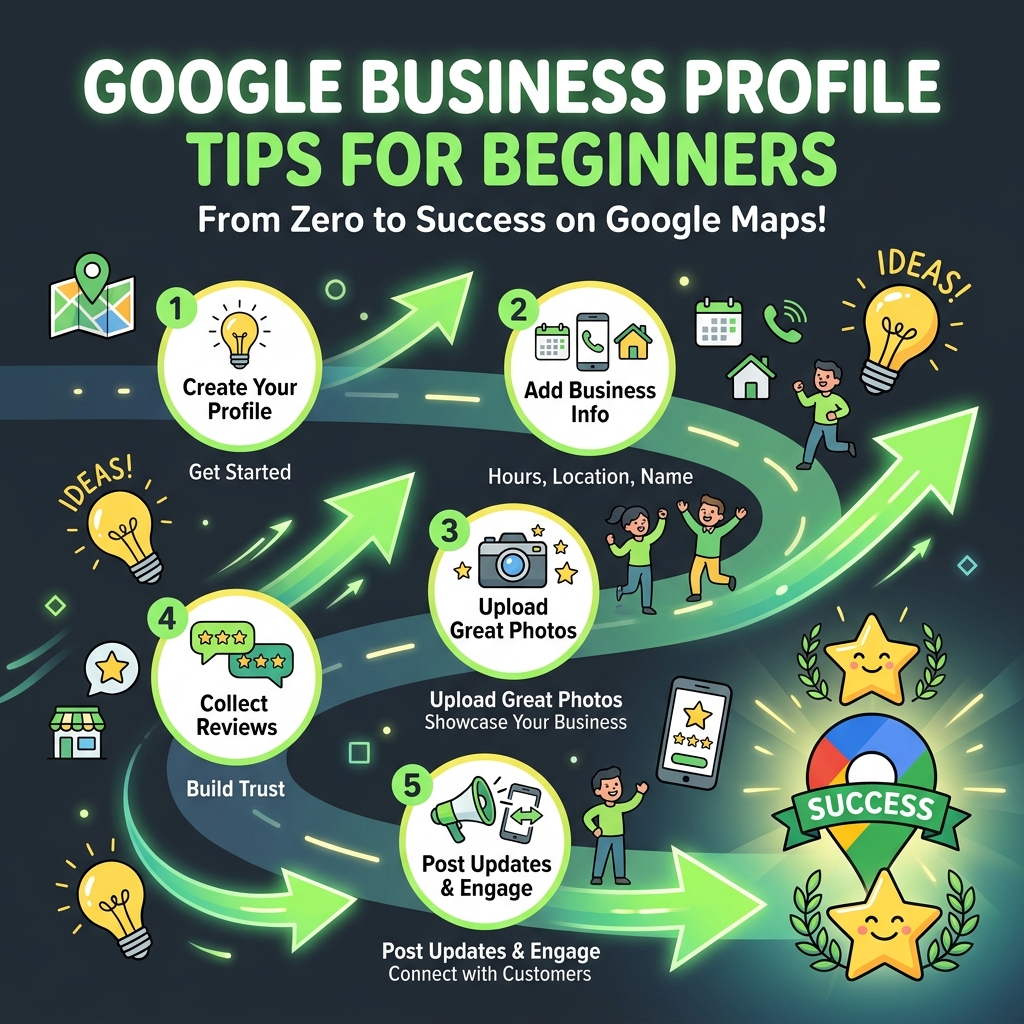
If you're a new business owner (or finally getting around to setting up your GBP), you're making one of the smartest marketing decisions possible. Google Business Profile is free, powerful, and has the fastest ROI of virtually any marketing channel available to local businesses. This guide gives you 15 practical, beginner-friendly tips to get started the right way.
Tip 1: Use Your Exact Legal Business Name
This sounds obvious, but many beginners try to add keywords to their business name (e.g., "Bob's Plumbing: Best Plumber Mumbai"). This violates Google's policies and can get your listing suspended. Use exactly what's on your business registration, signage, and business cards, nothing more, nothing less.
Tip 2: Don't Rush the Verification Process
Verification is the gateway to your listing going live. If you're getting a postcard, patience is key. Don't request multiple postcards or make significant changes to your profile while waiting, this can cancel your pending verification. If you're offered phone or email verification, always choose those over the postcard for instant results.
Tip 3: Pick the Right Primary Category: It's Your
Your primary category determines what searches you appear in more than almost anything else. Spend time researching this choice. Search Google for your core service + your city and look at what categories the top-ranking businesses are using. Be as specific as possible — 'Ayurvedic Hospital' is better than just 'Hospital' if that's what you are.
Tip 4: Add Every Detail to Your Profile: Completeness
Google rewards complete profiles. Fill in everything: hours, website, phone, description, attributes, services, products. Even if it feels like too much detail, do it anyway. Customers searching for businesses are often looking for very specific information, and if you have it and your competitor doesn't, you win.
Tip 5: Upload Real Photos: No Stock Images
Customers want to see the real deal before they visit or call. Even photos taken with a smartphone are better than stock images. Show your storefront (so people can recognize you), your team, your workspace, and your products or services. Aim for at least 10 photos to start, and plan to add more monthly.
Tip 6: Write a Compelling 750-Character Business Description
You have 750 characters to tell potential customers who you are, what you do, and why they should choose you. Use this space wisely. Include your primary keywords naturally, mention your location, highlight what makes you unique, and tell customers what to do next (call us, visit us, book online). Avoid hollow phrases like 'world-class service' — be specific.
Tip 7: Get Your First 5 Reviews as Quickly as
A new listing with zero reviews can feel invisible. Your first priority after setup should be getting your first 5-10 genuine reviews. Reach out to your first customers personally, call them, send a WhatsApp message, or email them with your direct review link. Thank them for their business and simply ask if they'd be willing to leave an honest review.
Tip 8: Respond to Every Single Review
Whether it's a 5-star rave or a 1-star complaint, respond to every review. For new businesses especially, review responses show potential customers that a real person is behind the listing and cares about their experience. Keep responses genuine, professional, and brief, a few sentences is enough.
Tip 9: Create Your First Google Post Immediately After Setup
One of the first things you should do after your profile goes live is create a Google Post. This could be a welcome message, an introduction to your services, or a current offer. It signals to Google and visitors that your business is active. After that, aim to post at least once a week.
Tip 10: Set Up Your Q&A Section Proactively
The Q&A section can be answered by anyone, including strangers who may give incorrect information. Get ahead of this by logging in and adding the most common questions about your business yourself, then answering them thoroughly. Think about what questions new customers typically ask before deciding to use your service.
Tip 11: Keep Your Business Hours Updated
Incorrect hours are one of the fastest ways to lose a customer. If someone drives to your business and finds it closed despite what Google shows, they'll likely never come back, and may leave a negative review. Use the Special Hours feature for holidays, festivals, or any deviation from your normal schedule.
Tip 12: Make Sure Your NAP Matches Everywhere
NAP = Name, Address, Phone. Whatever you put on your GBP should be identical on your website, Facebook, Justdial, Sulekha, and any other directory. Even small differences (e.g., 'Road' vs 'Rd' in the address, or a different phone number format) can weaken your local SEO signals. Consistency builds trust with Google.
Tip 13: Enable Messaging for Direct Customer Contact
GBP has a built-in messaging feature that lets customers message you directly from your listing. Enable it and commit to responding within a few hours. Google displays your average response time, and slow responders lose the messaging badge. This feature is especially powerful for service businesses where customers want quick answers before booking.
Tip 14: Check Your GBP Insights Weekly
GBP provides free analytics showing how customers find you and what they do. As a beginner, look at: How many people viewed your profile? What did they search for to find you? How many called, got directions, or visited your website? These numbers will be small at first, that's normal. Track them weekly and celebrate growth over time.
Tip 15: Be Patient: Local SEO Takes Time
This is perhaps the most important tip for beginners. Google Business Profile results don't happen overnight. A brand new listing typically takes 4-12 weeks to start showing meaningful traction in local search results. During this time, focus on completing your profile, getting reviews, posting regularly, and building your citation footprint. The ranking will follow.
Your 30-Day Beginner Action Plan
- <strong>Week 1:</strong> Create, claim, and verify your GBP. Complete 100% of your profile sections. Upload 10+ photos.
- <strong>Week 2:</strong> Get your first 5 reviews from existing customers. Create your first 2 Google Posts. Set up Q&A.
- <strong>Week 3:</strong> List your business in 5-10 major online directories (Justdial, Sulekha, Facebook, etc.). Create 2 more posts.
- <strong>Week 4:</strong> Audit your NAP consistency. Add your products/services catalog. Review your GBP Insights. Plan next month's content calendar.
Conclusion
Starting with Google Business Profile is one of the best investments you can make for your local business. It's free, it's powerful, and it puts you in front of customers who are actively searching for what you offer. Follow these 15 beginner tips, execute your 30-day action plan, and you'll have a solid foundation for local search dominance. The journey of a thousand rankings begins with a single verified listing!
This expanded Google Business Profile Tips for Beginners: Your Complete Starter Guide resource covers reviews and reputation with step-by-step actions you can assign to a real owner on your team.
Final Takeaway
Google Business Profile Tips for Beginners: Your Complete Starter Guide is not a one-time project. Consistency compounds, spam collapses.