Why GBP Mistakes Are Costly
Google Business Profile mistakes don't just hurt your ranking, they can lead to your listing being suspended, which means complete removal from Google Search and Maps. Even less severe mistakes silently cost you hundreds of potential customers every month. This article identifies the 10 most common and damaging GBP errors and shows you exactly how to fix them.
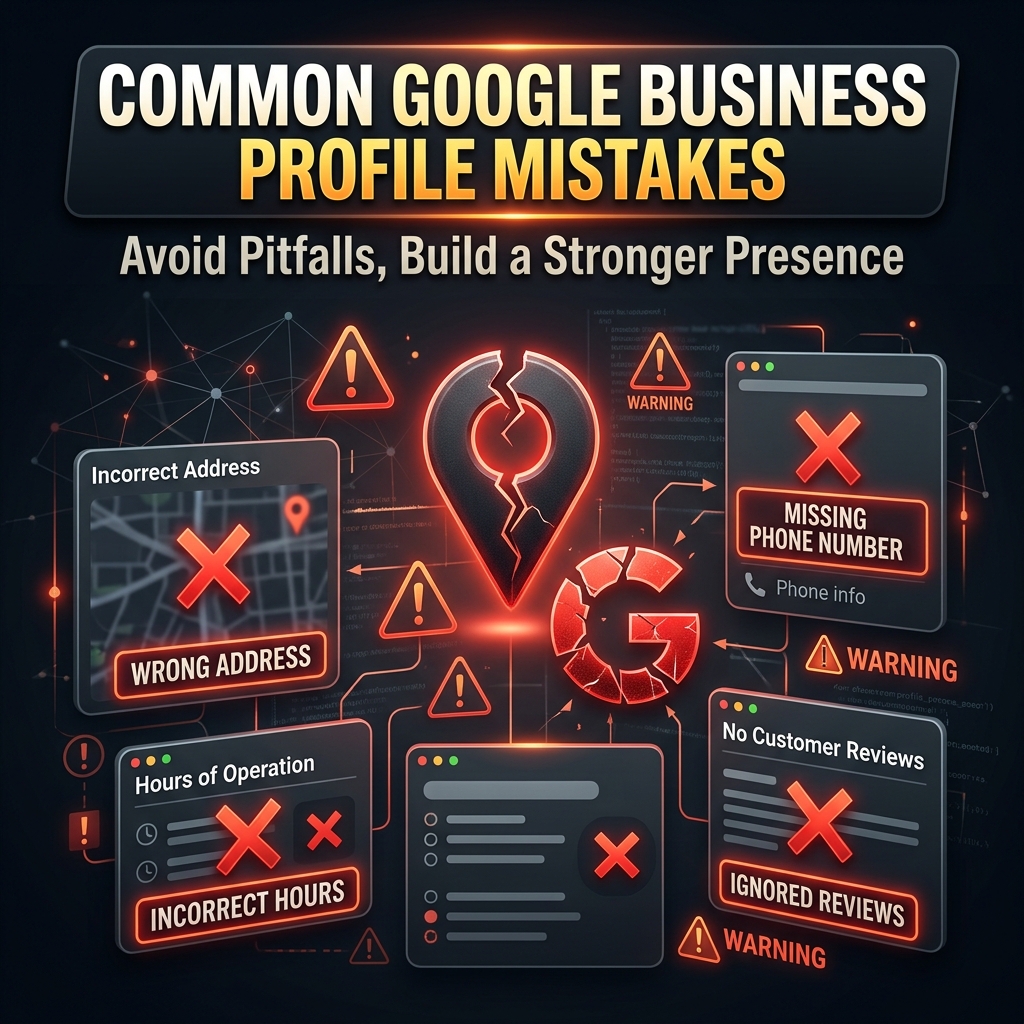
Mistake #1: Stuffing Keywords Into Your Business Name
One of the most tempting, and most dangerous: GBP mistakes is adding keywords to your business name. For example, listing as "ABC Restaurant Best Biryani Hyderabad" instead of just "ABC Restaurant".
Why it's harmful: This violates Google's guidelines. Competitors can report your listing, and Google can demote or suspend it. Yes, keyword-stuffed names sometimes get a temporary ranking boost, but the risk of suspension far outweighs any short-term gain.
The Fix: Use only your real-world legal business name. Optimize for keywords through your description, posts, and categories, not your name.
Mistake #2: Choosing the Wrong Primary Category
Your primary category is the single most important ranking signal in GBP. Choosing a category that's too broad, too narrow, or simply wrong will cost you visibility for your most important keywords.
The Fix: Research what category your top-ranking competitors in your area are using. Use the most specific category that accurately describes your core business. For a dental clinic, 'Dentist' is better than 'Health', but 'Cosmetic Dentist' might be even better if that's your specialty.
Mistake #3: Ignoring Google Reviews
Many businesses get reviews and never respond to them. This is a missed opportunity on two levels: ranking (Google rewards active engagement) and conversion (new customers read your responses to evaluate you).
The Fix: Set up a daily 5-minute routine to check and respond to new reviews. For negative reviews: acknowledge, apologize, and invite resolution offline. For positive reviews: express genuine gratitude and reinforce your services naturally.
Mistake #4: Inconsistent NAP Information
NAP stands for Name, Address, Phone. If your business name appears as 'ABC Cafe' on your website but 'ABC Café' on GBP and 'ABC Cafe & Restaurant' on Yelp: Google sees these as potentially different businesses, which weakens your local authority.
The Fix: Audit all your online listings and ensure your NAP is identical everywhere, same spelling, same abbreviations, same phone format, same address format.
Mistake #5: Using a Virtual Office or P.O. Box Address
Google's policies explicitly prohibit listing a virtual office, mailbox store, or P.O. Box as your business address unless your business genuinely operates from that location.
The Fix: Use your actual business address. If you work from home and don't want your home address public, set up as a Service Area Business (hide the address) and define your service radius instead.
Mistake #6: Never Posting on GBP
A Google Business Profile without recent posts looks abandoned. Lack of activity is a signal to both Google and potential customers that your business may not be active.
The Fix: Create a content calendar for GBP posts. Post at minimum once a week, share news, offers, blog content, product highlights, or seasonal greetings. Use our GBP AI Posts tool to automate this process.
Mistake #7: Uploading Low-Quality or Stock Photos
Blurry photos, generic stock images, or photos with watermarks make your business look unprofessional. Google also uses image recognition to verify your business legitimacy, so stock photos can be a red flag.
The Fix: Invest in at least one professional photo session for your business. Use real photos of your actual location, team, and products. Your photos are often the first impression customers get, make them count.
Mistake #8: Not Setting Up the Products & Services Section
The Products and Services section is incredibly underused. This is prime real estate on your GBP listing that directly shows customers what you offer and helps Google understand your business better.
The Fix: Add all your major products and services with detailed descriptions and pricing. Include photos for each item where possible. This content helps you rank for additional service-specific searches.
Mistake #9: Buying Fake Reviews
Paying for fake reviews, incentivizing customers to leave reviews in exchange for discounts, or getting friends to leave reviews they can't honestly give, all of these violate Google's policies and can result in review removal and listing suspension.
The Fix: Build a legitimate review generation system. Train your team to ask happy customers for honest reviews at the right moment. Use review request SMS or email campaigns. Authentic reviews from real customers are always safer and more valuable.
Mistake #10: Ignoring GBP Insights
Google provides detailed analytics about how people find and interact with your business profile. Most business owners never look at these insights, leaving valuable competitive intelligence on the table.
The Fix: Check your GBP Insights weekly. Pay attention to: what search queries bring people to your listing, how many people viewed your photos vs competitors, how many called or got directions, and peak days and times for customer interactions. Use this data to refine your strategy.
Conclusion
Avoiding these 10 mistakes alone will put you significantly ahead of the majority of businesses on Google Maps. But awareness is just the first step, take action, audit your GBP today against this list, and fix every issue you find. Your local search rankings depend on it.
This expanded 10 Common Google Business Profile Mistakes That Are Killing Your Local Ranking resource covers Google Business Profile and Map Pack visibility with step-by-step actions you can assign to a real owner on your team.
Final Takeaway
10 Common Google Business Profile Mistakes That Are Killing Your Local Ranking is not a one-time project. Consistency compounds, spam collapses.