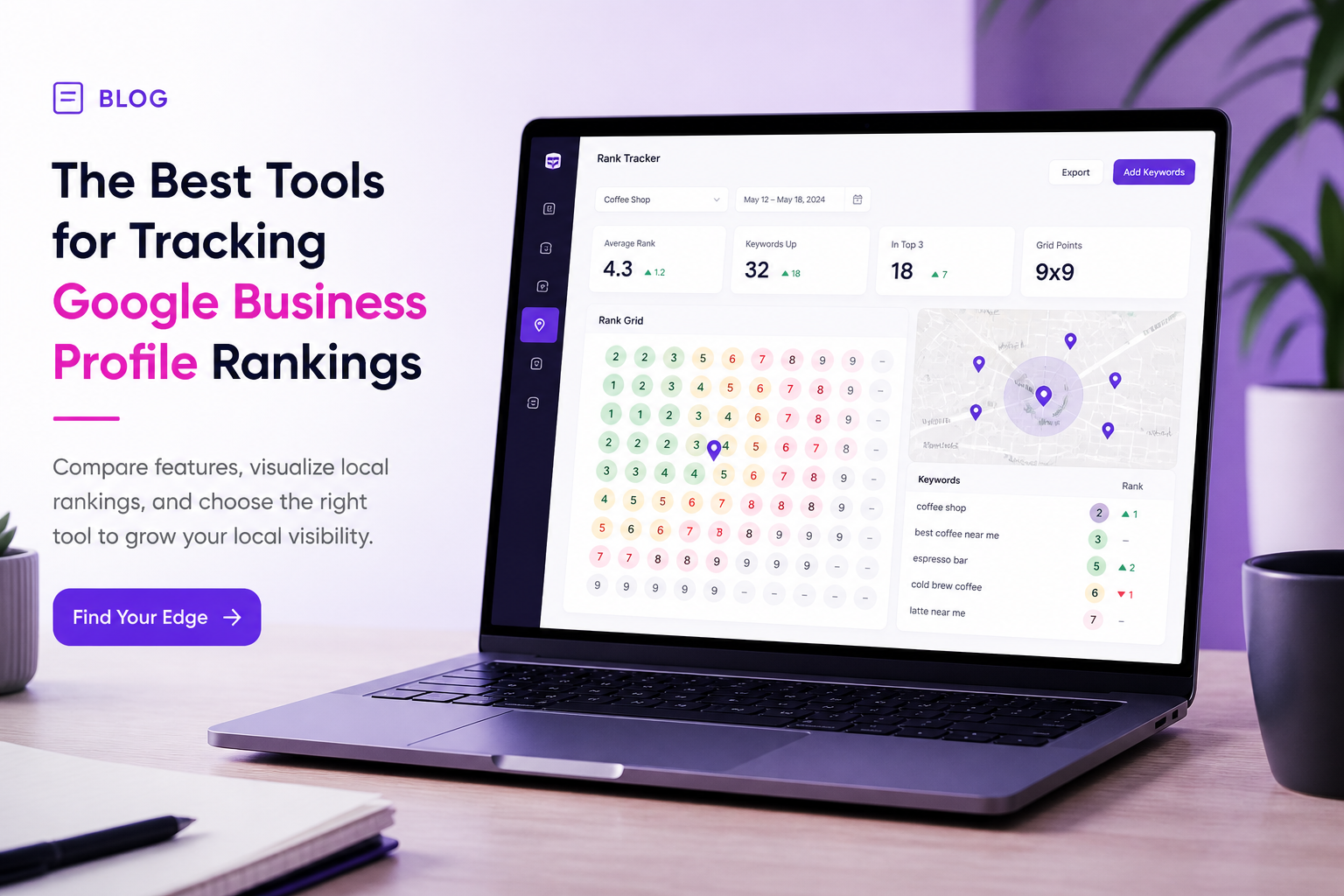
Tools for Tracking Google is one of the highest-leverage local search topics in 2026. Checking your Google Business Profile ranking by searching from your own desk is one of the most common and most misleading habits in local SEO. Google personalizes and localizes results so aggressively that a search from your office can show a comfortable top-three position while customers three kilometres away see you nowhere on the first page. Choosing the right rank tracking approach is what separates confident decision-making from guessing.
This guide compares the main approaches available in 2026, grid-based tools, GBP Insights, manual spot checks, and broader enterprise platforms, so you can pick what fits your situation, whether you run one location or manage dozens for clients. We built GBP Local Ranker specifically around this problem, and we will describe it fairly alongside the other options rather than pretending it is the only tool worth considering.
Why Rank Tracking for Maps Is Different From Website Tracking
Traditional website rank tracking checks one keyword against one search result page, largely independent of where the searcher is standing. Maps ranking is fundamentally geographic: your position for the exact same keyword can shift dramatically within a few city blocks because distance is baked directly into the ranking calculation. A tool built for website keywords cannot capture that variance, which is why dedicated local grid tracking exists as its own category.
What to Look For in a GBP Rank Tracking Tool
The most important capability is grid tracking itself: simulating searches from multiple points spread across your service area rather than a single location. Beyond that, look for how easily you can compare your position against named competitors, whether the tool pairs rank data with GBP Insights metrics like calls and direction requests, and whether reporting is clear enough to share with a client or a business partner without extra formatting work.
| Criteria | Why it matters | Questions to ask |
|---|---|---|
| Grid density and radius | Determines how accurately you see neighborhood variance | How many points, how far apart, adjustable radius? |
| Competitor comparison | Shows relative position, not just your own | Can you track named competitors automatically? |
| Insights integration | Connects rank movement to real outcomes | Does it pull calls, directions, and clicks alongside rank? |
| Multi-location support | Matters for agencies and franchises | Can you manage many profiles from one dashboard? |
| Reporting and white-label | Saves time explaining results to clients | Can reports be branded and scheduled? |
Overview of Popular Tracking Approaches
Manual spot checks, searching from your phone at different physical locations, are free and can work for a single-location business checking a handful of keywords occasionally, but they do not scale and are easy to forget about after the first few weeks. GBP Insights, built into your profile dashboard, gives you real engagement data like calls and direction requests but does not show competitive rank position at all.
Dedicated grid-tracking platforms, including GBP Local Ranker and several other tools in the market, automate the process of simulating searches across a grid and present the results visually so you can see exactly where you win and where you lose ground. Enterprise-grade platforms extend this further with multi-location management, deeper competitor analytics, and white-label reporting aimed at agencies handling dozens or hundreds of client profiles.
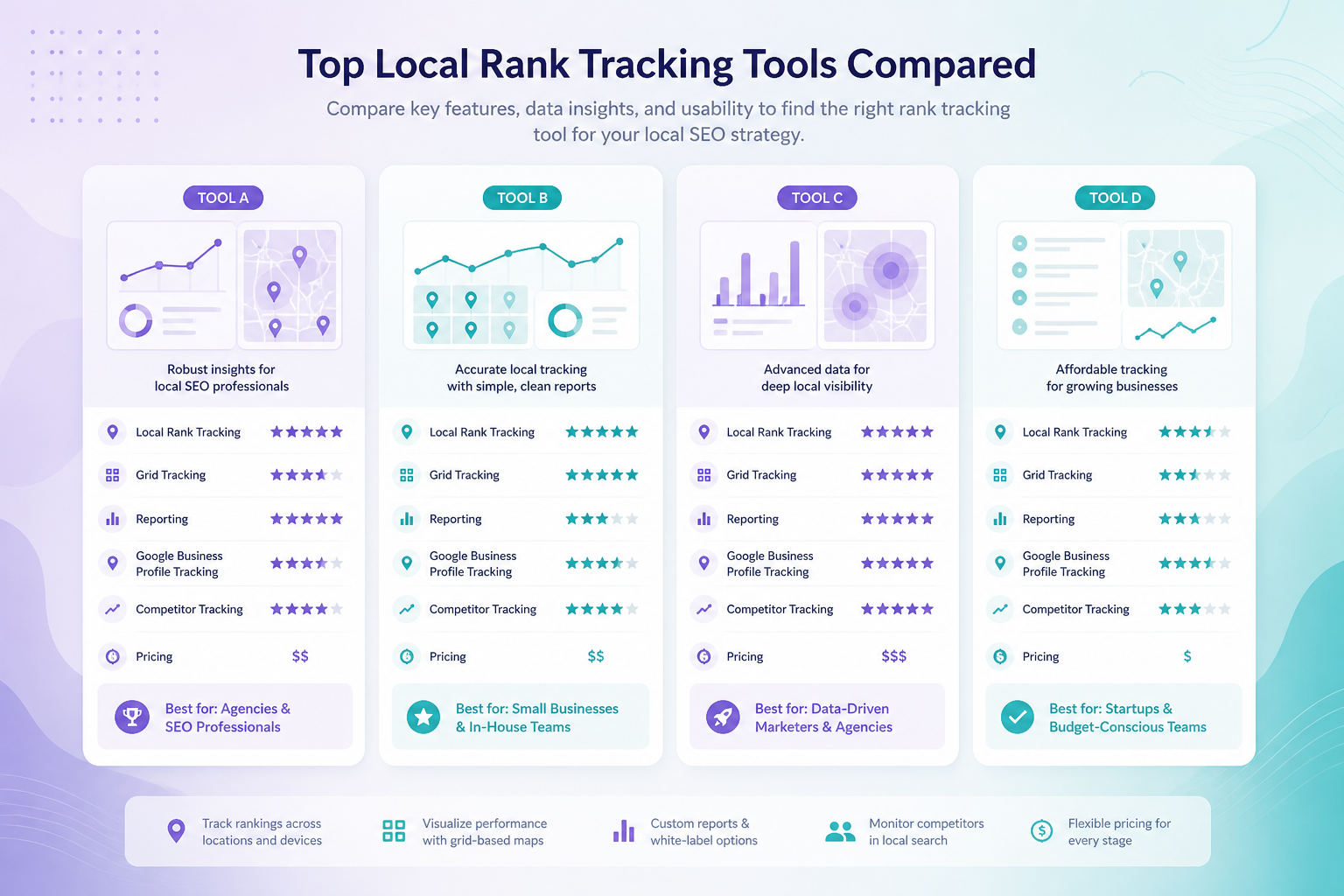
| Approach | Best for | Limitation |
|---|---|---|
| Manual spot checks | Single location, occasional review | Not scalable, easy to abandon, no history |
| GBP Insights only | Understanding real engagement | No competitive rank position data |
| Grid tracking tools | Ongoing visibility across a service area | Requires a small learning curve and setup |
| Enterprise platforms | Agencies managing many locations | Higher cost, more than solo owners need |
Combining Rank Data With Real Business Outcomes
A rank tracking tool that only shows position, with no connection to calls, direction requests, or clicks, tells an incomplete story. Two businesses can hold identical average grid ranks while one converts noticeably more of that visibility into actual customers, and a tool that surfaces both numbers side by side makes that gap immediately obvious instead of hiding it behind a single position score.
When evaluating any tool, ask specifically how it handles this connection. Some platforms treat rank and engagement as entirely separate reports you have to manually cross-reference; others surface them together on a single dashboard so a rank dip and an engagement dip can be diagnosed at the same time rather than in two disconnected places. The latter approach saves meaningful time for anyone reviewing performance on a regular basis, especially agencies reporting across many client accounts.
How Grid Tracking Actually Works
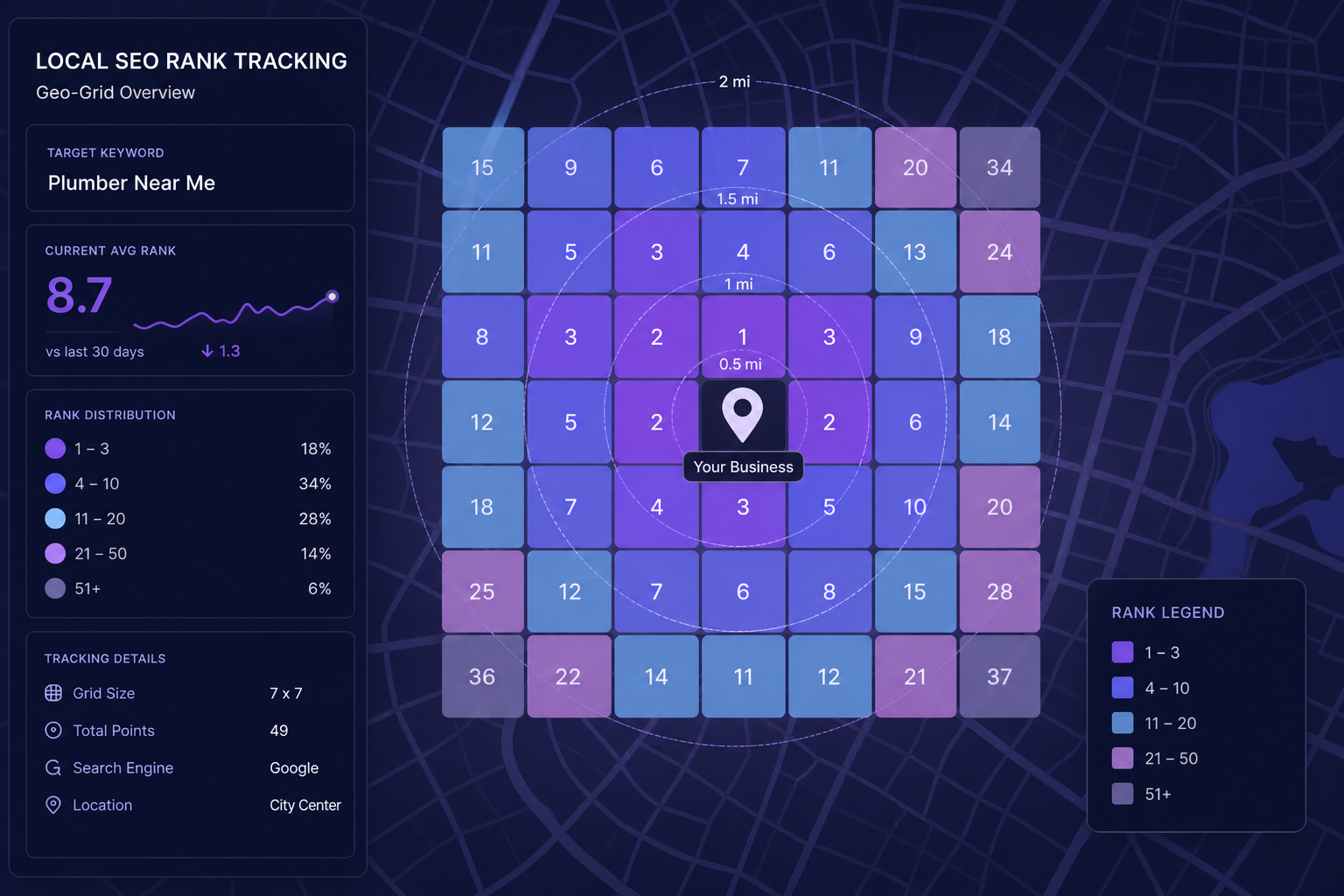
A grid tool simulates searches from a set of coordinates spread across a defined radius around your business, then records your rank, and often your competitors' ranks, at each point. The result is usually visualized as a colored map, making it immediately obvious whether you dominate near your storefront but disappear a few kilometres out, or whether a specific competitor consistently beats you only on one side of town. That kind of granularity is simply impossible to see from a single manual search.
Choosing the Right Tool for Your Situation
A single-location owner checking progress monthly may only need lightweight grid tracking paired with GBP Insights. An agency managing multiple clients needs multi-location dashboards, white-label reporting, and competitor tracking built in from day one, since manually compiling that data for every client quickly becomes unsustainable. Whatever you choose, pair it with the fundamentals covered in our GMB optimization guide and local SEO playbook, a tracking tool tells you what is happening, not how to fix it.
Budget matters too, but it should not be the only deciding factor. A cheaper tool that only checks rank from a single point, or that updates infrequently, can leave you making decisions on stale or incomplete data, which is arguably worse than not tracking at all, because it creates false confidence. Weigh the cost of the tool against the cost of a wrong decision made from bad data, especially if you are managing client budgets or making significant marketing spend decisions based on the numbers it reports.
How Often You Actually Need to Look at the Data
Owning a tracking tool does not mean you need to check it daily. Daily checks mostly produce noise, since normal day-to-day fluctuation in Maps results is common and rarely meaningful on its own. A weekly or biweekly review is usually sufficient for most businesses, with more frequent checks reserved specifically for periods when you have just made a deliberate change and want to watch its effect unfold.
Agencies reporting to clients often find a monthly cadence works best for the client-facing summary, even if the underlying data is checked more frequently internally to catch problems early. This keeps client communication focused on meaningful trends rather than every small week-to-week wobble, which can otherwise create unnecessary anxiety about normal variance that does not actually reflect a real problem.
Setting Up Your First Grid Tracking Report
However you approach it, the first setup decision that matters most is choosing an appropriately sized grid. Too tight a radius and you miss the neighborhoods where you are actually losing visibility; too wide a radius and you dilute the report with areas you were never realistically going to rank in anyway. Base the radius on how far your typical customer actually travels or how large your declared service area genuinely is, not on an arbitrary default setting.
Choose your tracked keywords the same way: three to seven core money terms usually tell you more than fifty loosely related variations. Add your two or three closest, most consistently visible competitors to the same grid so every report shows relative position, not just an isolated number. Once the first report is in hand, treat it as your baseline rather than a verdict, the real value comes from comparing it against future reports after you make specific changes to your profile.
Free vs Paid Tracking: A Fair Comparison
Free tracking options, including manual checks and basic Insights data, are a reasonable starting point for a very small business with a tight budget and modest ambitions. They stop being sufficient the moment you manage more than one location, need to prove results to a client, or want confidence that you are not missing a meaningful visibility gap in part of your service area. At that point, the time saved and the accuracy gained from a dedicated paid tool typically justifies the cost many times over.
A reasonable middle path for a growing single-location business is to start free, get comfortable with the basic concepts of grid variance and competitive comparison, and upgrade to a dedicated tool once the business can clearly justify the cost through the calls and revenue that better visibility decisions produce.
Frequently Asked Questions
Why does my ranking look different when I search from my phone versus my office computer?
Google personalizes results based on your exact location, search history, and device. A grid tool removes that personalization bias by simulating searches from fixed, neutral points.
Is GBP Insights enough on its own for rank tracking?
No. Insights shows engagement like calls and direction requests but does not show your competitive rank position, so it should be paired with a grid tracking tool for a complete picture.
How often should I check my grid rankings?
Weekly or biweekly checks work well for most businesses. Daily checks are usually unnecessary unless you are actively testing a specific change.
Do I need a paid tool, or can manual checks work?
Manual checks can work temporarily for a very small business with limited keywords, but they do not scale and rarely get maintained consistently over months.
Can rank tracking tools track multiple competitors at once?
Most dedicated grid tracking tools, including agency-focused platforms, let you add named competitors so you can compare relative position across the same grid.
Is grid tracking useful for service-area businesses without a storefront?
Yes, arguably more so, since service-area businesses need to understand exactly how far their visibility extends across the territory they actually serve.
What should agencies prioritize when choosing a tracking tool for clients?
Multi-location management, white-label reporting, and Insights integration typically matter most for agencies reporting to multiple clients on a recurring basis.
Final Takeaway
The right rank tracking tool depends on how many locations you manage and how much competitive detail you need, but the underlying principle stays the same regardless of budget: never judge your Maps visibility from a single search at your own desk. Grid-based tracking, paired with real engagement data from GBP Insights, gives you an honest, actionable picture of where you actually stand with the customers who matter.